
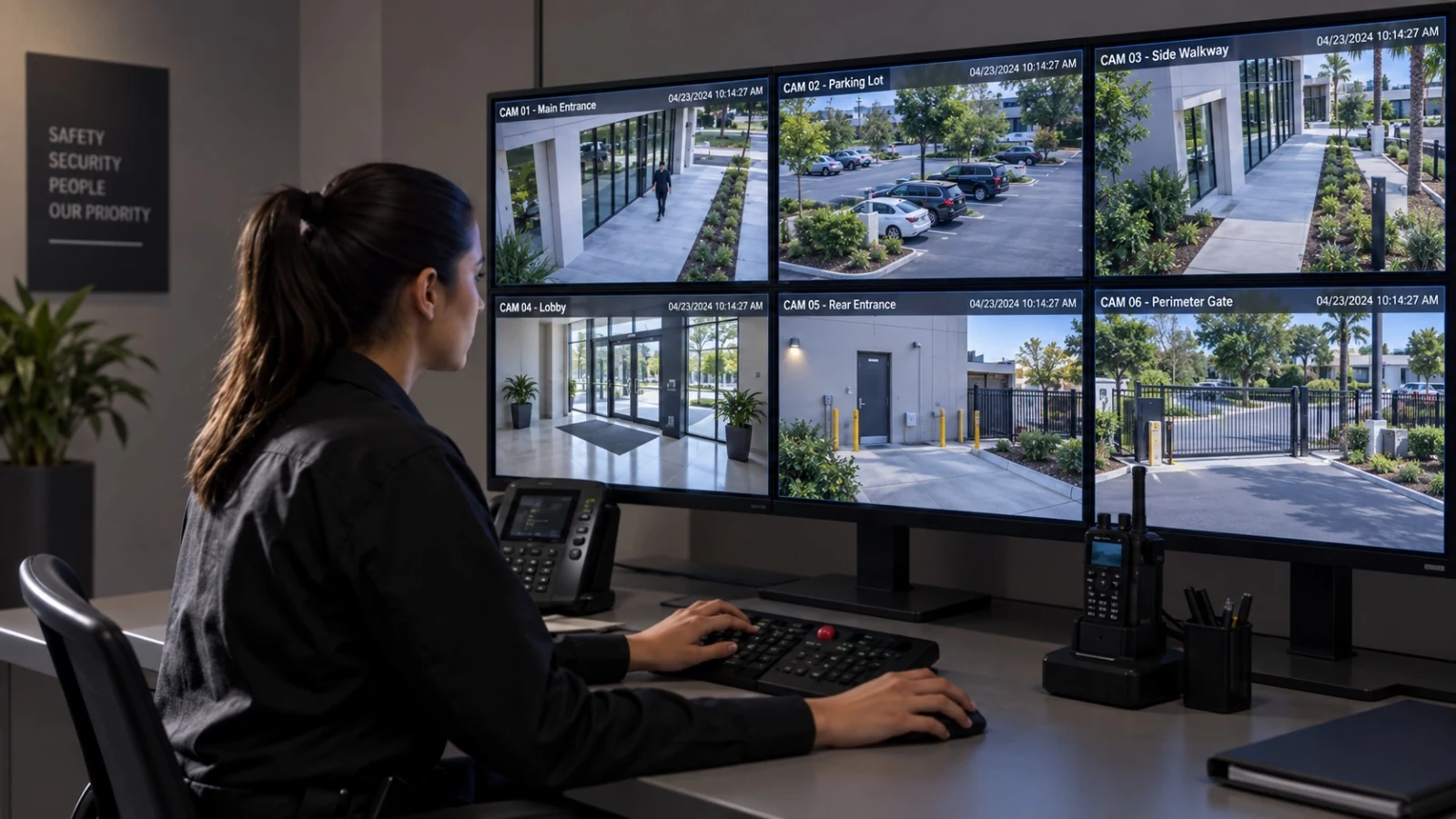
Florida-Licensed Low-Voltage Contractor
FL License #EC13016138. Licensing information is presented consistently in visible copy and structured data.
Intelligent Video Events With Practical Operating Rules
Data Pro Communications helps Orlando organizations plan and configure compatible AI video analytics for events such as object classification, line crossing, intrusion zones, people or vehicle activity, and faster recorded-video search.
Analytics work best when the camera view, scene conditions, event rule, schedule, sensitivity, notification path, and staff response are designed together. They can reduce repetitive review and highlight activity, but they do not guarantee detection, prevention, or a perfect response in every condition.
PROJECT PLANNING
A useful analytics assessment defines the event that matters, where it occurs, which objects are relevant, when the rule should run, what environmental conditions may interfere, who receives the alert, and what action the organization expects after notification.
FL License #EC13016138. Licensing information is presented consistently in visible copy and structured data.
Planning is organized around operating properties, managed facilities, construction schedules, and business technology requirements.
The project scope connects device locations, cabling, equipment, configuration, testing, and turnover documentation.
Data Pro Communications - West Orlando serves the approved Lakehurst and west Orlando coverage area from the West Orlando / Lakehurst Branch.
Equipment and configuration are selected after reviewing property conditions, existing infrastructure, operating needs, and compatibility.
SERVICE OVERVIEW
AI video analytics can help a compatible camera or video management platform distinguish selected people, vehicles, or movement patterns from general scene activity. Common rules include virtual line crossing, intrusion into a defined zone, loitering or dwell events where supported, object appearance, and filtered video search.
Performance is conditional. Camera angle, pixel density, lighting, shadows, weather, reflections, landscaping, crowds, occlusion, scene depth, object speed, platform capability, firmware, and rule configuration all influence results. A rule that works at a controlled doorway may not perform the same way across a busy parking lot.
Data Pro Communications focuses on measurable operating use cases, compatible infrastructure, event tuning, alert routing, user permissions, testing, and documentation. Facial recognition is not included in this page scope.
CORE CAPABILITIES
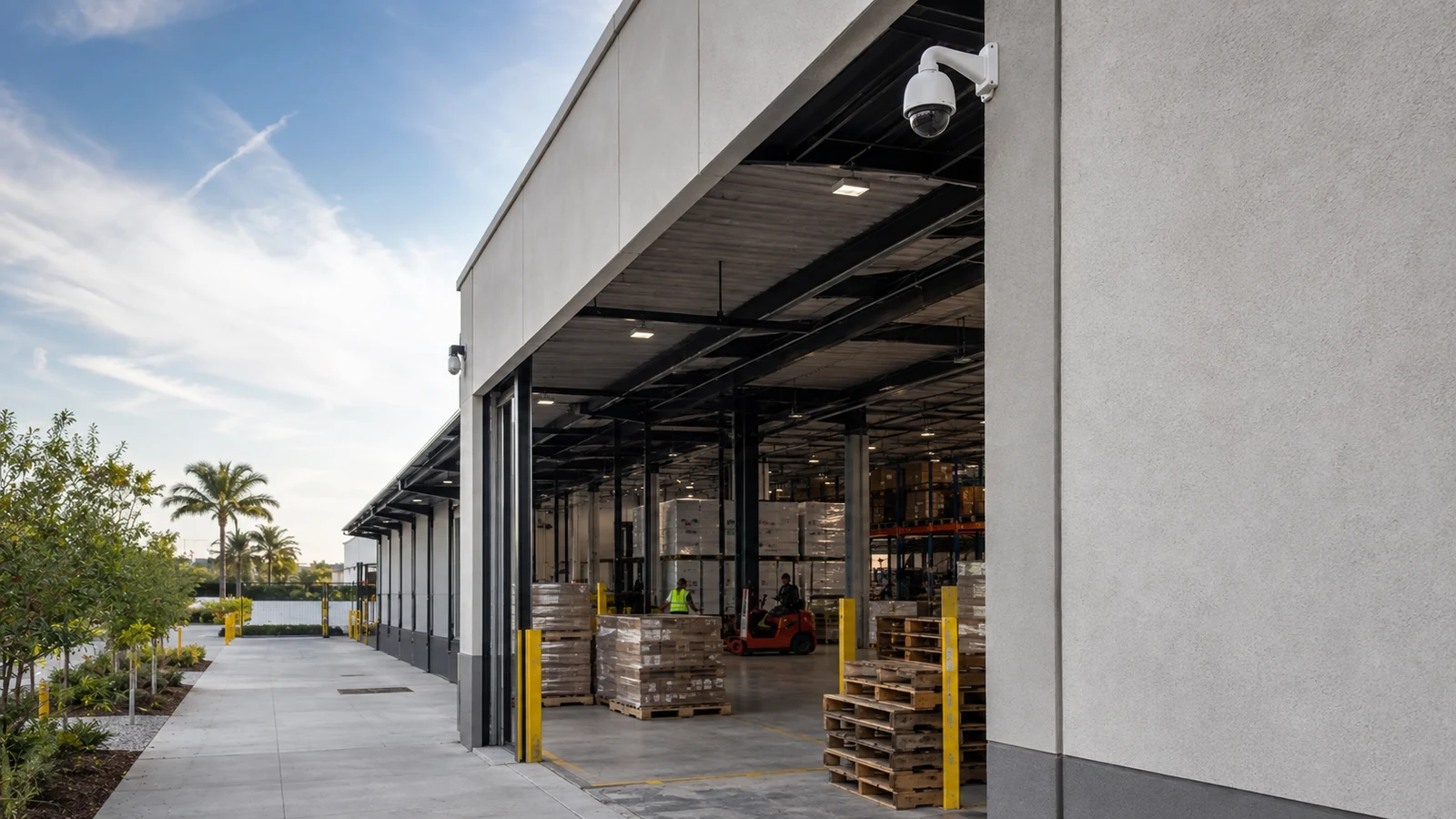
Use compatible analytics to distinguish selected people or vehicles from general motion and create more focused event filters or searches.
Define a directional line at an appropriate scene location to flag selected objects crossing into or out of a controlled area during scheduled periods.
Create a region of interest for activity in areas such as service yards, loading approaches, closed amenities, or staff-only zones, subject to scene conditions.
Route supported events to approved users or systems with clear schedules, priorities, acknowledgement expectations, and escalation responsibilities.
Use metadata and object filters supported by the platform to narrow recorded-video review and reduce the time spent scanning unrelated footage.
Test real scene activity, document limitations, adjust zones and thresholds, review false alerts, and revisit rules when lighting, landscaping, traffic, or operations change.
ORLANDO SERVICE CONTEXT
Hospitality, entertainment, retail, parking, and managed-property environments near International Drive can generate constant legitimate movement. Basic motion alerts may be too noisy to support a practical response, especially where guests, employees, vendors, vehicles, weather, and changing light share the same scene.
A useful analytics design narrows the question. A hotel may want an event when a vehicle enters a service lane after a scheduled time. A retail property may need faster search for people moving through a defined entrance. A warehouse may review vehicle activity at a loading approach. A community association may use a compatible system to flag activity in a closed amenity area, with an authorized person reviewing the event before action.
Scene testing is essential across Lakehurst, International Drive, the Convention Center area, Universal Orlando area, Doctor Phillips, Lake Buena Vista, Sand Lake Road, and Kirkman Road because traffic patterns, lighting, landscaping, reflective surfaces, and operating schedules can change how a rule behaves.
COMMERCIAL USE CASES
Classify and flag selected people or vehicles entering a defined service approach during a scheduled period for staff review.
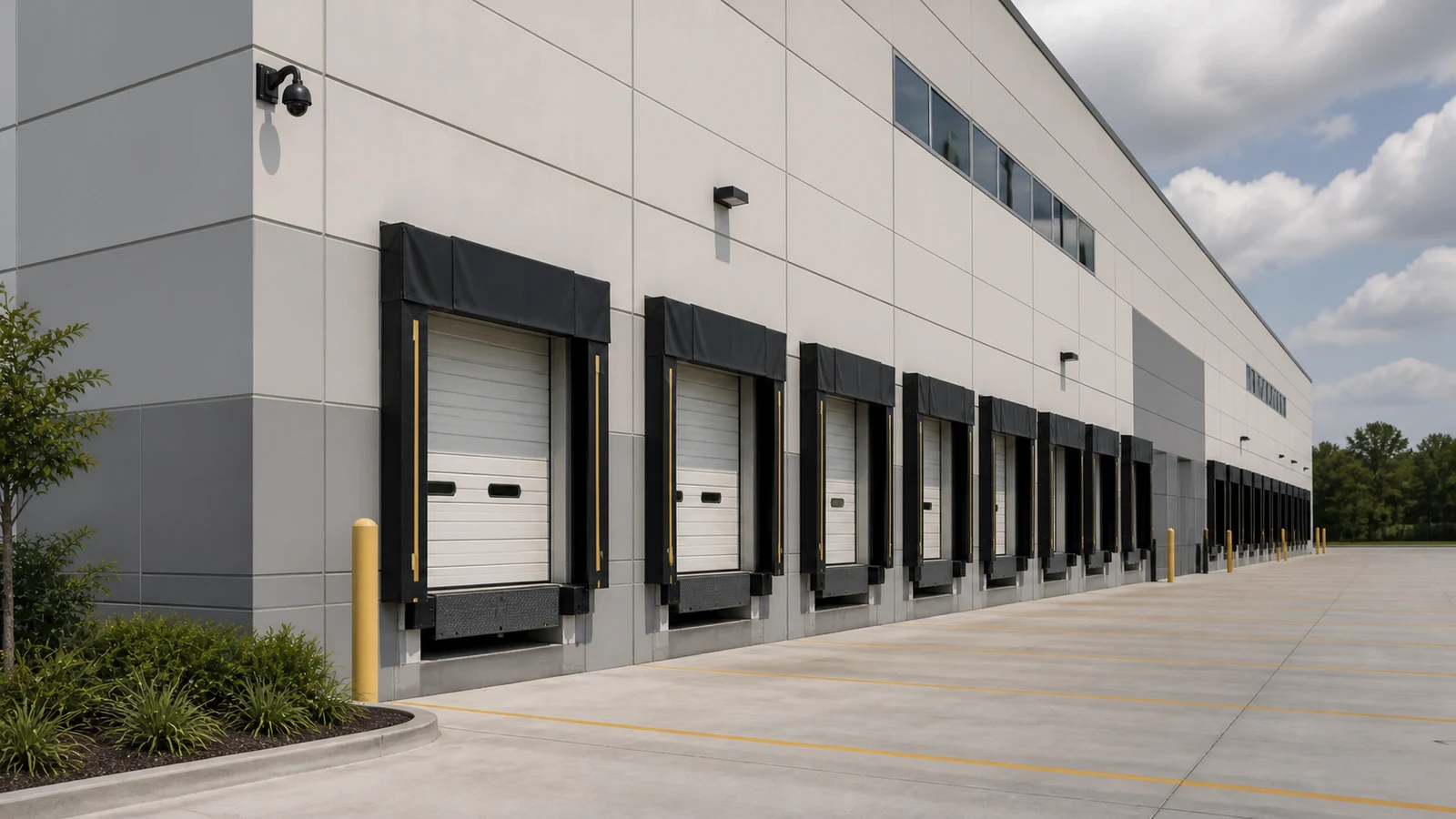
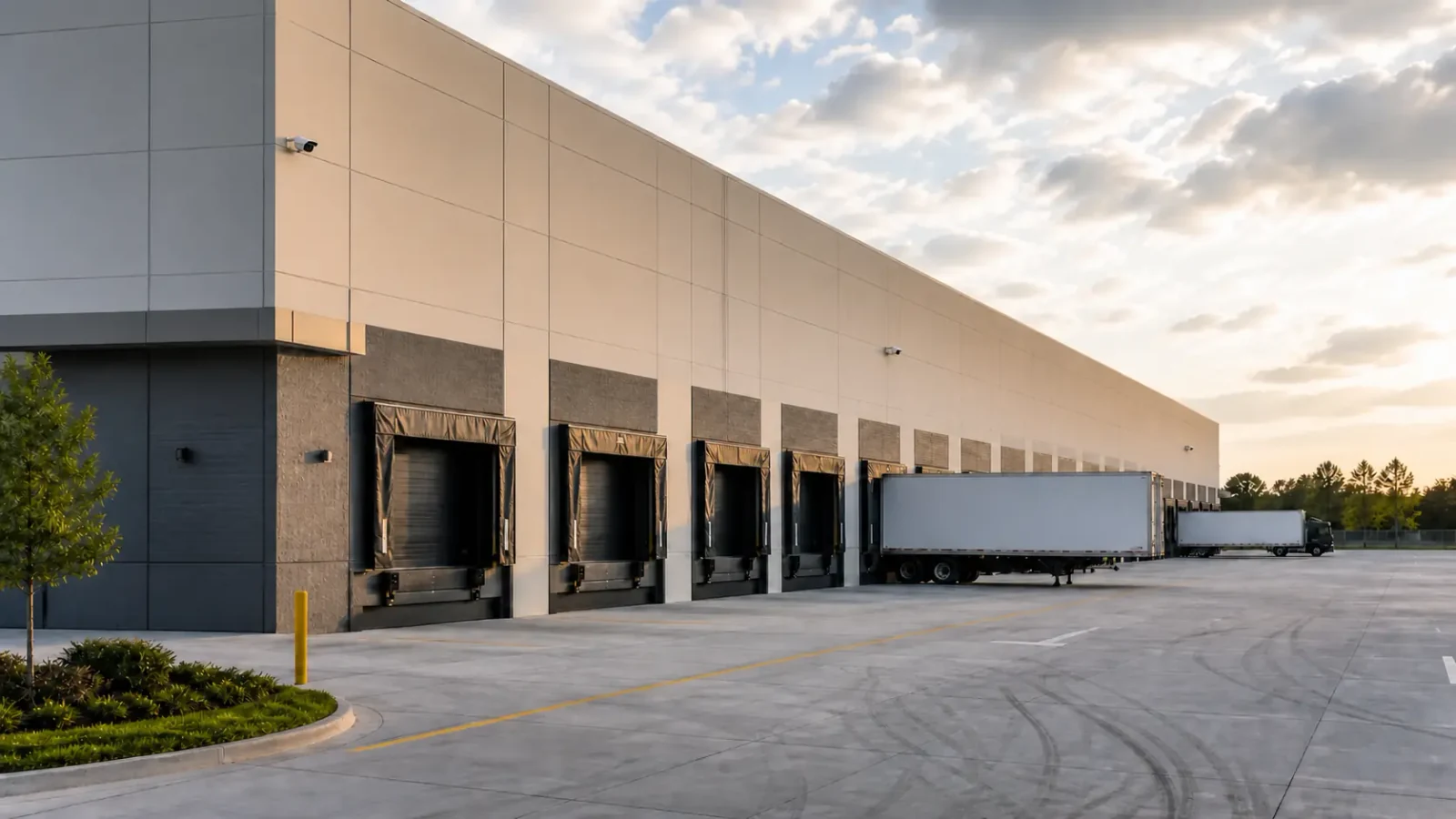
Use directional line or zone events to highlight vehicle activity around receiving doors, docks, or staging areas without treating every pixel change as an alarm.
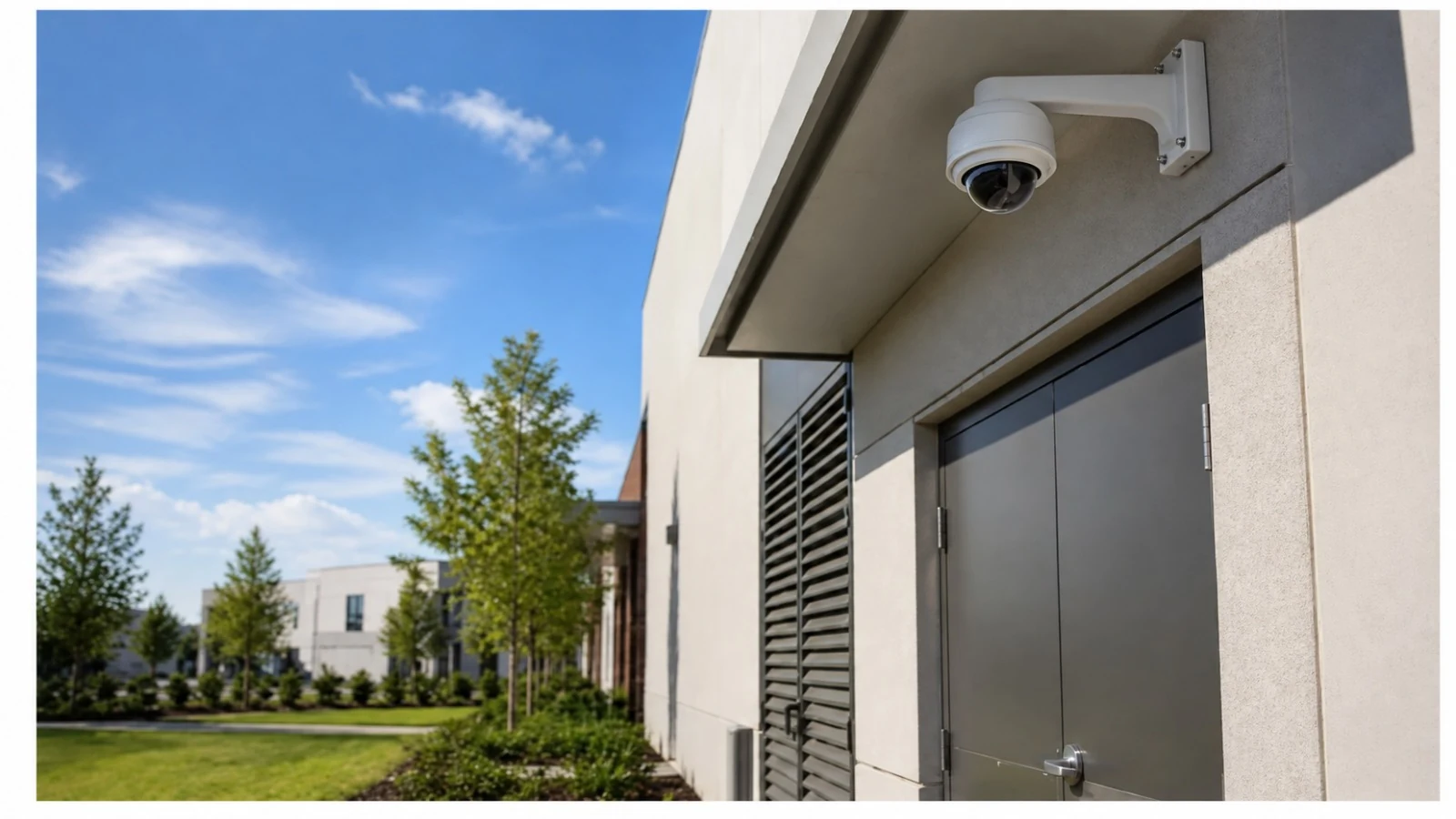
Monitor a clearly defined staff-only, equipment, or closed operational area with a compatible rule and an assigned review workflow.
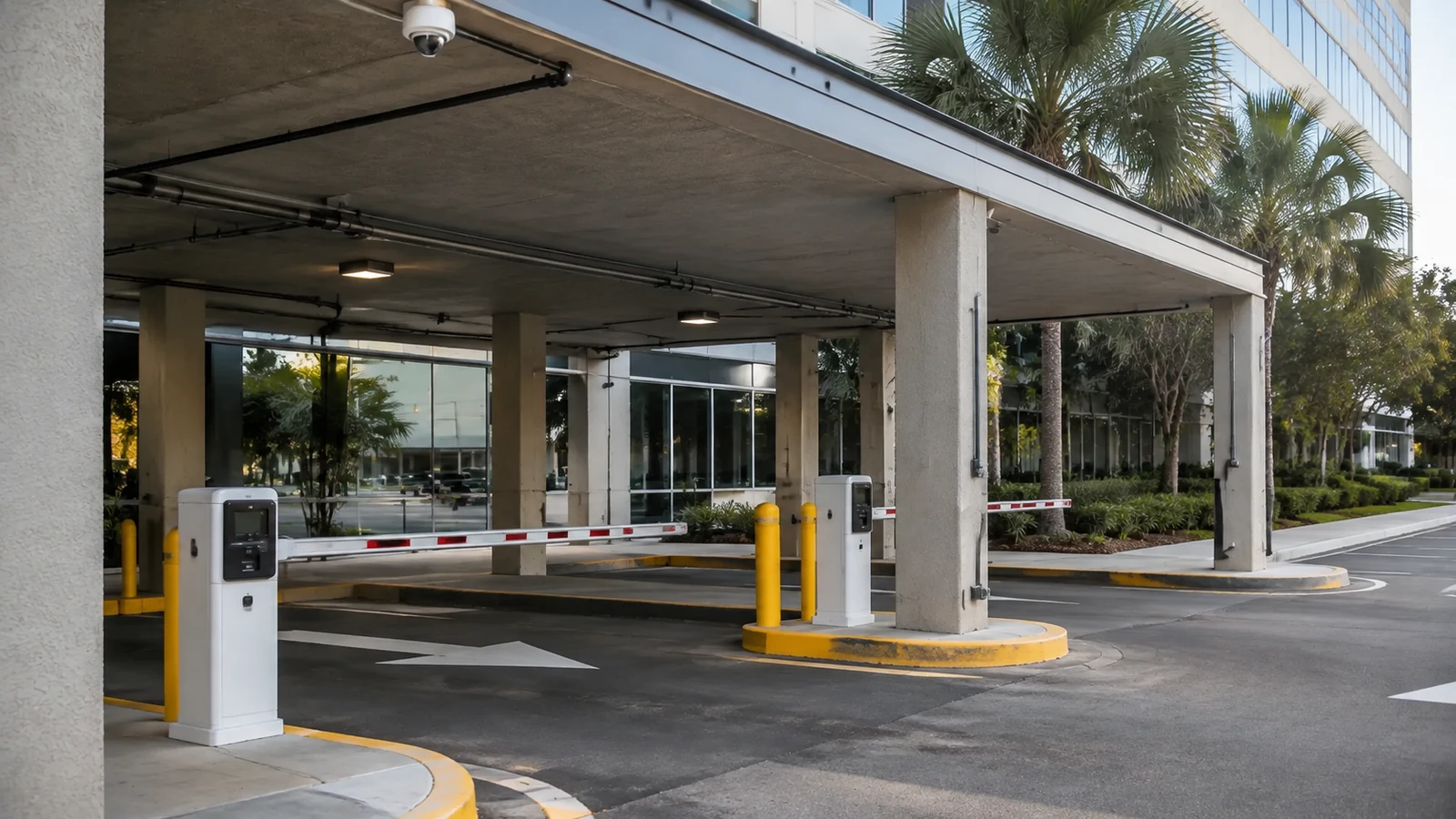
Use supported people or vehicle filters to narrow recorded footage after an incident or operational question across busy exterior scenes.
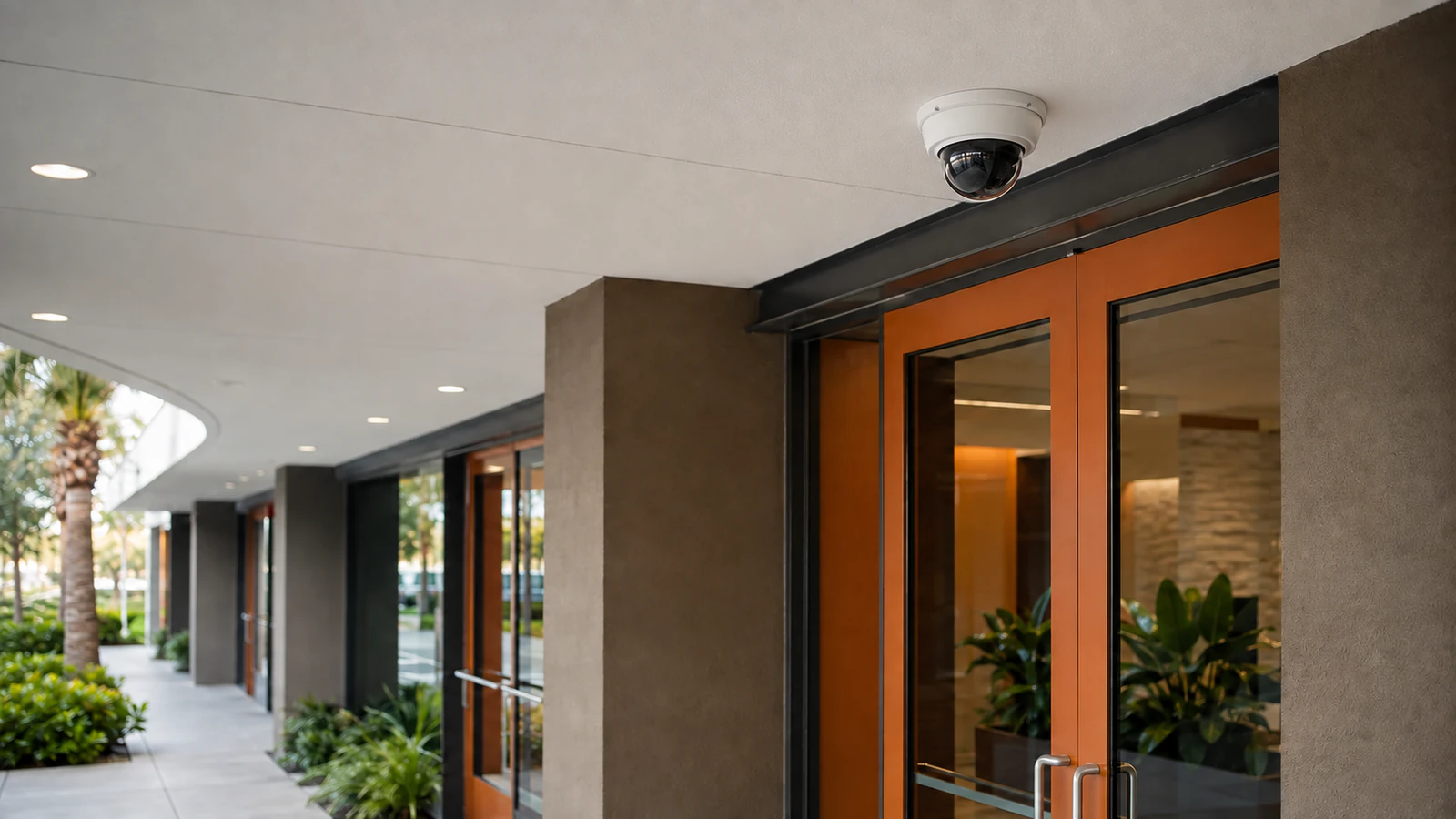
Organize events or searches around a primary entrance while accounting for crowds, reflections, displays, weather, and changing light.
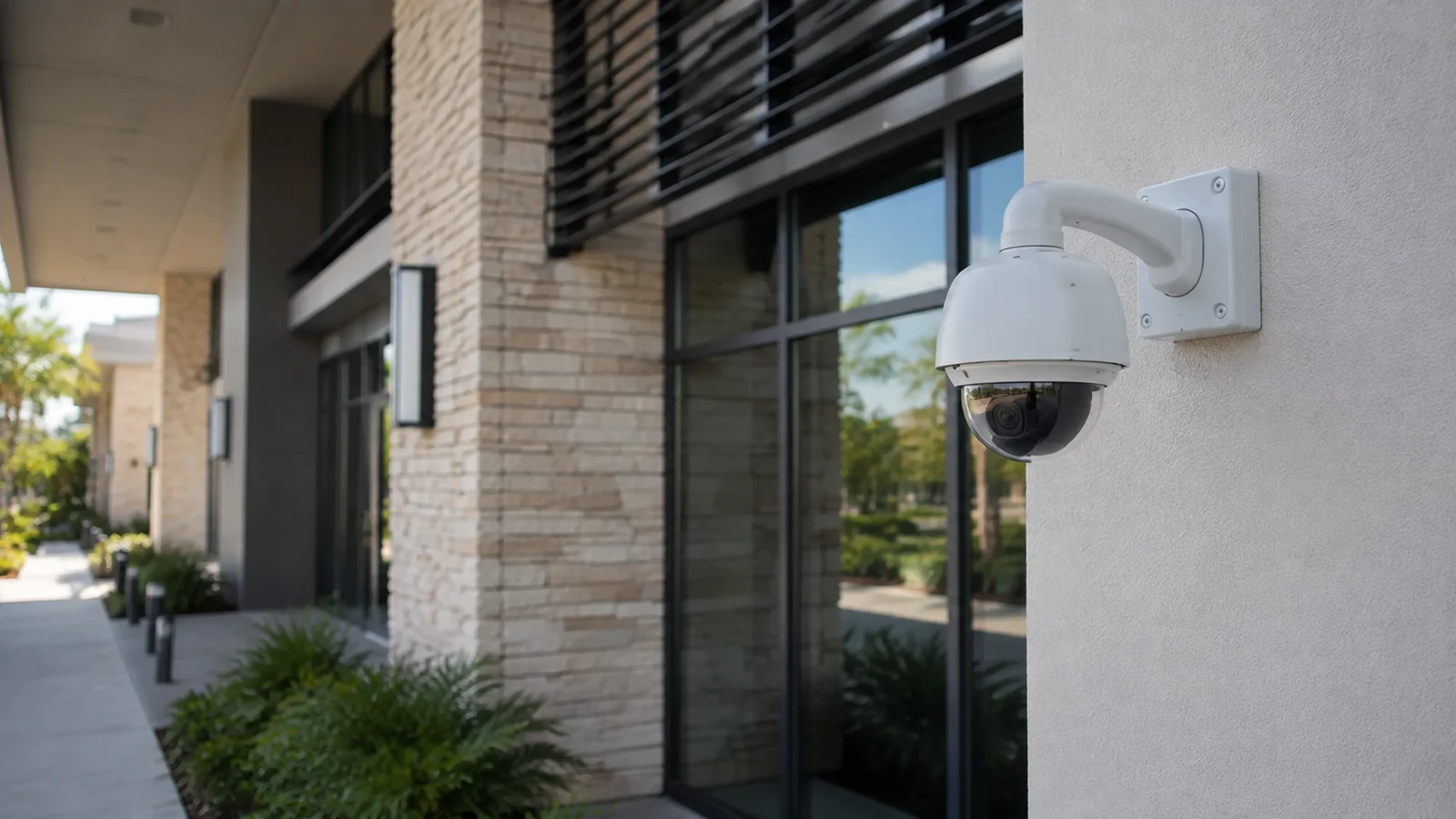
Schedule analytics for pools, clubhouses, courtyards, or shared spaces after approved hours, with human verification before escalation.
RELATED SERVICES
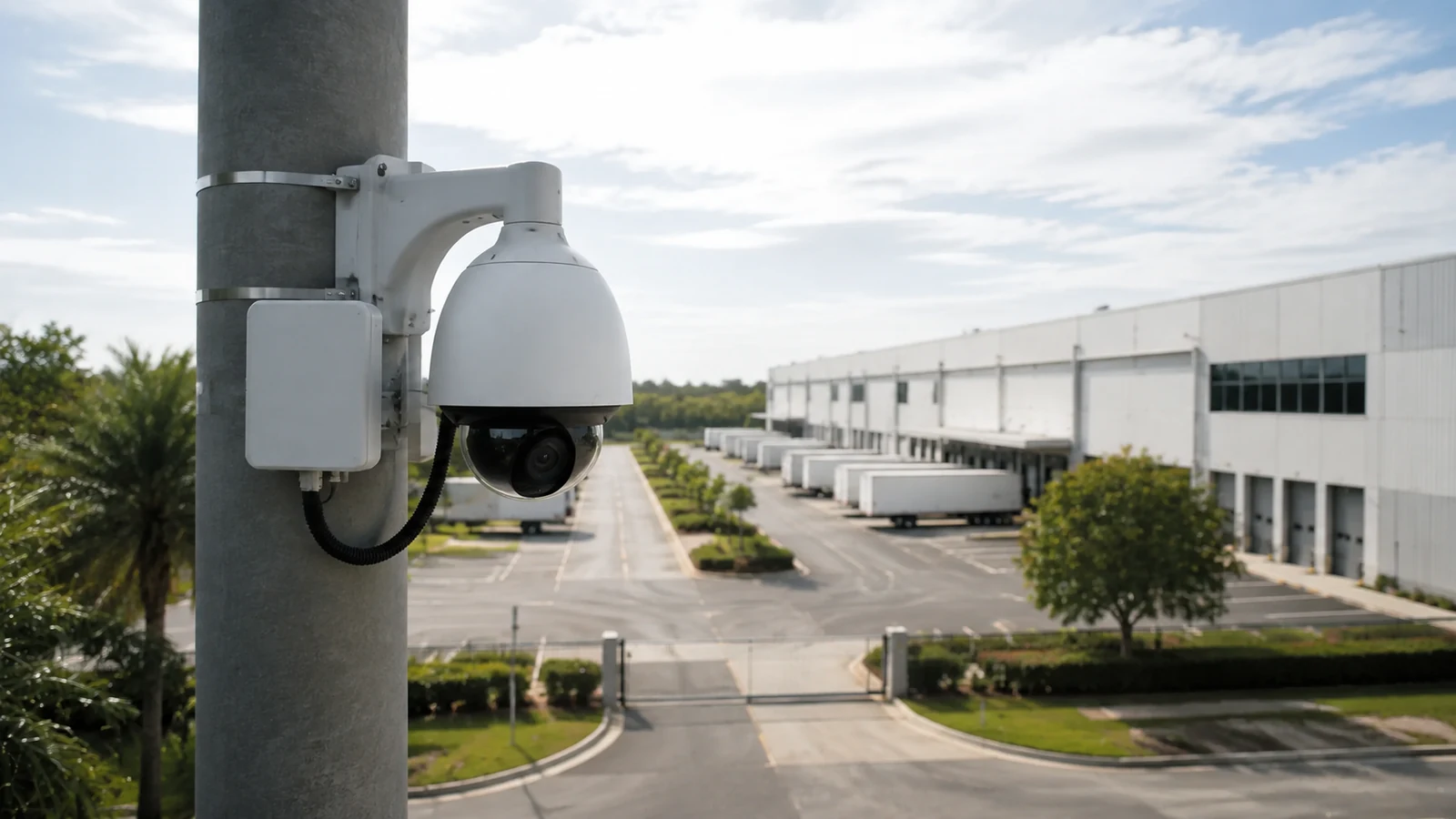
For the network cameras, PoE, bandwidth, storage, VMS, and remote administration that analytics depend on.
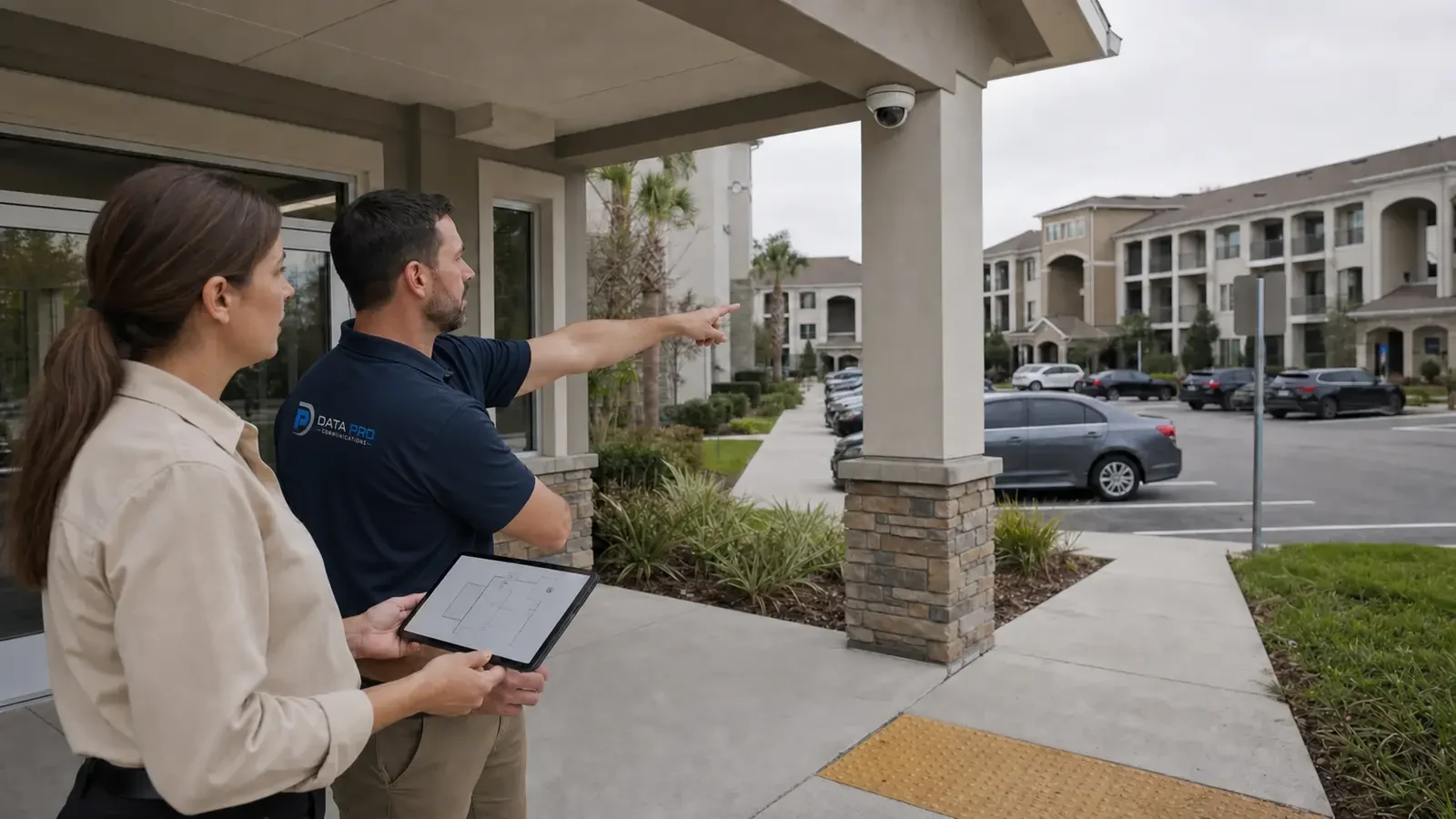
For camera placement, mounting, cabling, recording setup, and scene quality needed before analytics are tuned.
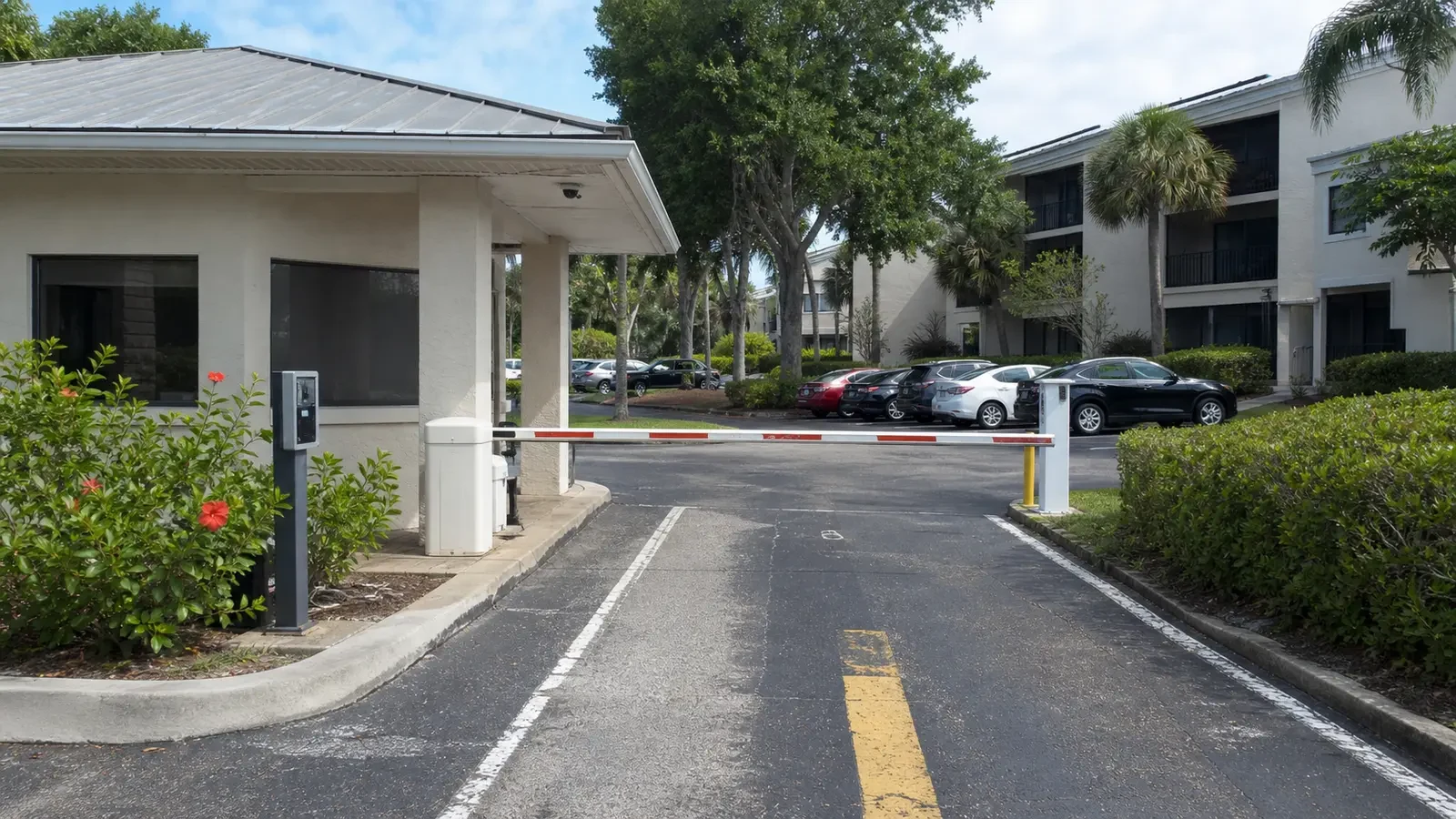
For approved workflows that correlate door activity with compatible video events or recorded views.
INDUSTRIES SERVED
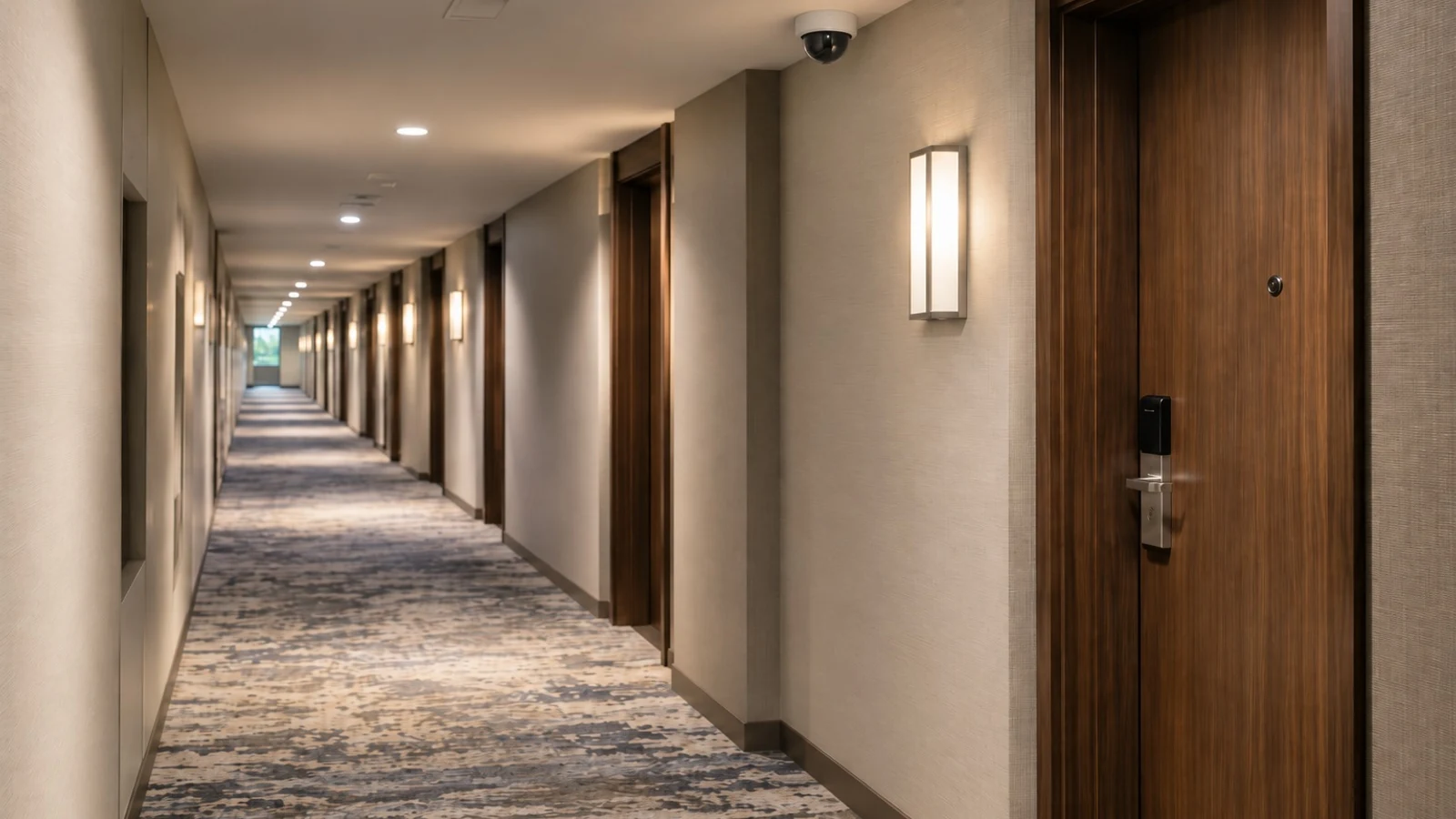
Event rules for service lanes, staff areas, receiving, parking approaches, and scheduled spaces.
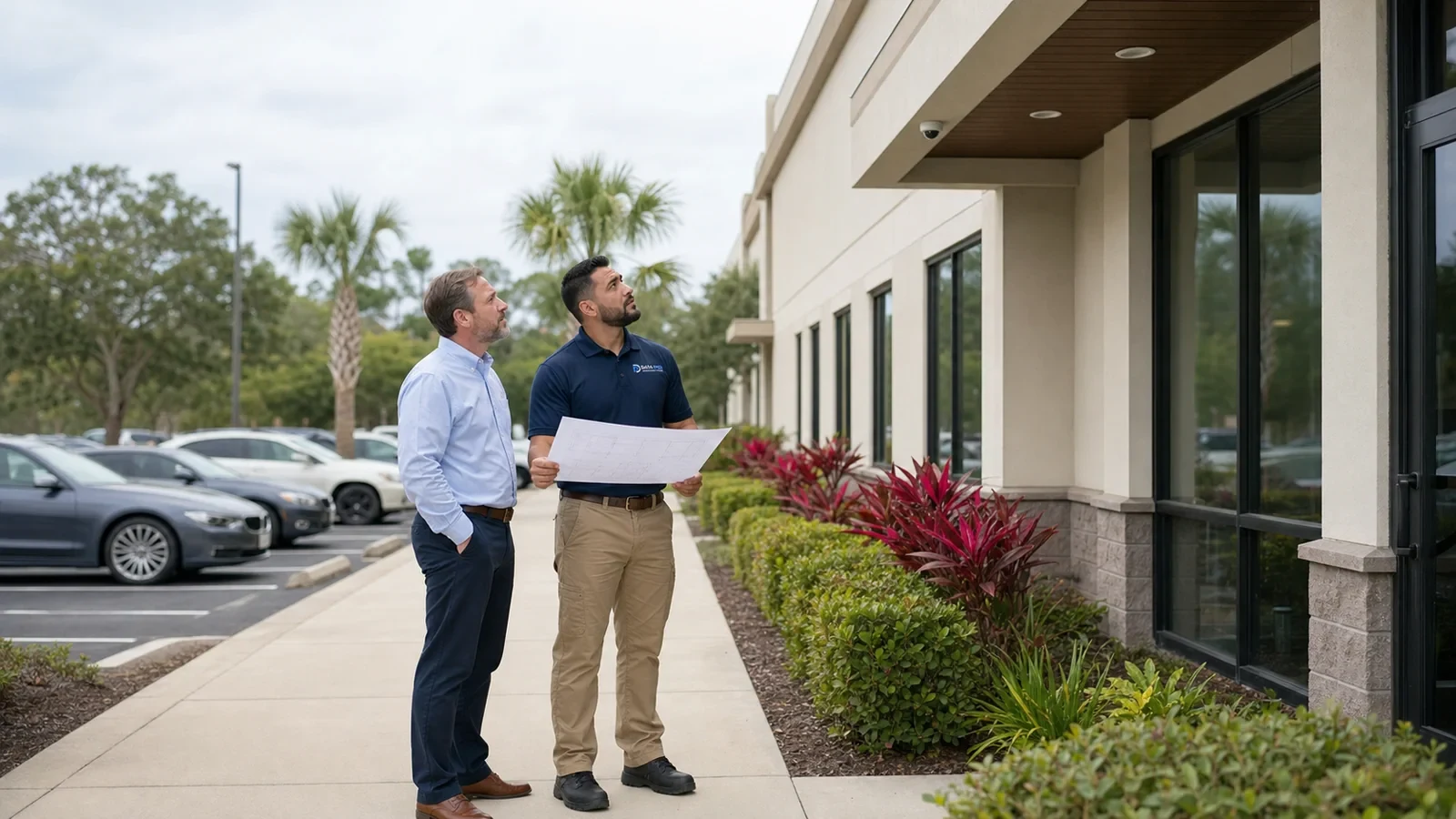
Focused event review for entrances, rear access, parking, and defined operational zones.
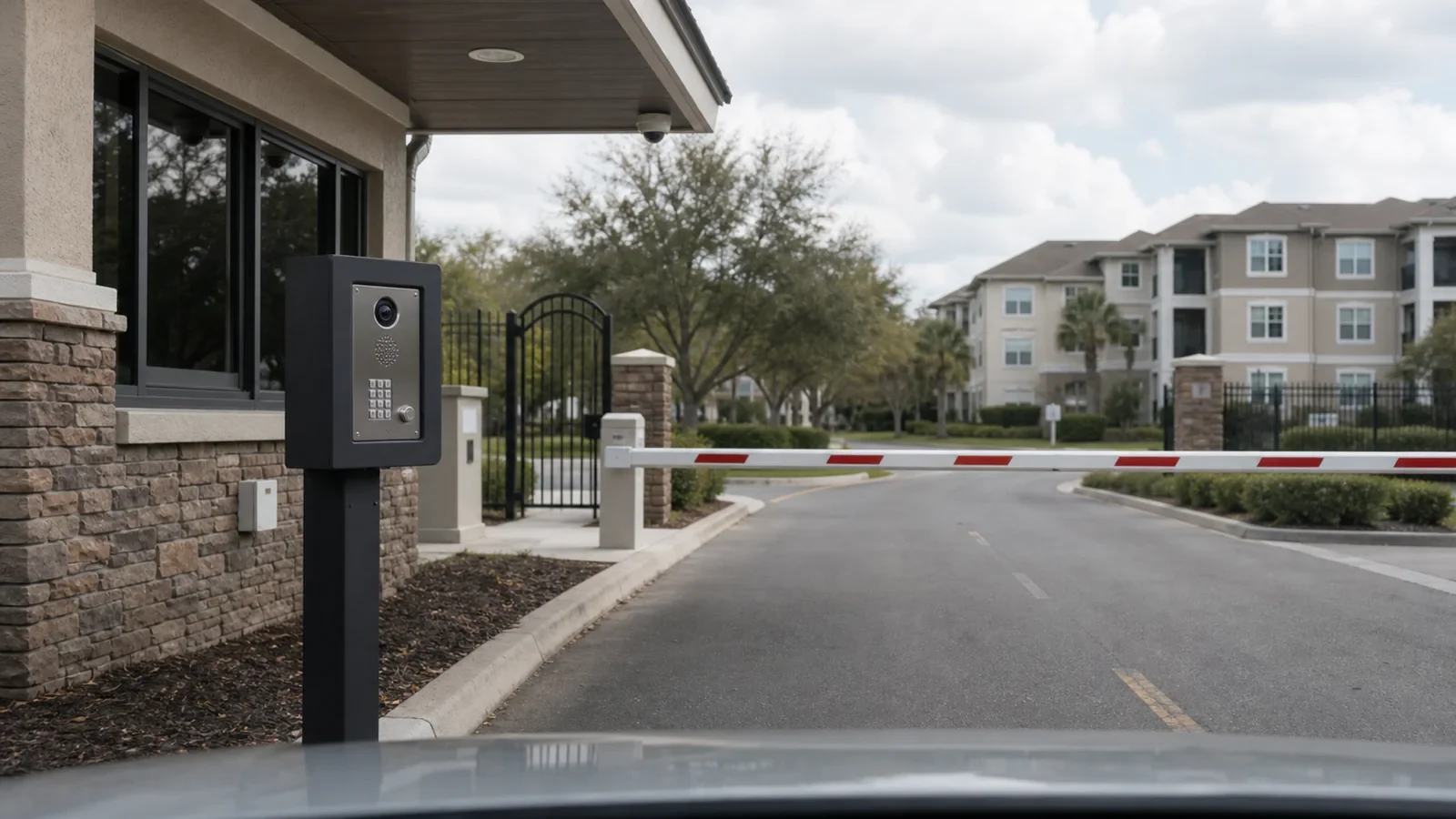
Human-reviewed alerts and search tools for shared amenities, vehicle entries, and managed common areas.
PROJECT PROCESS
Identify the event, object type, location, schedule, review owner, response expectation, privacy considerations, and acceptable operational tradeoffs.
Confirm camera position, image quality, platform features, licenses, processing location, network and storage dependencies, notification methods, and environmental limitations.
Define zones or lines, object filters, direction, schedule, dwell or sensitivity settings where supported, user permissions, and approved alert recipients.
Test expected and unwanted events, document limitations, adjust configuration, train authorized users, and establish a review cycle for scene or operational changes.
FAQ
AI video analytics are software or device features that evaluate video for defined objects or behaviors, such as a person or vehicle crossing a line, entering a zone, or appearing in recorded footage. Capabilities vary by camera, recorder, VMS, license, firmware, and scene.
No. Classification and carefully configured rules may reduce irrelevant alerts compared with basic motion detection, but weather, shadows, reflections, insects, headlights, crowds, occlusion, camera movement, and scene changes can still produce missed or unwanted events.
Object classification is a supported analytic function that attempts to categorize selected objects, commonly people or vehicles, within the video scene. Accuracy depends on image quality, object size, angle, lighting, occlusion, speed, and the capabilities of the specific platform.
A virtual line is placed in the camera scene, often with a selected direction and object type. The system generates an event when the configured condition is detected. Line location, perspective, object size, traffic flow, schedule, and environmental conditions affect performance.
An intrusion rule monitors a defined region for selected activity during an approved schedule. It can be useful for service yards, loading approaches, closed amenities, or staff-only zones, but the scene must be tested and alerts should be reviewed by an authorized person.
Some analytics run on compatible cameras, while others run on a recorder, server, cloud service, or video management platform. Required models, licenses, firmware, processing capacity, resolution, stream settings, and integration support must be confirmed before deployment.
Possibly. The assessment must confirm camera compatibility, image quality, platform support, licenses, processing capacity, firmware, recording architecture, network resources, and whether current camera angles provide the pixel density and perspective needed for the intended rule.
This page does not include facial recognition or identity matching. The described scope focuses on object classification, event rules, operational alerts, and supported search tools. Any identity-based technology would require separate legal, privacy, technical, and governance review.
Each alert should have an owner, schedule, priority, review method, and documented response expectation. Analytics provide information, not guaranteed conclusions. Staff should verify the event and follow the organization’s approved safety, security, privacy, and escalation procedures.
Some compatible systems support counting or occupancy-related features, but accuracy depends on camera placement, flow direction, crowding, occlusion, lighting, scene geometry, and platform design. The intended business use and acceptable tolerance should be defined before relying on counts.
Platforms that store analytic metadata may let authorized users filter by object type, time, direction, color, zone, or other supported attributes. This can reduce review time, but available filters and accuracy vary, and original video should remain available for verification.
Organizations should define authorized purposes, camera locations, user roles, retention, notifications, access, exports, and review procedures under applicable policies and law. Avoid collecting or using more information than the approved operational purpose requires, and obtain legal guidance when needed.
Testing uses representative people, vehicles, directions, speeds, schedules, lighting conditions, and expected non-events. Results are reviewed for missed and unwanted alerts, then zones, thresholds, schedules, and camera settings are adjusted within the platform’s supported limits.
Performance can change when landscaping grows, displays move, construction starts, lighting changes, pavement reflects water, the camera shifts, or traffic patterns evolve. Rules should be reviewed after material scene changes and on a practical maintenance schedule.
Request an analytics assessment with the target event, camera locations, current platform, sample operating schedule, alert recipients, and known scene challenges. Call the West Orlando / Lakehurst Branch at (407) 994-3227 to discuss compatibility and testing needs.
Schedule an assessment to review the operational question, camera scene, compatible platform, rule settings, notification workflow, testing method, and limitations before analytics are activated.