
Florida Licensed
FL License #EC13016138. Commercial low-voltage planning, installation, diagnostics, testing, and documentation.
COMMERCIAL CAMERA SYSTEM DIAGNOSTICS IN ORLANDO
Data Pro Communications diagnoses commercial camera-system faults for Orlando properties experiencing offline cameras, intermittent video, image-quality problems, missing recordings, playback failures, remote-viewing issues, PoE or network faults, damaged cabling or connectors, recorder alerts, storage concerns, or configuration changes that no longer match operations.
The West Orlando / Lakehurst Branch uses a system-level diagnostic process rather than assuming the visible symptom identifies the failed component. Service begins with the fault history and operating impact, then traces camera power, cabling, connections, switching, network communication, recorder status, storage, time settings, streams, user access, and platform support before recommending repair, correction, replacement, or planned maintenance.
PROJECT PLANNING
A structured diagnostic visit records the symptom, affected devices, timing, recent changes, power and network path, recording behavior, user impact, and the tests needed to isolate the cause.
FL License #EC13016138. Commercial low-voltage planning, installation, diagnostics, testing, and documentation.
West Orlando / Lakehurst Branch serving approved western Greater Orlando commercial markets.
Camera, recording, PoE, network, cabling, viewing, and operational needs reviewed as one connected environment.
Recommendations tied to observed conditions, compatibility, supportability, safe access, and the approved project objective.
Clear labels, verified functions, named user roles, operating guidance, and organized project records appropriate to the scope.
SERVICE OVERVIEW
An offline camera may have a failed device, but it may also have lost PoE power, a damaged connector, a cable fault, a disabled switch port, an addressing conflict, an authentication problem, a recorder-channel issue, or a configuration mismatch. Intermittent video can point to marginal power, network errors, water intrusion, heat, damaged cable, overloaded links, or unstable equipment.
Data Pro Communications follows the path from the camera to the viewing and recording environment. Diagnostic work can include visual inspection, power and link checks, representative cable testing, connector review, switch and PoE status, camera access, stream verification, recorder health, storage status, timestamps, playback, remote access, user permissions, and recent configuration changes.
Not every system can be repaired economically or responsibly. Equipment condition, platform support, parts availability, credentials, compatibility, damage, prior modifications, and access to safe working areas affect the recommendation. The service record distinguishes confirmed findings from assumptions and explains whether repair, targeted replacement, broader modernization, or recurring maintenance is the practical next step.
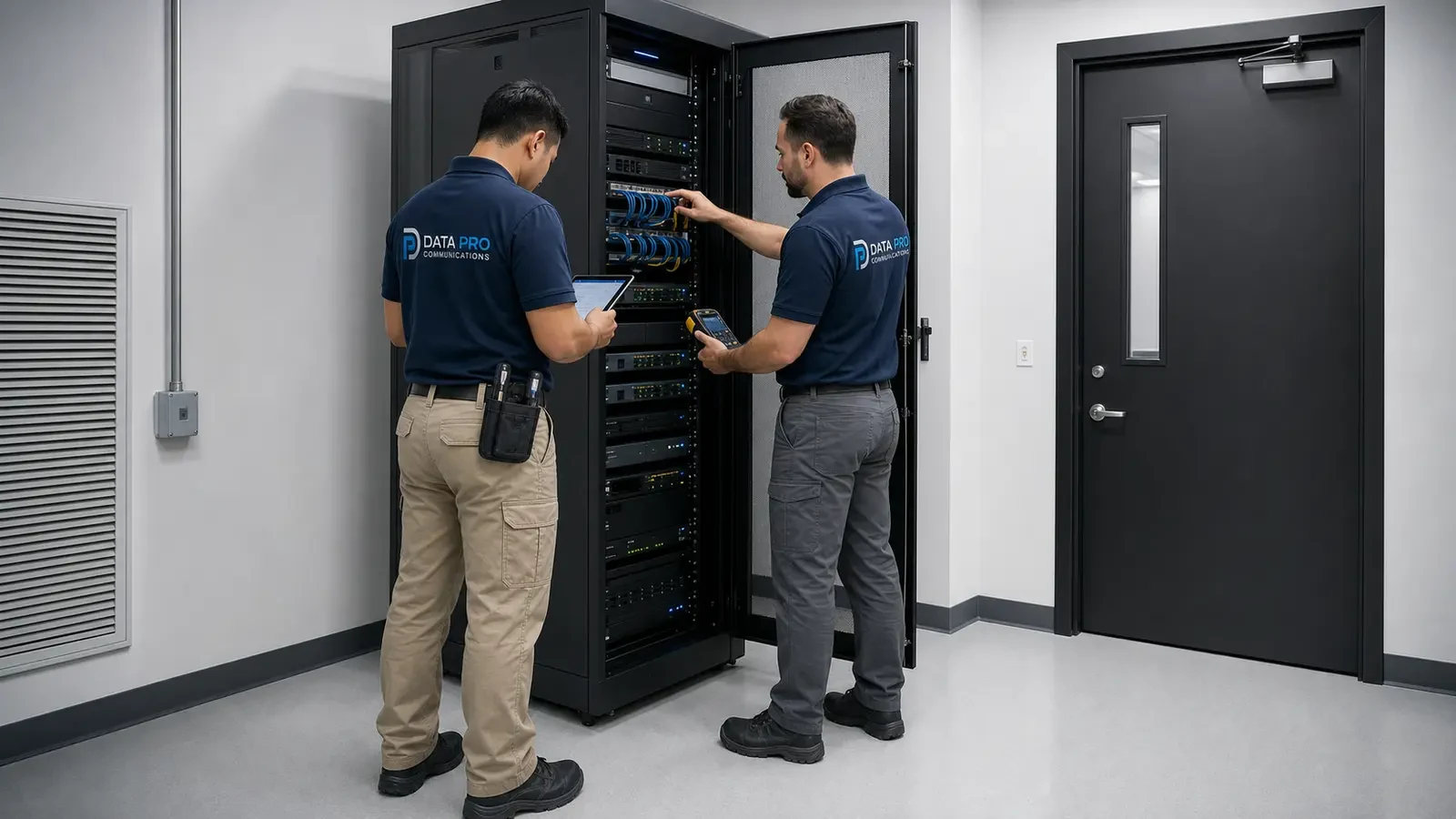
Trace power, PoE, cabling, connectors, switch link, addressing, credentials, streams, recorder channels, and device status for cameras that disappear or reconnect.
Evaluate focus, lens, mounting, obstruction, lighting, infrared reflection, condensation, exposure, stream settings, compression, frame rate, and physical damage.
Check channel state, schedules, timestamps, stream compatibility, recorder throughput, drive health, storage status, search, playback, and permitted export behavior.
Verify local operation first, then assess internet connectivity, platform status, account ownership, permissions, supported applications, device settings, and network access.
Inspect terminations, cable condition, distance, patching, port errors, PoE delivery, uplinks, equipment-room organization, and environmental conditions that can create unstable video.
Document confirmed findings, corrective options, supportability, parts or compatibility constraints, priorities, and maintenance actions without promising a repair outcome before diagnosis.
COMMERCIAL USE CASES
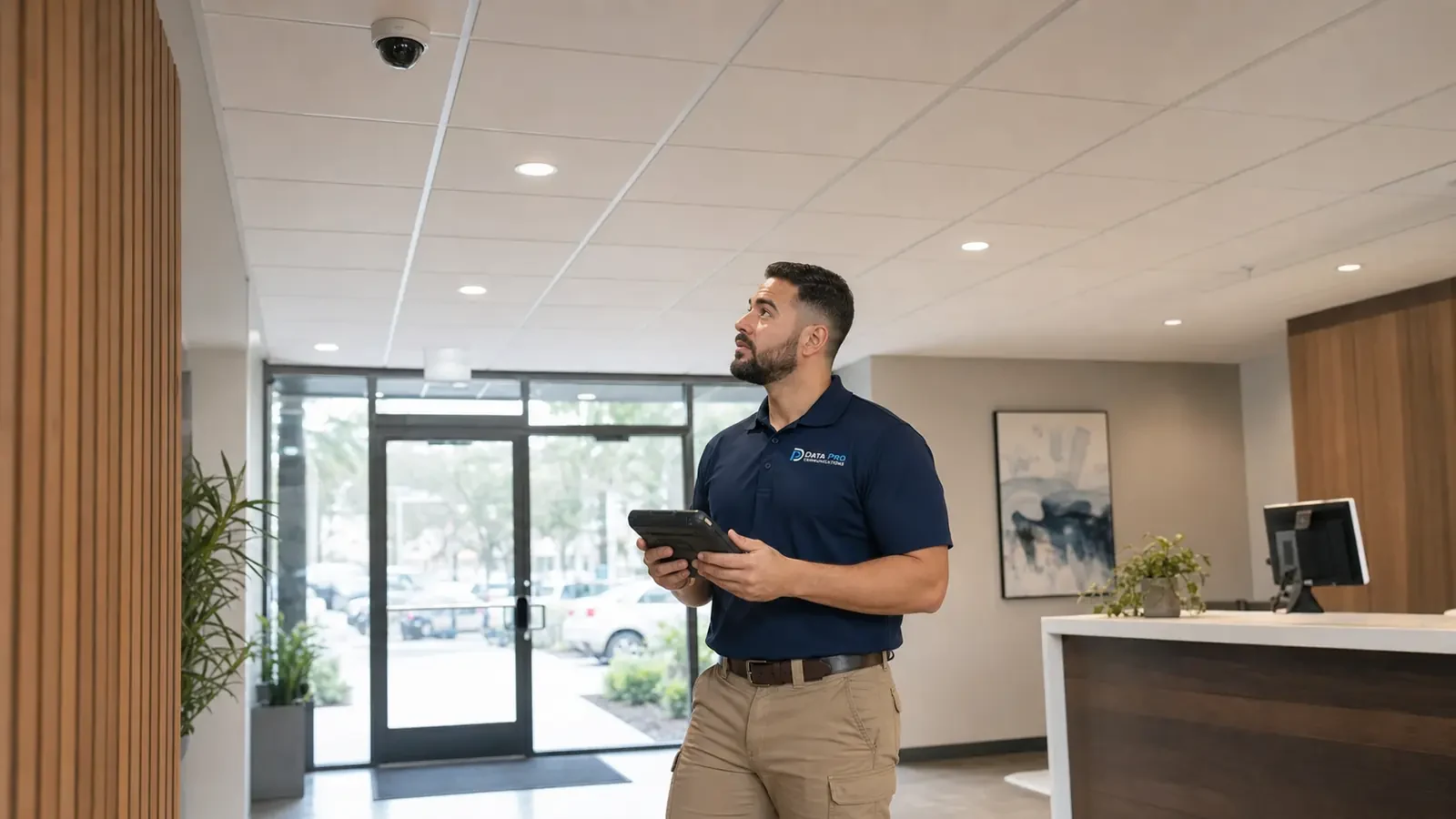
Determine whether the cause is at the camera, power source, connector, cable, switch port, network configuration, credentials, recorder channel, or stream.
Check shared PoE, switching, uplinks, power, recorder resources, network changes, environmental conditions, and common pathways affecting the group.
Review focus, lens, lighting, infrared reflection, obstruction, enclosure condition, exposure, mounting, distance, and stream settings before recommending replacement.
Verify time, schedules, stream state, channel configuration, recorder throughput, storage health, search range, permissions, and the difference between live and recorded video.
Separate local camera and recorder operation from internet, account, application, permission, platform, device, or network-access issues.
Document repeated failures, unsupported equipment, cable condition, storage health, configuration drift, and service history to compare targeted repair with planned modernization.
ORLANDO SERVICE CONTEXT
Properties across Lakehurst, International Drive, the Convention Center area, Universal Orlando area, Doctor Phillips, and Lake Buena Vista often depend on cameras through extended operating hours. Hospitality, retail, restaurant, parking, office, and managed-property teams may discover a fault only when reviewing an event, changing shifts, checking an exterior view after dark, or attempting to access video from another location.
Accurate diagnosis requires context: when the problem began, whether it affects one camera or a group, whether recent construction or network work occurred, whether the symptom changes with weather or time, and whether recording, live view, or remote access is affected. A recorder alarm can be a storage problem, but a missing recording can also result from schedule, stream, timestamp, camera, or channel conditions.
Data Pro Communications documents the operating impact and the test path so property teams receive a prioritized recommendation. Service availability and repair feasibility depend on scheduling, site access, equipment support, credentials, parts, safe work conditions, and the approved scope. No diagnostic visit guarantees that every component can be repaired.
RELATED SERVICES
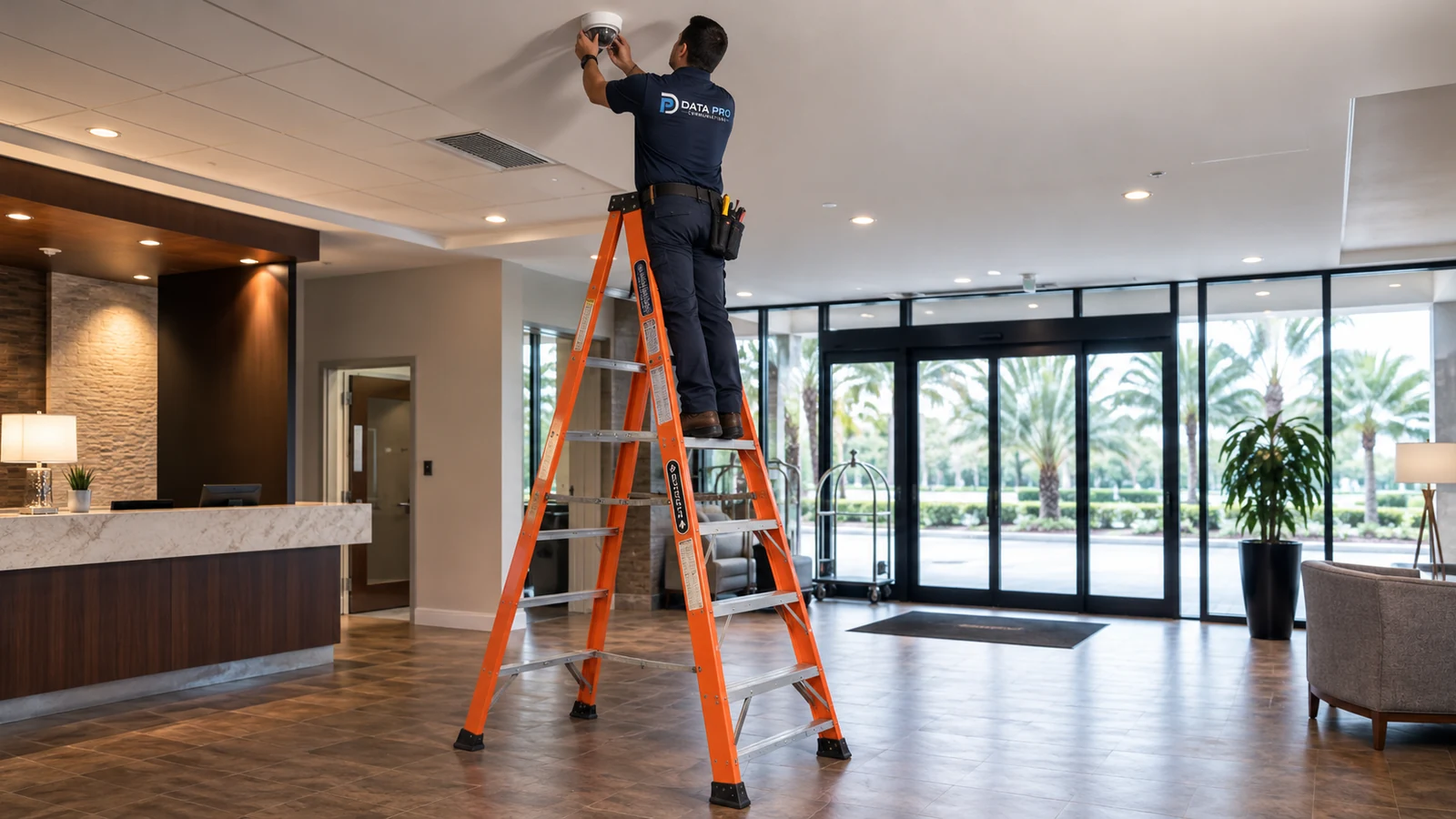
New commercial camera planning when an existing system cannot meet the required scope.
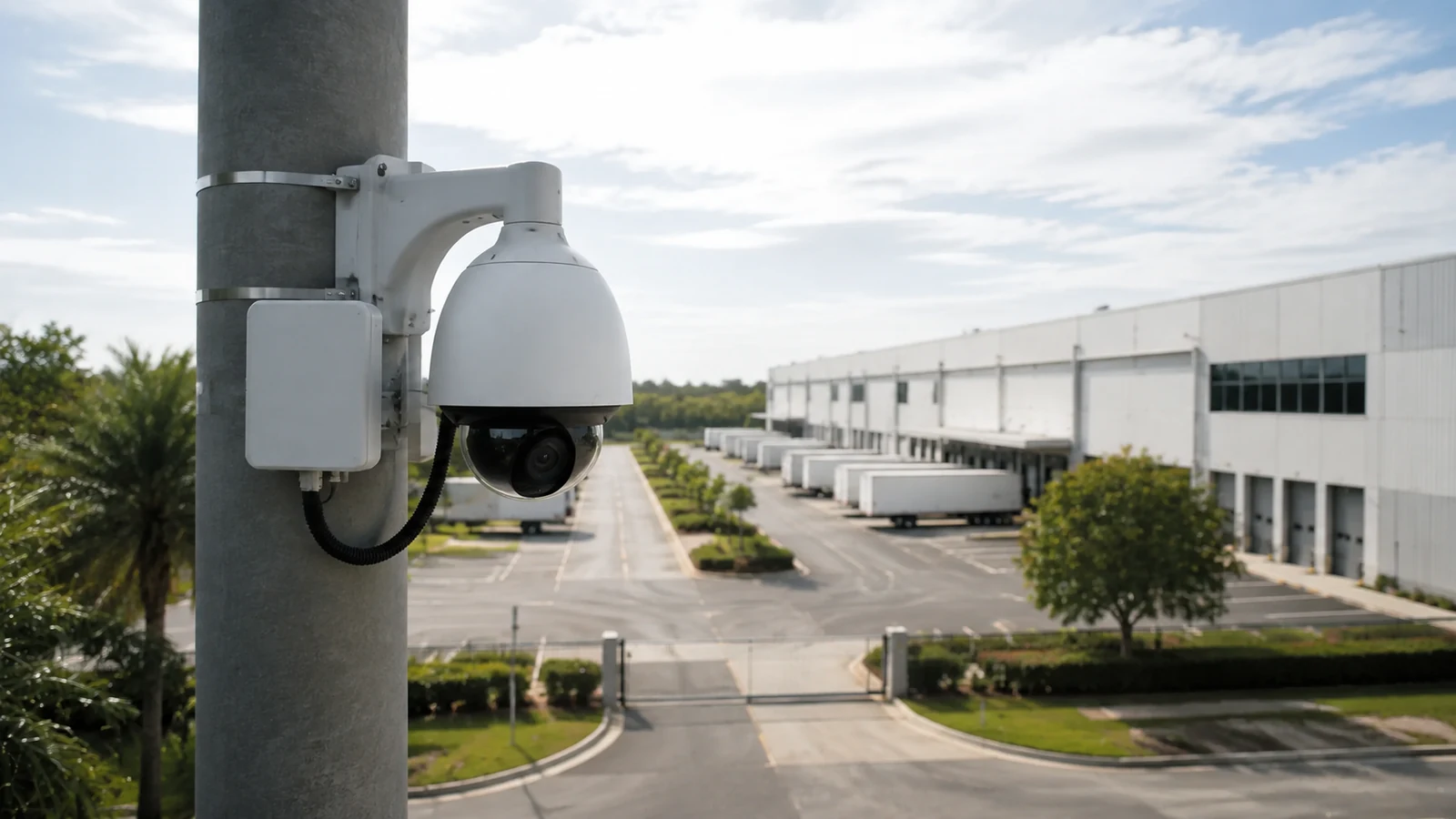
Network, PoE, stream, and recording architecture for IP camera environments.
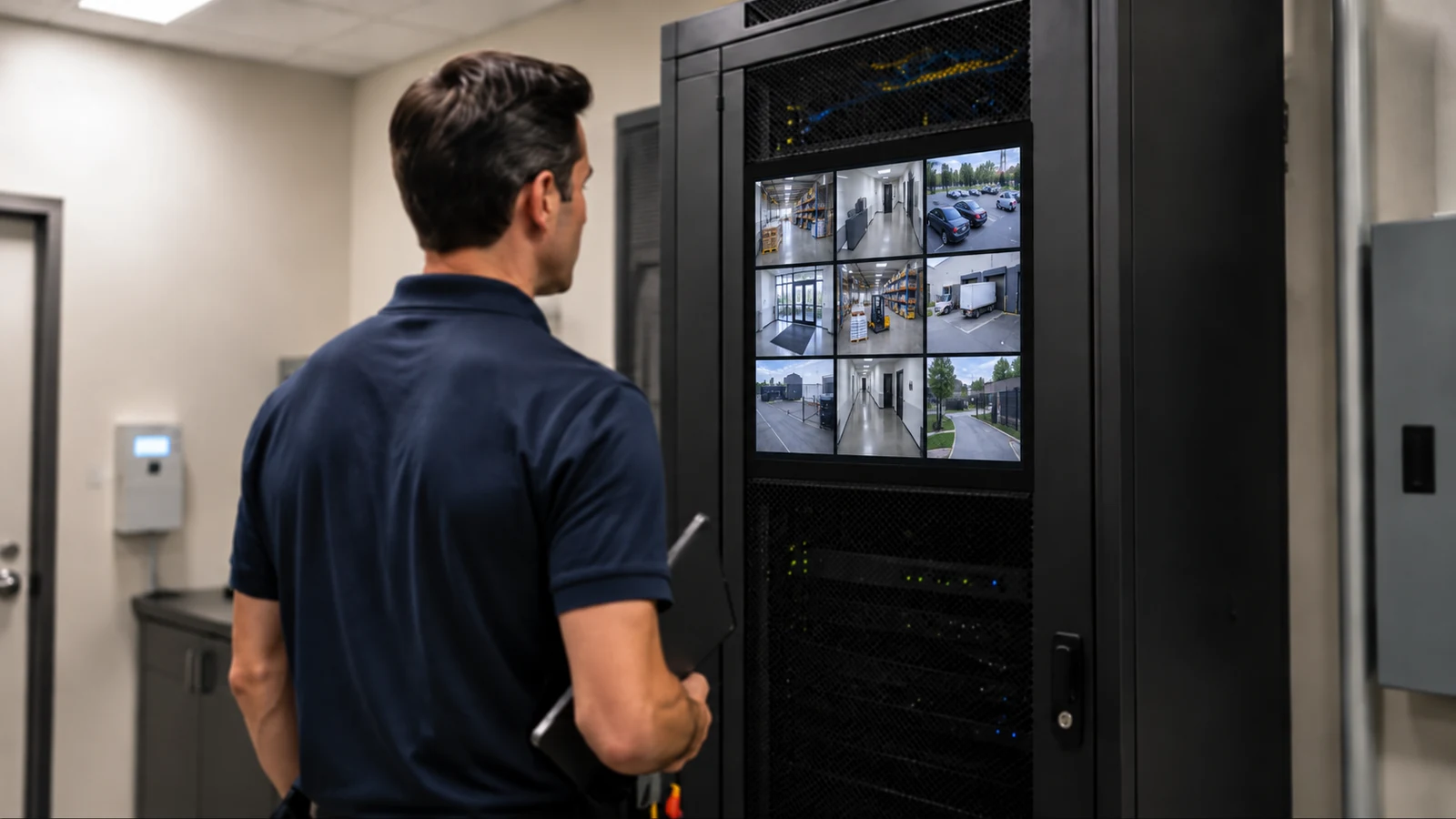
Recorder, storage, playback, permissions, and remote-access planning after diagnosis.
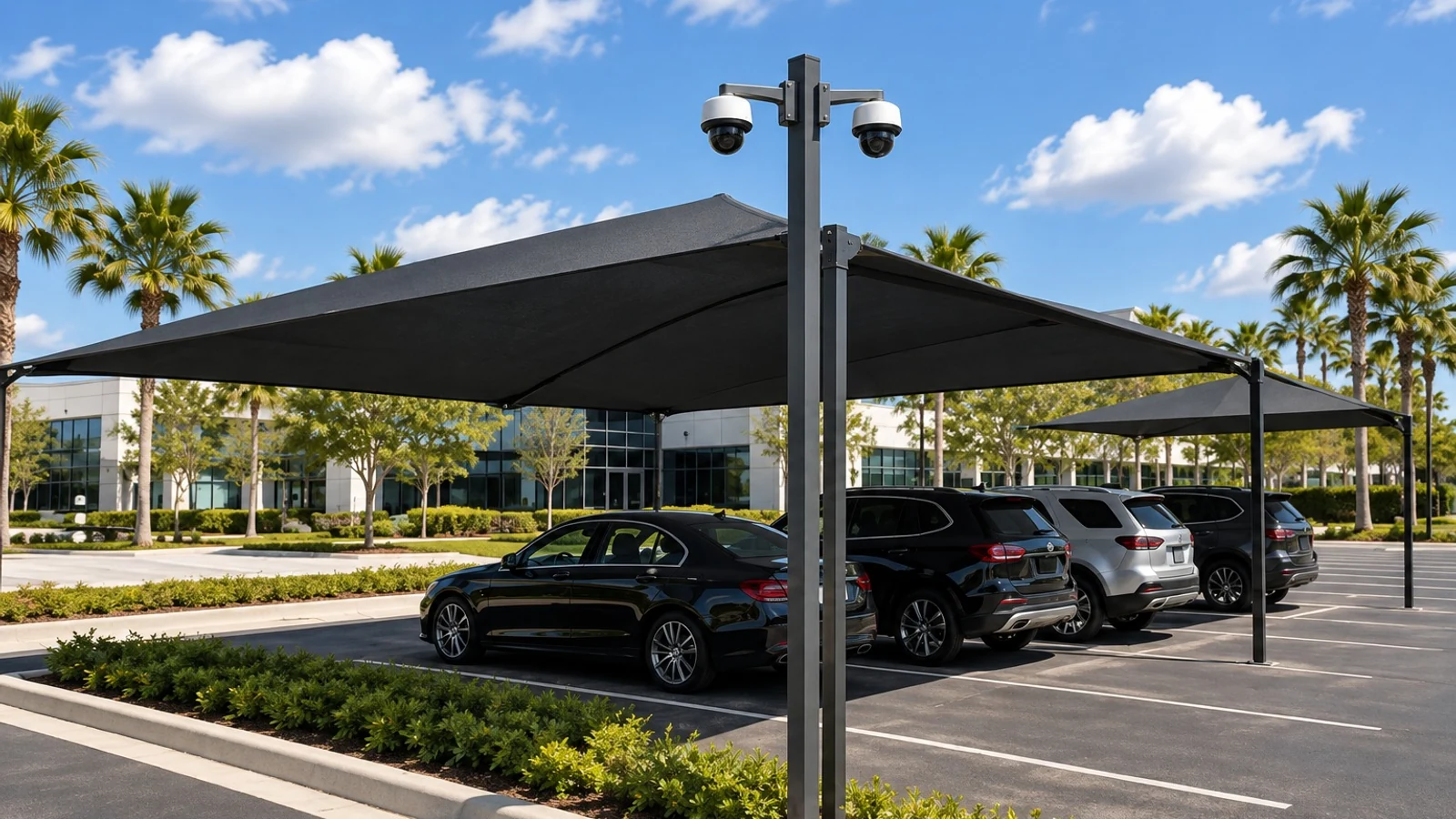
Phased modernization when faults reflect broader supportability or capacity limits.
INDUSTRIES SERVED
Diagnostics coordinated with extended hours, guest-facing areas, service operations, and controlled access to equipment spaces.
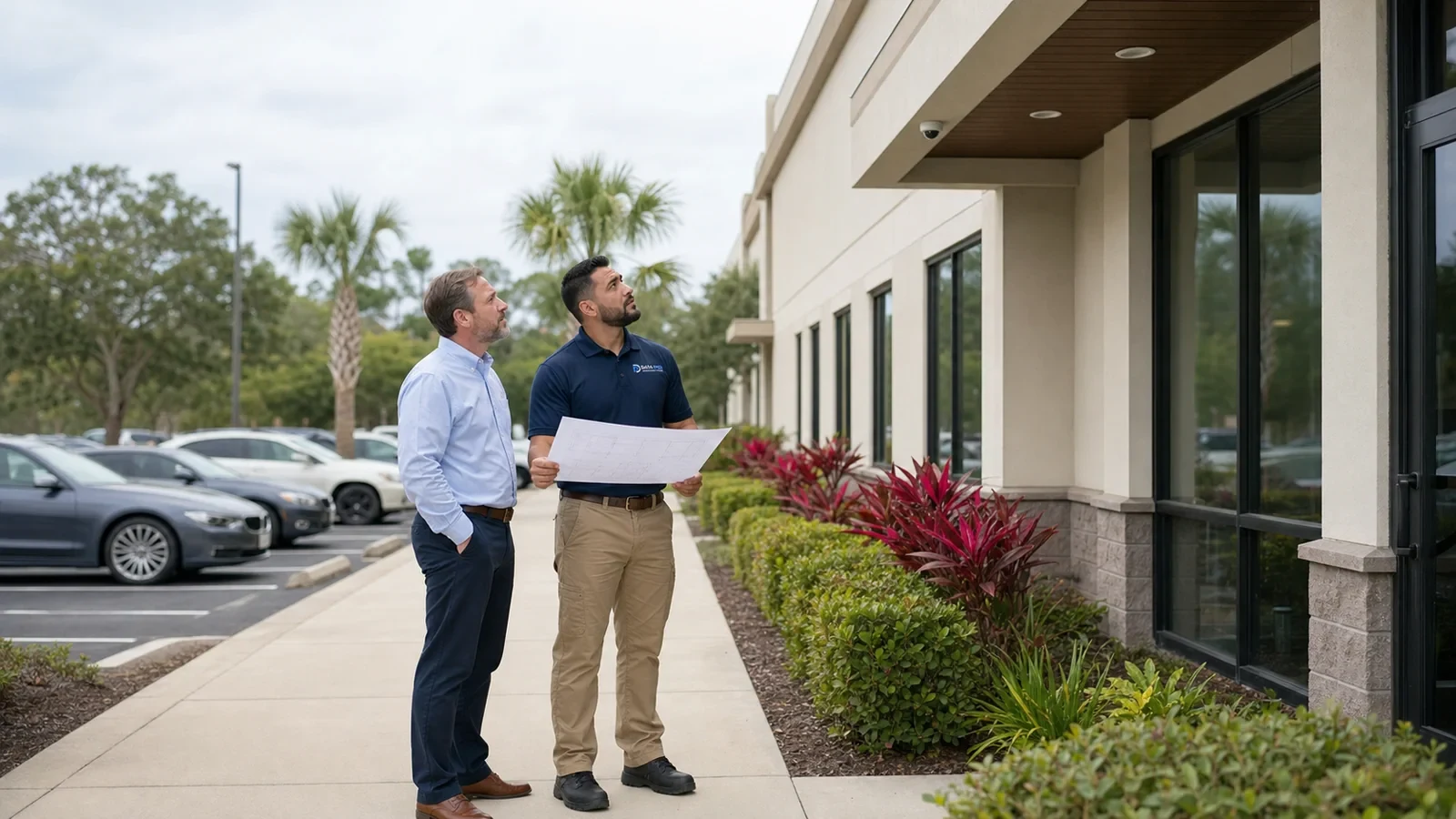
Fault isolation for entrances, transaction zones, stock access, pickup areas, exterior views, and manager playback workflows.
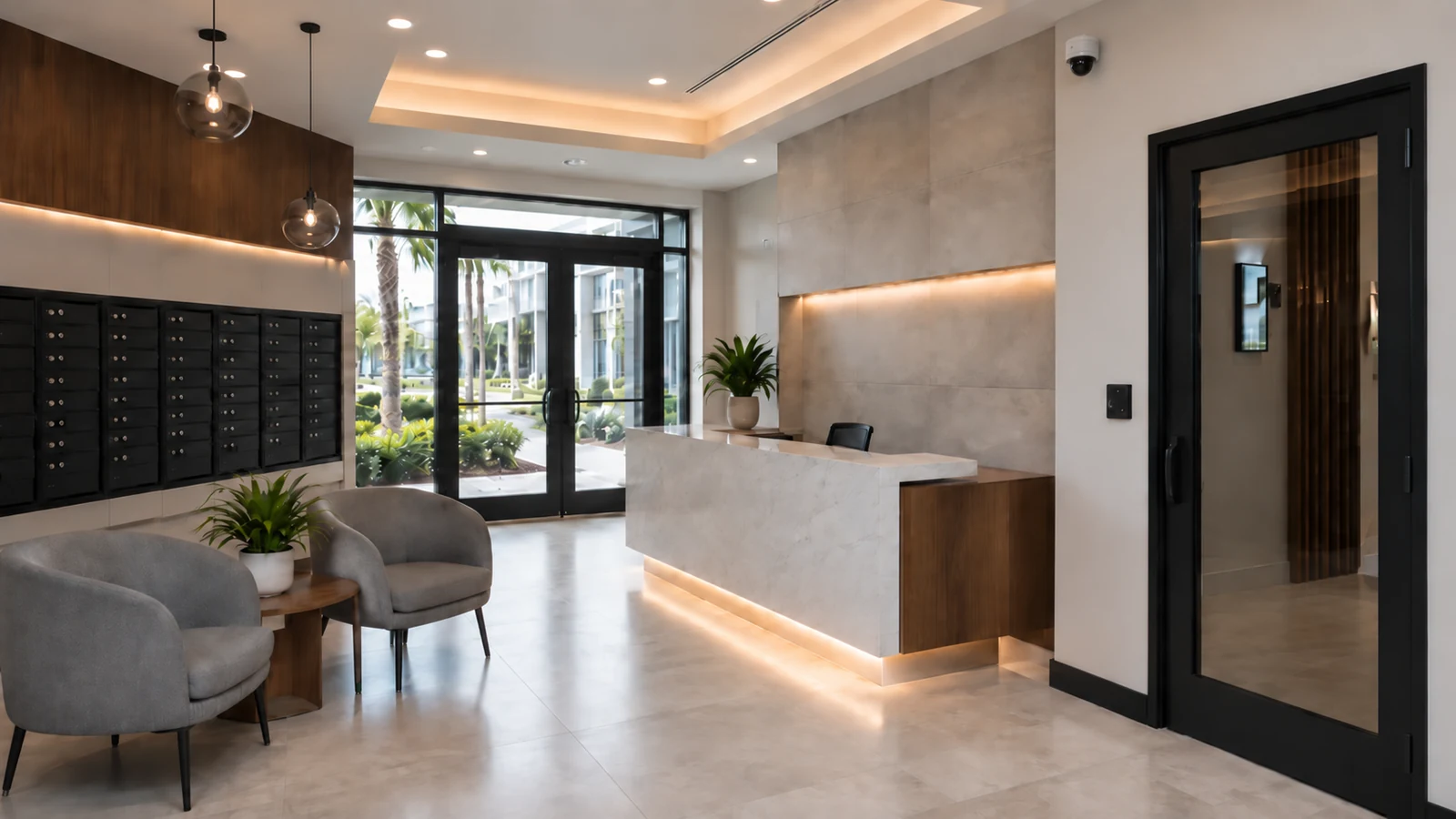
Camera, recording, permission, and shared-infrastructure review for property teams and approved common areas.
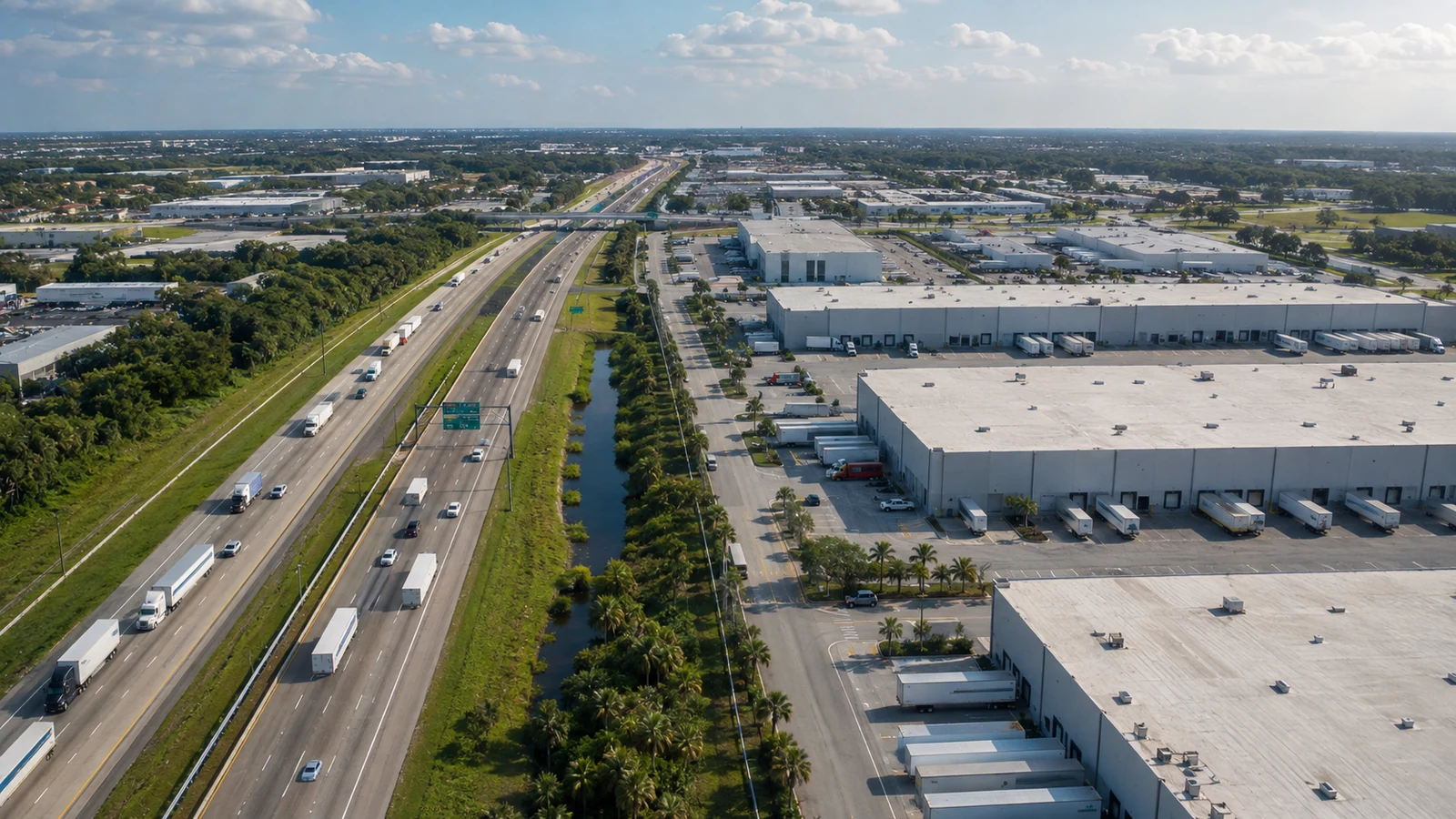
Diagnostics for long cable paths, loading areas, yards, aisles, equipment rooms, and cameras exposed to demanding conditions.
PROJECT PROCESS
Record affected cameras or functions, symptom timing, operating impact, recent changes, prior service, credentials availability, equipment access, and the property contact responsible for decisions.
Test the relevant camera, power, PoE, cable, connector, switch, network, stream, recorder, storage, time, playback, remote access, and permission layers.
Separate confirmed faults from contributing conditions, complete in-scope corrections where practical, and document parts, compatibility, access, or support constraints.
Retest affected functions, record unresolved conditions, explain repair-versus-replacement options, update system notes, and prioritize maintenance or modernization work.
FAQ
Common causes include lost power, insufficient PoE, a damaged connector, cable failure, a disabled or faulty switch port, network addressing changes, incorrect credentials, stream problems, camera failure, recorder-channel configuration, or shared equipment faults. Diagnosis follows the full path rather than assuming the camera itself failed.
Intermittent video can result from marginal PoE, damaged cable or connectors, port errors, unstable power, water intrusion, heat, network congestion, duplicate addressing, failing equipment, loose terminations, or recorder and software conditions. Timing, weather, recent changes, and whether several cameras fail together help narrow the cause.
Sometimes. Blur may come from focus, lens contamination, protective film, condensation, vibration, mounting movement, incorrect stream settings, low light, slow shutter behavior, compression, or physical damage. The scene and device should be inspected before deciding whether adjustment, cleaning, configuration, enclosure work, or replacement is appropriate.
Night problems can involve insufficient light, infrared reflection, dirty or obstructed housings, insects, nearby surfaces, incorrect exposure, unsuitable camera placement, subject distance, motion, or a device that cannot meet the required scene. A nighttime review is often necessary because daytime testing does not reproduce those conditions.
The camera may be streaming while the recorder schedule, channel, time, storage, stream selection, credentials, or recording rule is incorrect. Drive health, recorder throughput, retention, search range, permissions, and timestamp differences should also be checked. The diagnostic path compares live view, channel status, and recorded results.
Possible causes include failed or degraded drives, storage configuration, full or inaccessible volumes, incorrect schedules, unsupported streams, excessive throughput, camera authentication changes, time problems, firmware or software faults, overheating, power issues, or recorder hardware failure. Health logs and representative playback tests help identify the condition.
Remote viewing may fail because of internet service, router or firewall changes, platform service status, unsupported software, account ownership, expired credentials, permission changes, mobile operating-system updates, device settings, or recorder network configuration. Local recording and playback should be checked separately from the remote-access path.
A damaged run may be reterminated or repaired only when the cable type, damage location, pathway, environment, code requirements, performance, and serviceability support that approach. In many cases, replacing the run is more reliable. Testing and inspection guide the recommendation rather than relying on appearance alone.
Insufficient or unstable PoE can cause a camera to remain offline, restart, drop video, lose infrared functions, or fail under higher power demand. Diagnostics review per-port power, total switch budget, cable resistance, connector condition, distance, injector or switch status, and whether the camera requires a different PoE standard.
Yes. Addressing, credentials, stream format, resolution, frame rate, time, recording schedule, permissions, network routes, firmware, and platform settings can change live view, recording, playback, alerts, or remote access. Recent changes should be documented before settings are altered further.
No. Repair feasibility depends on equipment condition, platform support, credentials, parts, compatibility, physical damage, installation quality, safe access, and whether correction would produce a supportable result. A diagnostic visit can identify options, but it does not guarantee that every device or system can be restored.
The recommendation considers the confirmed fault, repair cost, repeated failures, support status, expected service life, image and recording requirements, compatibility, parts availability, infrastructure condition, and the risk of returning an unstable component to service. Targeted repair may suit an isolated issue; broader problems may justify modernization.
Service is scheduled according to technician availability, property access, travel, equipment information, safe working conditions, and the approved scope. No same-day commitment is promised. Providing accurate symptoms, device details, site contacts, access requirements, and recent changes helps the team prepare for the visit.
The West Orlando / Lakehurst Branch serves approved western Greater Orlando markets including Lakehurst, International Drive, the Convention Center area, Universal Orlando area, Doctor Phillips, Lake Buena Vista, Winter Garden, Ocoee, Windermere, Clermont, and nearby controlled service areas. Scheduling depends on scope and availability.
Provide the affected camera names or locations, symptom description, timing, screenshots if available, recent network or construction changes, recorder and camera models, known credentials, prior service notes, equipment-room access, ladder or lift constraints, parking or loading instructions, and the authorized person who can approve recommendations.
Request a diagnostic visit to document the fault, trace the relevant camera and recording path, evaluate corrective options, and receive a repair-versus-replacement or maintenance recommendation.