
Florida Licensed
FL License #EC13016138. Commercial low-voltage planning, installation, diagnostics, testing, and documentation.
PLANNED CAMERA MODERNIZATION FOR ORLANDO PROPERTIES
Data Pro Communications helps Orlando businesses modernize existing camera systems without treating every upgrade as a complete replacement. The assessment begins with current cameras, recorders, storage, displays, remote access, cabling, PoE, network capacity, coverage gaps, image-quality goals, and the operational periods when work can occur.
For hospitality, retail, office, managed-property, parking, warehouse, and service environments supported by the West Orlando / Lakehurst Branch, the upgrade plan can separate equipment that remains useful from components that limit performance or supportability. The result is a practical roadmap for recorder replacement, resolution improvement, storage expansion, analog-to-IP transition, camera replacement, infrastructure correction, and phased implementation.
PROJECT PLANNING
A camera upgrade assessment connects desired improvements with compatibility, cabling condition, PoE capacity, recorder throughput, storage, viewing, coverage, project phasing, and property operations.
FL License #EC13016138. Commercial low-voltage planning, installation, diagnostics, testing, and documentation.
West Orlando / Lakehurst Branch serving approved western Greater Orlando commercial markets.
Camera, recording, PoE, network, cabling, viewing, and operational needs reviewed as one connected environment.
Recommendations tied to observed conditions, compatibility, supportability, safe access, and the approved project objective.
Clear labels, verified functions, named user roles, operating guidance, and organized project records appropriate to the scope.
SERVICE OVERVIEW
An effective camera-system upgrade solves defined limitations rather than replacing equipment by age alone. Poor image detail may result from lens selection, mounting position, lighting, stream settings, recorder limits, display configuration, or the camera itself. Short retention may require storage or stream changes. Intermittent performance may point to cabling, connectors, PoE, switching, power, or recorder health.
Data Pro Communications evaluates those dependencies before developing the upgrade scope. The review can identify cameras and pathways suitable for continued use, components that need replacement, infrastructure that requires correction, and features that cannot be supported by the current platform. Compatibility is verified at the model, stream, power, network, storage, and software levels.
Phasing can help commercial properties coordinate improvements with budgets, renovations, seasonal activity, tenant schedules, or equipment availability. Each phase should leave the active system understandable and supportable, with updated naming, labels, configuration records, and a clear boundary between existing and modernized components.
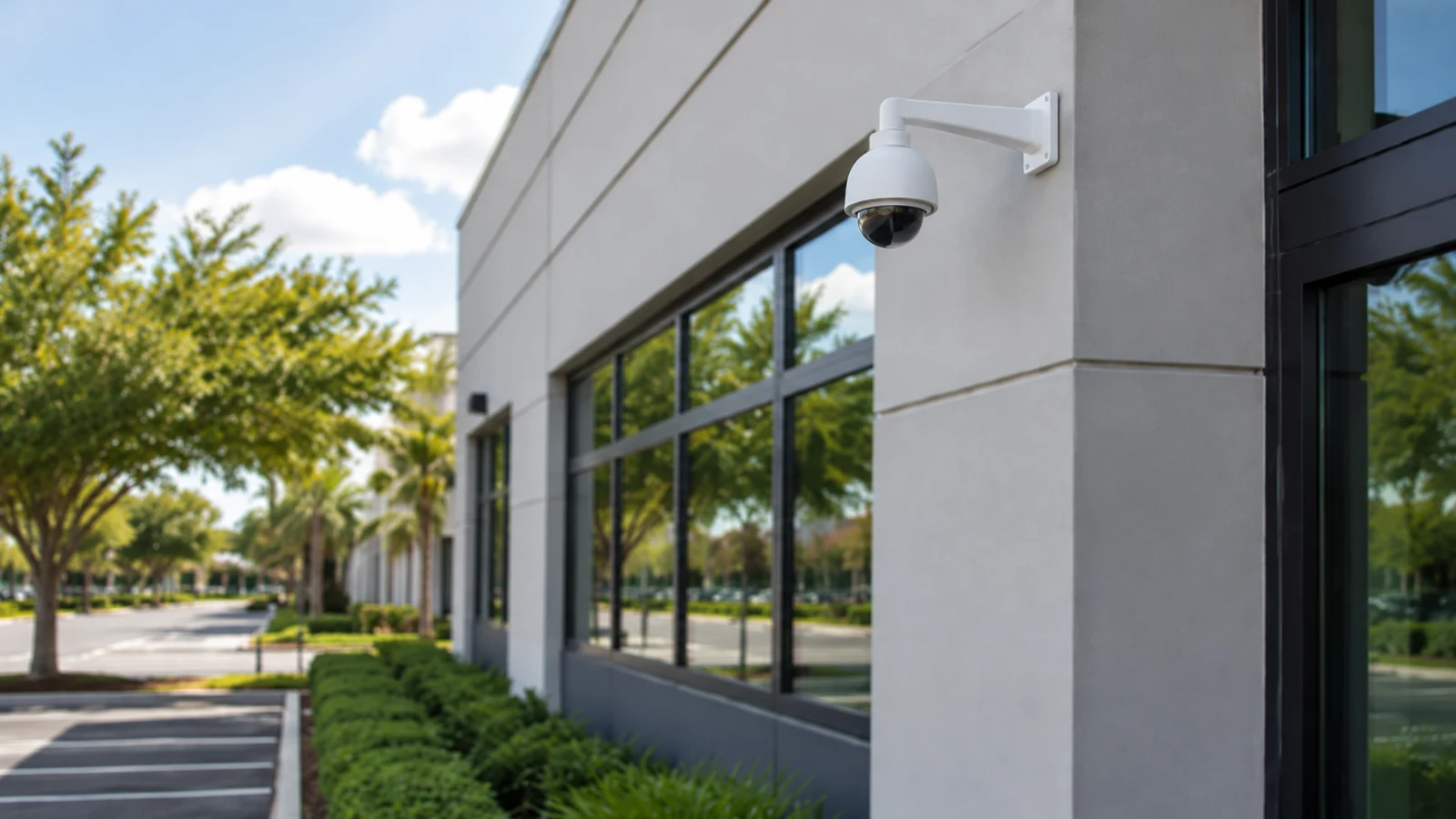
Inventory cameras, recorder channels, storage, displays, network equipment, PoE sources, cable types, pathways, remote users, and known performance concerns.
Evaluate where existing coaxial or Category cabling can support a transition, where new pathways are needed, and how recorder or encoder choices affect phasing.
Review channel capacity, throughput, supported cameras, drive health, retention objectives, playback, export, remote access, and expansion allowance before replacement.
Match replacement cameras, lenses, mounting positions, lighting response, resolution, and stream settings to the scene objective rather than applying one specification everywhere.
Test or inspect cable runs, connectors, switch ports, PoE budgets, uplinks, equipment-room organization, surge considerations, and network segmentation that may constrain an upgrade.
Map blind spots, weak identification views, changed property layouts, new operational zones, and priority risks into sequenced improvements with defined acceptance checks.
COMMERCIAL USE CASES
Plan a staged analog-to-IP transition around reusable pathways, recorder strategy, priority scenes, budget, and the operational impact of changing active cameras.
Review field of view, distance, lens, mounting height, lighting, resolution, compression, and playback display before specifying replacement cameras.
Assess stream load, drive condition, usable capacity, recording schedules, motion activity, and recorder throughput before expanding storage.
Add coverage for new entrances, service zones, parking areas, tenant changes, or altered circulation while integrating the work with the supportable existing system.
Replace unsupported access methods, reorganize named users and permissions, review bandwidth, and document administrative ownership for the selected platform.
Sequence shared infrastructure, critical cameras, recording, storage, and secondary coverage so each completed phase has defined operating and handoff criteria.
ORLANDO SERVICE CONTEXT
Commercial properties across Lakehurst, International Drive, the Convention Center area, Universal Orlando area, Doctor Phillips, and Lake Buena Vista often operate for extended hours and may have limited windows for intrusive work. Hospitality, retail, restaurant, parking, office, and managed-property teams also need existing cameras to remain available wherever practical while improvements move through the site.
A phased plan can begin with shared infrastructure or the most important operational scenes, then move through recorder capacity, storage, camera replacement, remote viewing, and secondary areas. The sequence depends on compatibility: a new recorder may not support every older camera feature, higher-resolution streams may exceed current storage or network capacity, and new PoE requirements may expose weak cable or switching conditions.
Data Pro Communications documents the dependencies before work begins. The goal is an orderly modernization that improves useful coverage, recording, retrieval, and serviceability without creating an unclear mix of equipment or a fragile transition between phases.
RELATED SERVICES
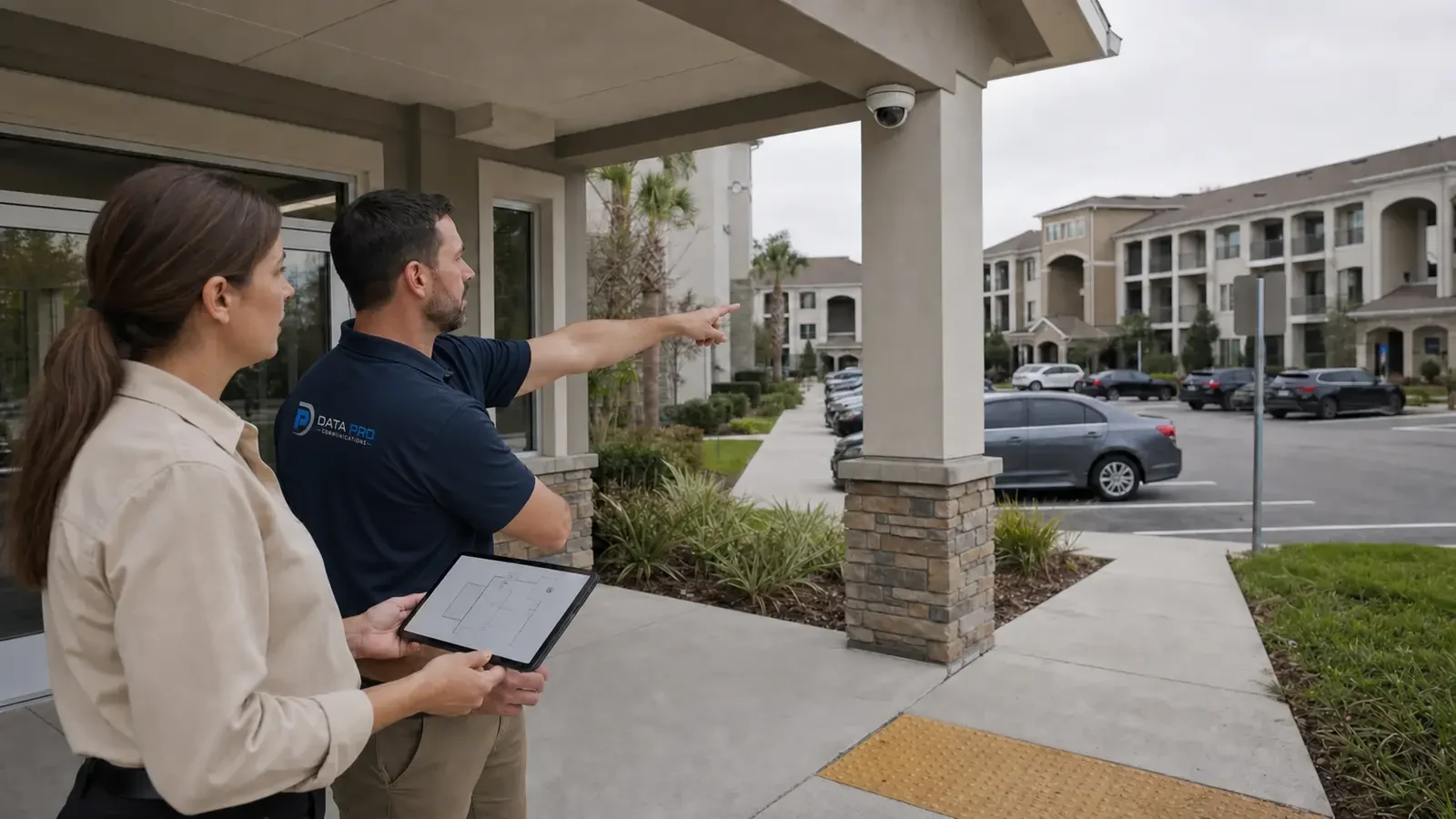
Broader planning and installation for new commercial camera environments.
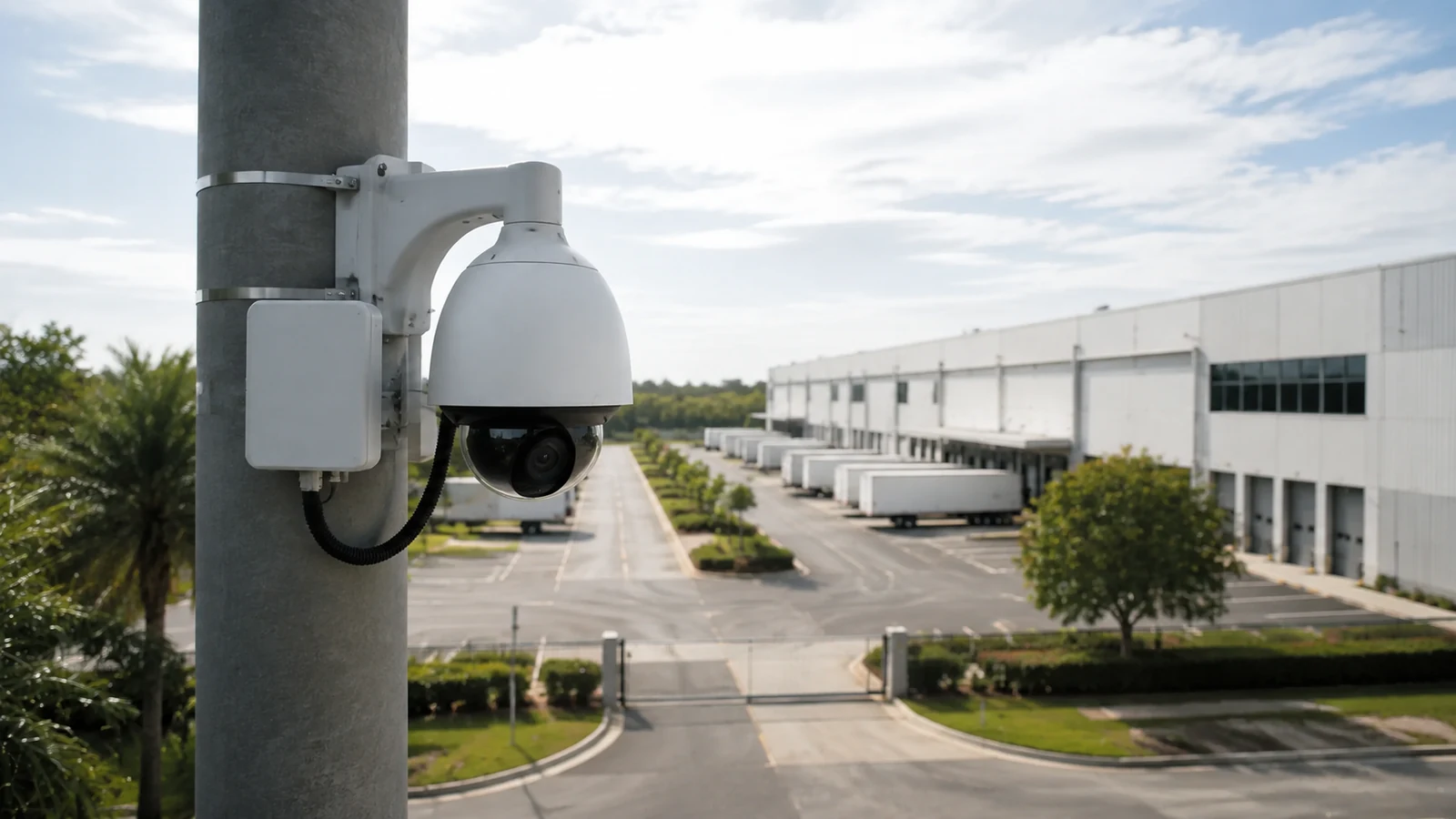
Network-camera architecture, PoE, switching, streams, and recording integration.
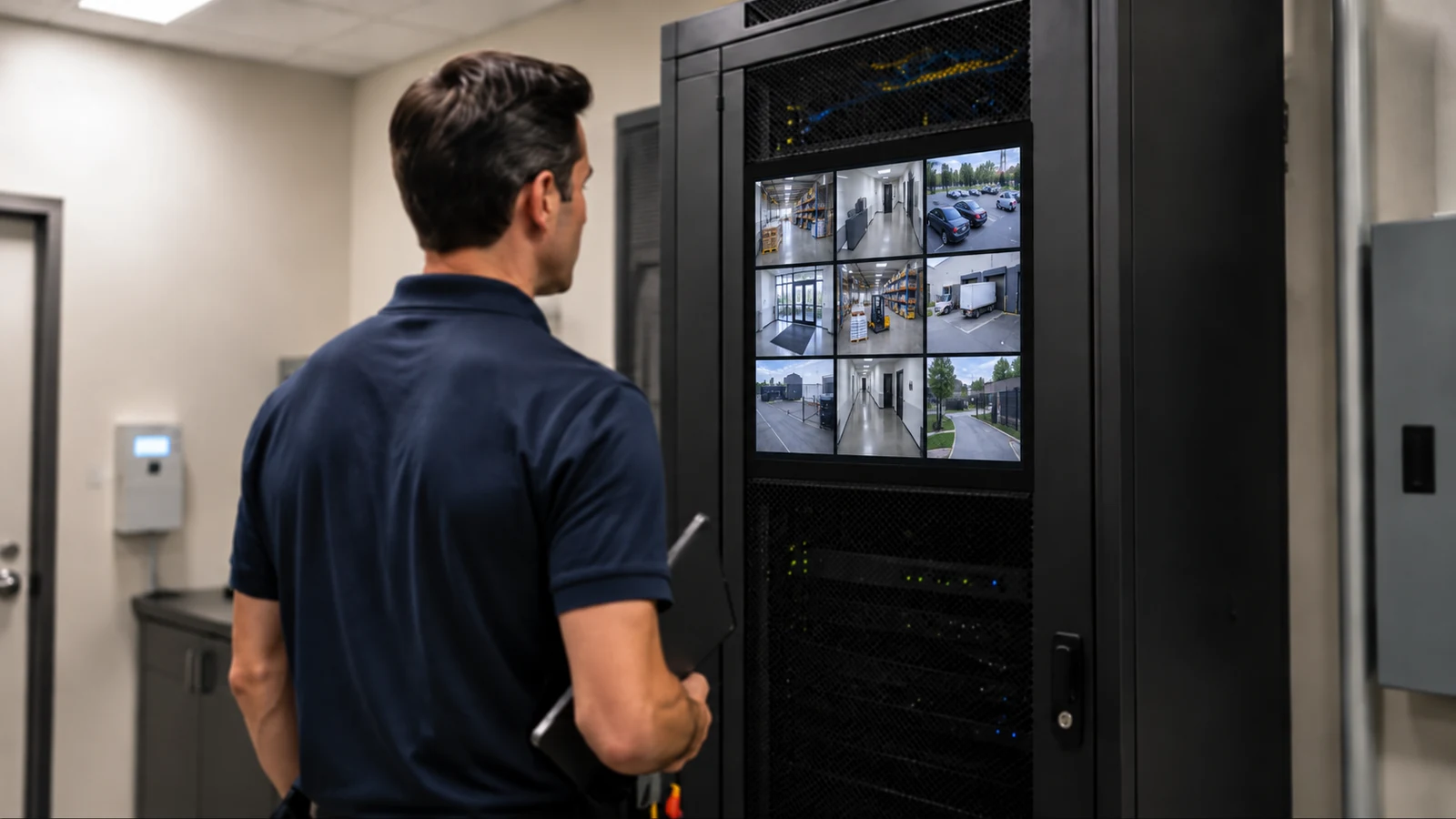
Recorder replacement, storage, playback, user permissions, and supported off-site access.
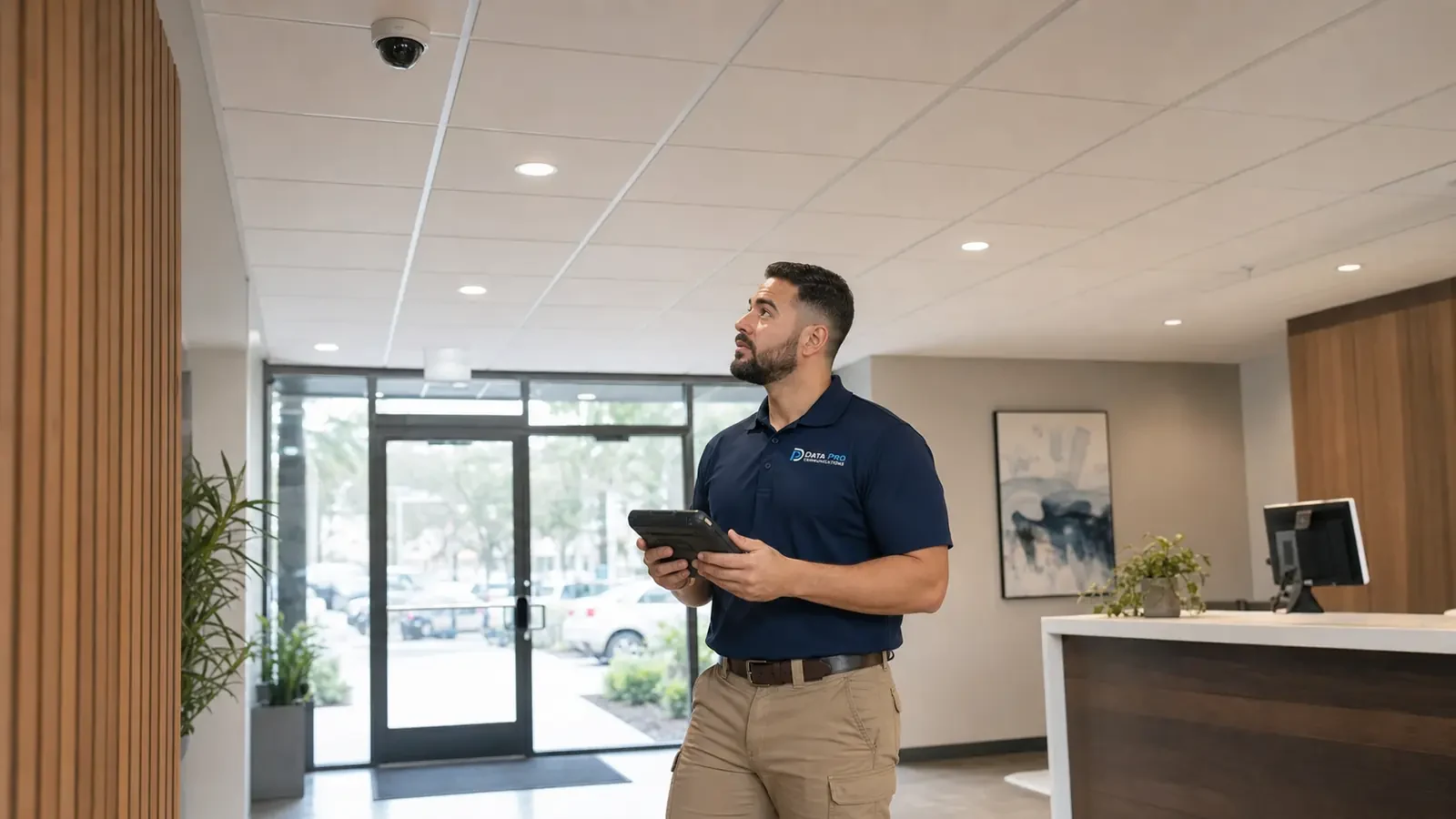
Diagnostics for existing faults that may affect the upgrade scope.
INDUSTRIES SERVED
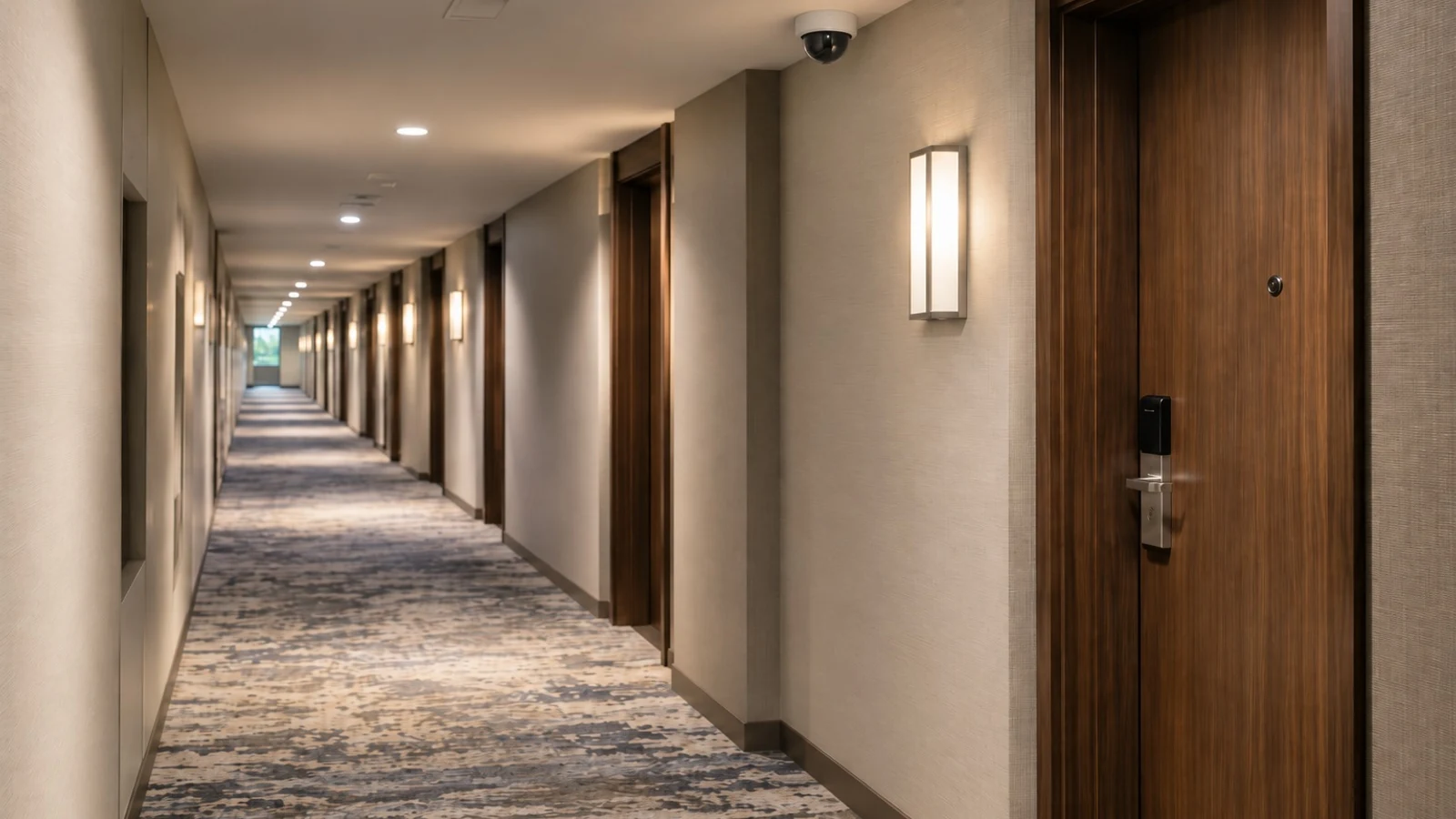
Modernization planned around guest-facing operations, service areas, extended hours, and controlled work windows.
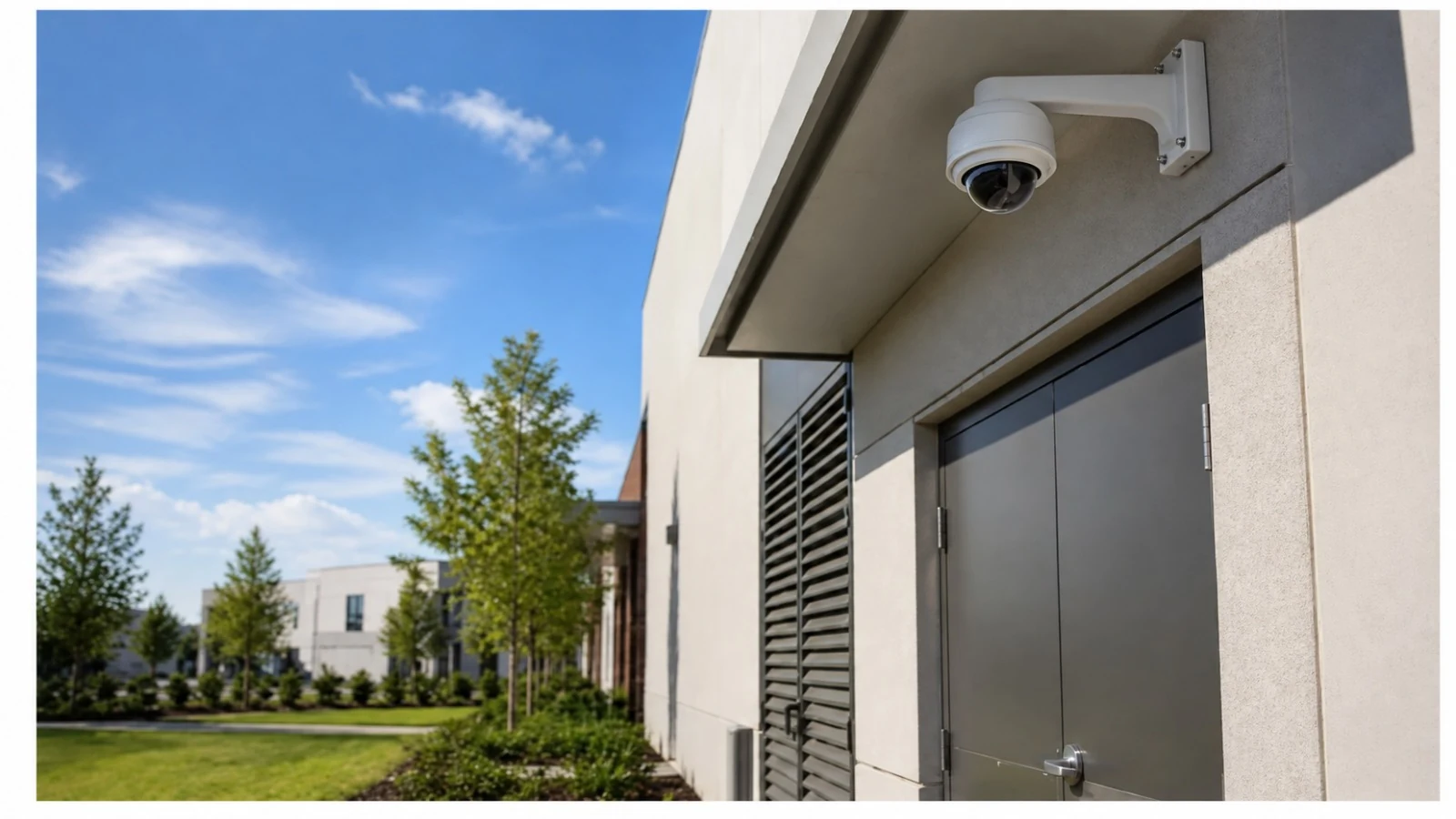
Camera and recorder improvements coordinated with transaction areas, entrances, stock access, pickup zones, and closing procedures.
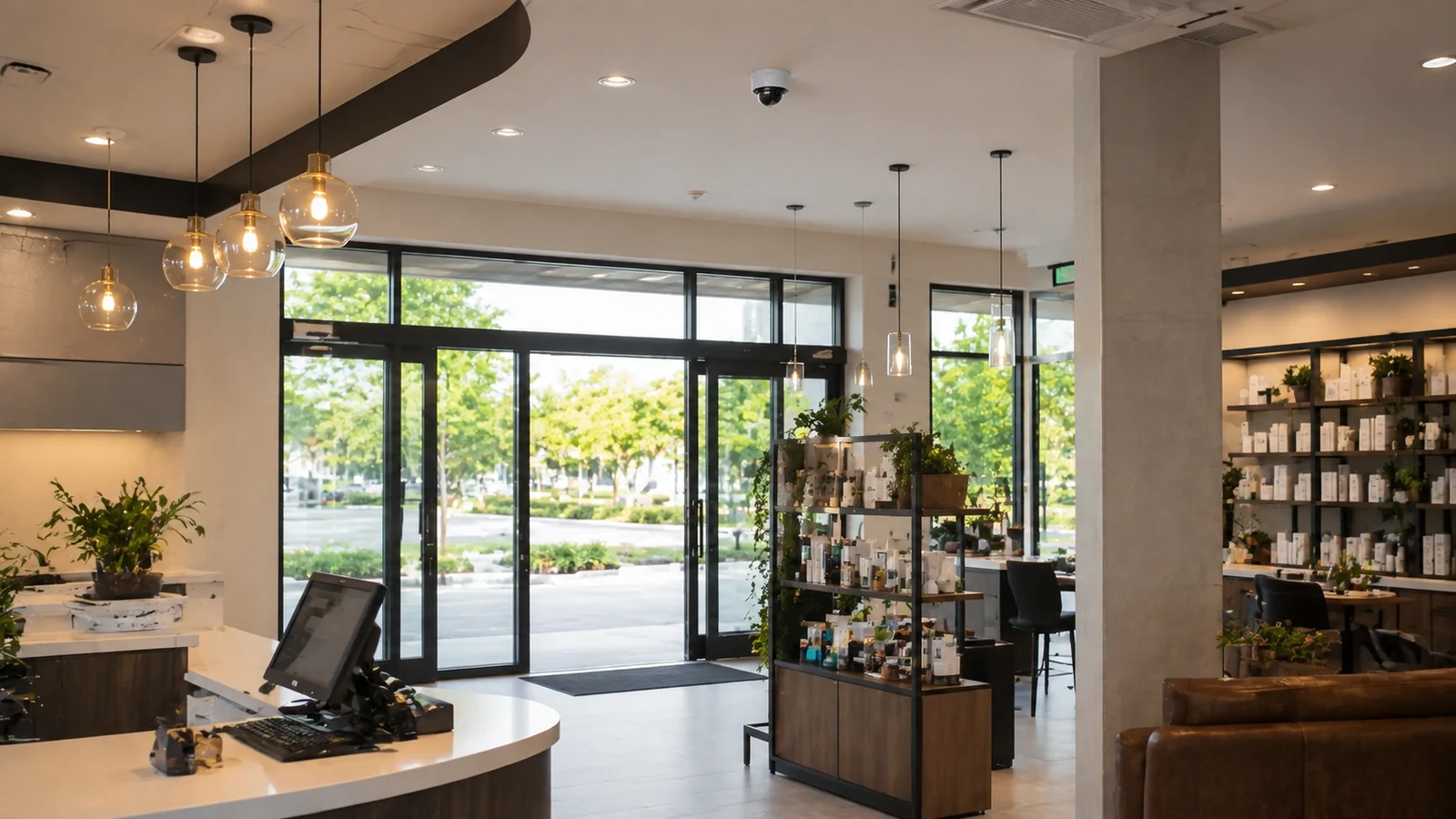
Phased upgrades with clear permissions, camera groups, telecom-room coordination, and property-management handoff.
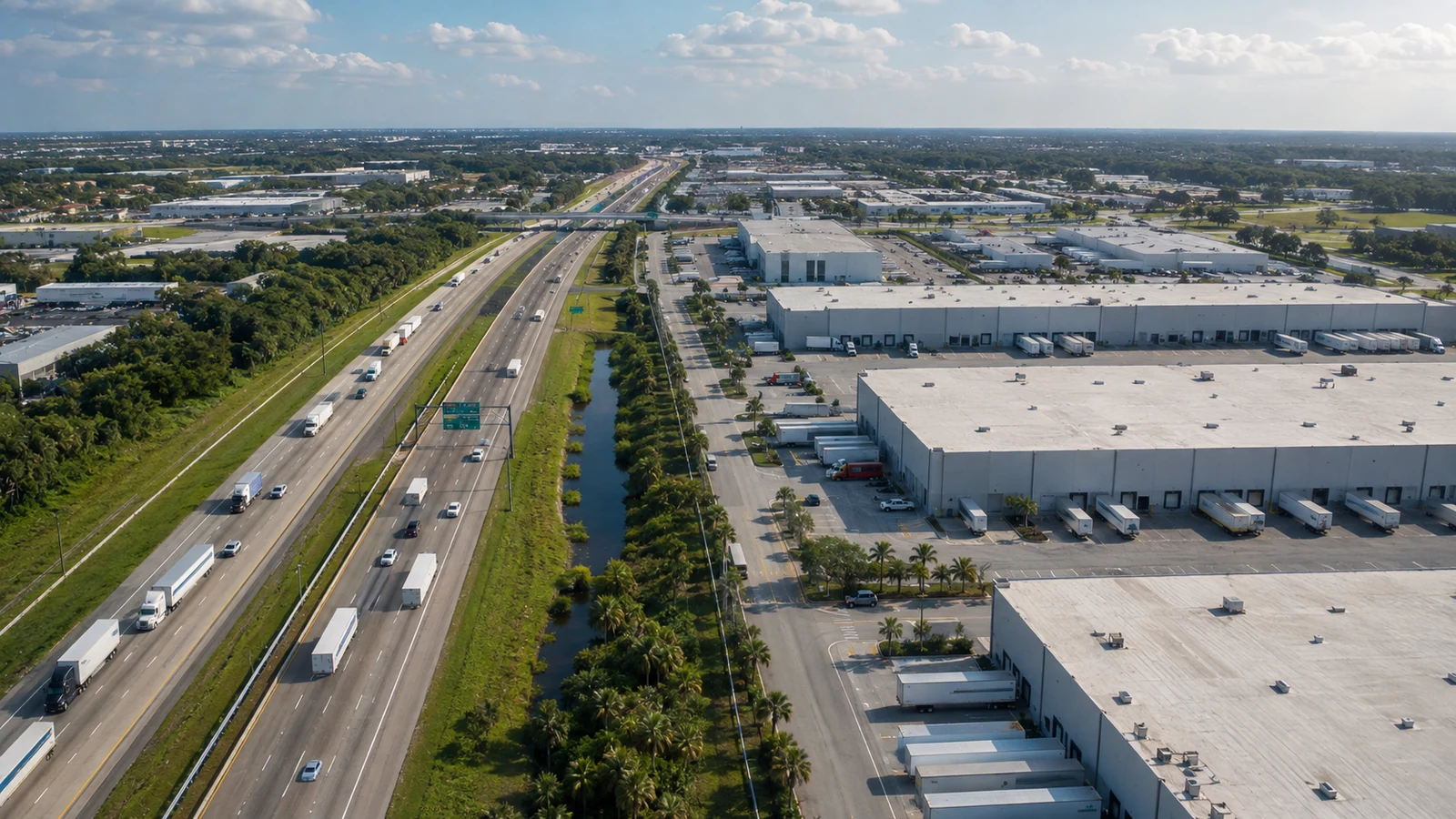
Coverage, storage, and infrastructure improvements for loading, receiving, aisles, yards, and restricted operational areas.
PROJECT PROCESS
Document installed equipment, cable and network conditions, camera views, recording behavior, user workflows, known faults, desired improvements, and operational constraints.
Test representative components, compare platform support, review PoE and throughput, estimate storage, and identify equipment or pathways suitable for continued use.
Prioritize shared infrastructure, critical views, recorder and storage needs, camera replacements, coverage corrections, access changes, and acceptance criteria for each phase.
Complete the approved phase, verify retained and new components together, update labels and documentation, train authorized users, and record the next planned phase.
FAQ
An upgrade is worth evaluating when cameras no longer provide useful detail, recorder or software support is ending, retention is inadequate, remote access is unreliable, coverage no longer matches the property, or replacement parts are difficult to support. The assessment should identify the actual constraint before equipment is selected.
Not always. Existing cameras may remain useful when their image quality, condition, compatibility, credentials, streams, mounting, and support status fit the new design. Reuse should be verified rather than assumed. Keeping an unsupported or poorly performing camera can transfer the same limitation into the modernized system.
Yes, when the recorder strategy, cabling, encoders if used, network, power, viewing software, and operational sequence support a staged transition. Each phase should define which cameras remain active, how they are recorded, how users find them, and what infrastructure must be completed before the next phase.
Some coaxial pathways may remain useful with compatible equipment or conversion methods, while other runs may be better replaced with Category or fiber infrastructure. Cable type, condition, distance, connectors, grounding, interference, bandwidth needs, and future serviceability should be reviewed before reuse is included in the scope.
Possibly. The cable category, conductor material, length, termination, pathway, physical condition, test results, and PoE requirement all matter. Higher resolution affects network and storage load, while newer cameras may require more power. Representative testing helps determine whether a run is suitable for continued use.
Review camera compatibility, channel count, incoming throughput, stream formats, licenses, storage, retention, playback, export, monitor outputs, remote viewing, user accounts, network interfaces, time settings, firmware support, and expansion needs. A recorder replacement should also account for how prior video is retained or accessed under the property policy.
Resolution can help, but it does not correct every problem. Lens choice, distance, angle, mounting height, lighting, motion, focus, compression, shutter settings, and display conditions influence usable detail. The upgrade should define the scene objective and select a complete camera and lighting approach around it.
Storage planning uses camera count, resolution, frame rate, compression, recording schedule, scene activity, audio use, and desired retention. The estimate must also fit recorder drive limits and throughput. Actual retention should be verified after normal activity has been recorded because real scenes affect consumption.
A PoE budget is the amount of power a switch or injector can provide to connected devices. New cameras may have different power needs, especially when using infrared, heaters, illuminators, or motors. Port count alone is not enough; total and per-port power, uplinks, heat, and backup-power design should be checked.
Sometimes. Repositioning, lens changes, different camera form factors, improved lighting, or a more appropriate overview and identification plan may correct a weak scene. Other gaps require an additional camera or pathway. The decision follows the operational question, obstructions, distance, and required image detail.
Planning can define work windows, temporary recording limitations, camera-by-camera sequencing, equipment-room preparation, preconfiguration, communication with responsible staff, and acceptance checks before moving to the next area. The feasible approach depends on the installed system and property operations.
Yes, when the selected recorder or management platform, internet service, supported applications, user roles, and cybersecurity requirements permit it. The upgrade can replace unsupported access methods, organize named accounts, limit privileges, verify devices, and document administrative ownership.
Update the camera schedule, names, cable labels, recorder and switch assignments, user-role notes, storage assumptions, equipment locations, system diagrams where included, and completed test results. Clear records help later phases and reduce confusion when both retained and new components are present.
Hospitality, retail, restaurant, office, parking, warehouse, multifamily, and managed commercial properties may benefit when a full replacement is not practical or necessary. The Lakehurst branch serves approved western Greater Orlando markets, with phasing based on site operations and compatibility.
The assessment reviews installed cameras, recorder, storage, cabling, PoE, network equipment, remote access, user permissions, coverage, image quality, known faults, support status, project objectives, work windows, and budget priorities. The findings support a phased recommendation with defined reuse and replacement assumptions.
Request an upgrade assessment to review reusable infrastructure, camera and recorder constraints, storage, coverage, PoE, cabling, viewing, operational continuity, and a practical modernization sequence.