
Florida-Licensed Low-Voltage Contractor
FL License #EC13016138. Licensing information is presented consistently in visible copy and structured data.
Network-Based Video Architecture for Commercial Properties
Data Pro Communications designs and installs commercial IP video surveillance systems for Orlando organizations that need scalable network cameras, organized PoE connectivity, dependable recording, and controlled remote administration.
Each deployment is planned as both a video system and a network workload. Camera resolution, frame rate, compression, switch capacity, uplinks, VLAN design, bandwidth, cybersecurity responsibilities, storage, licensing, and user access all need to work together.
PROJECT PLANNING
A network video assessment identifies camera locations, image-quality goals, recording behavior, retention, concurrent viewing, remote users, available cabling, PoE budgets, uplink capacity, network ownership, and the platform that will manage the system.
FL License #EC13016138. Licensing information is presented consistently in visible copy and structured data.
Planning is organized around operating properties, managed facilities, construction schedules, and business technology requirements.
The project scope connects device locations, cabling, equipment, configuration, testing, and turnover documentation.
Data Pro Communications - West Orlando serves the approved Lakehurst and west Orlando coverage area from the West Orlando / Lakehurst Branch.
Equipment and configuration are selected after reviewing property conditions, existing infrastructure, operating needs, and compatibility.
SERVICE OVERVIEW
IP cameras transmit video and management traffic across an Ethernet network, often receiving power through the same cable. That architecture can simplify expansion and centralized administration, but it also places measurable demands on switches, uplinks, storage, addressing, segmentation, and account security.
Data Pro Communications coordinates the camera layer with the supporting network. The design considers port density, PoE class and budget, cable distance, fiber uplinks, multicast or unicast behavior where relevant, VLAN boundaries, quality-of-service policies, remote access, firmware management, and ownership between facilities and IT teams.
The objective is a video environment that is understandable, supportable, and sized for the selected operating conditions rather than a collection of cameras attached to any available port.
CORE CAPABILITIES
Select cameras and endpoints around scene requirements, supported codecs, resolution, environmental conditions, management platform, licensing, and lifecycle expectations.
Calculate port count, device power draw, switch PoE capacity, uplink needs, redundancy expectations, and growth allowance before cameras are assigned.
Coordinate segmentation, IP addressing, naming, access policies, time services, and management responsibilities with the organization responsible for the network.
Estimate video traffic from configured streams and review access-switch, aggregation, wireless bridge, and wide-area constraints that could affect live or recorded video.
Align recording servers, network video recorders, software, licenses, storage, health monitoring, and retention policies with the intended camera workload.
Configure authorized user roles, secure remote-access methods, device names, diagrams, port maps, credentials handoff, and operating documentation for ongoing management.
ORLANDO SERVICE CONTEXT
West Orlando properties often combine guest networks, office systems, building controls, point-of-sale environments, access control, voice, and security devices across multiple telecommunications rooms. Adding IP video without a defined architecture can consume PoE capacity, crowd uplinks, complicate troubleshooting, or create unclear responsibility between vendors and internal IT.
Hospitality and entertainment operations near International Drive may need cameras distributed across towers, parking areas, service corridors, receiving zones, and remote buildings. Warehouses and managed properties may have long cable routes, fiber-connected buildings, outdoor enclosures, or staged expansion. Professional offices may place greater emphasis on segmentation, user roles, auditability, and controlled remote access.
Planning for Lakehurst, International Drive, the Convention Center area, Universal Orlando area, Doctor Phillips, Lake Buena Vista, Sand Lake Road, and Kirkman Road begins with the actual topology and the team that will own the network after turnover.
COMMERCIAL USE CASES
Use fiber uplinks, managed PoE switching, consistent addressing, and centralized recording to connect cameras across separated buildings and service areas.
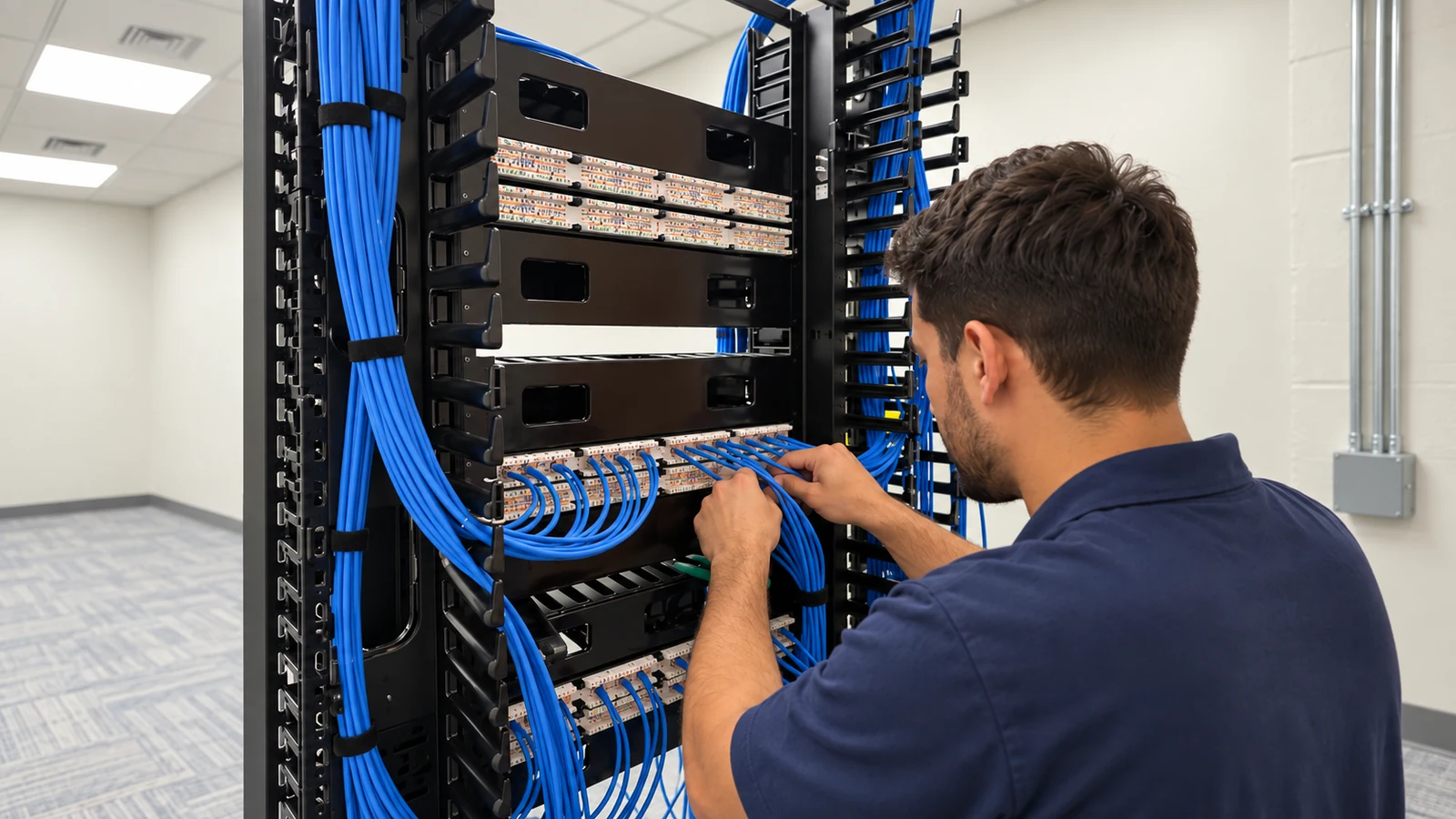
Coordinate camera ports, PoE budgets, uplink capacity, rack space, labeling, and management across floors, wings, or back-of-house telecommunications rooms.
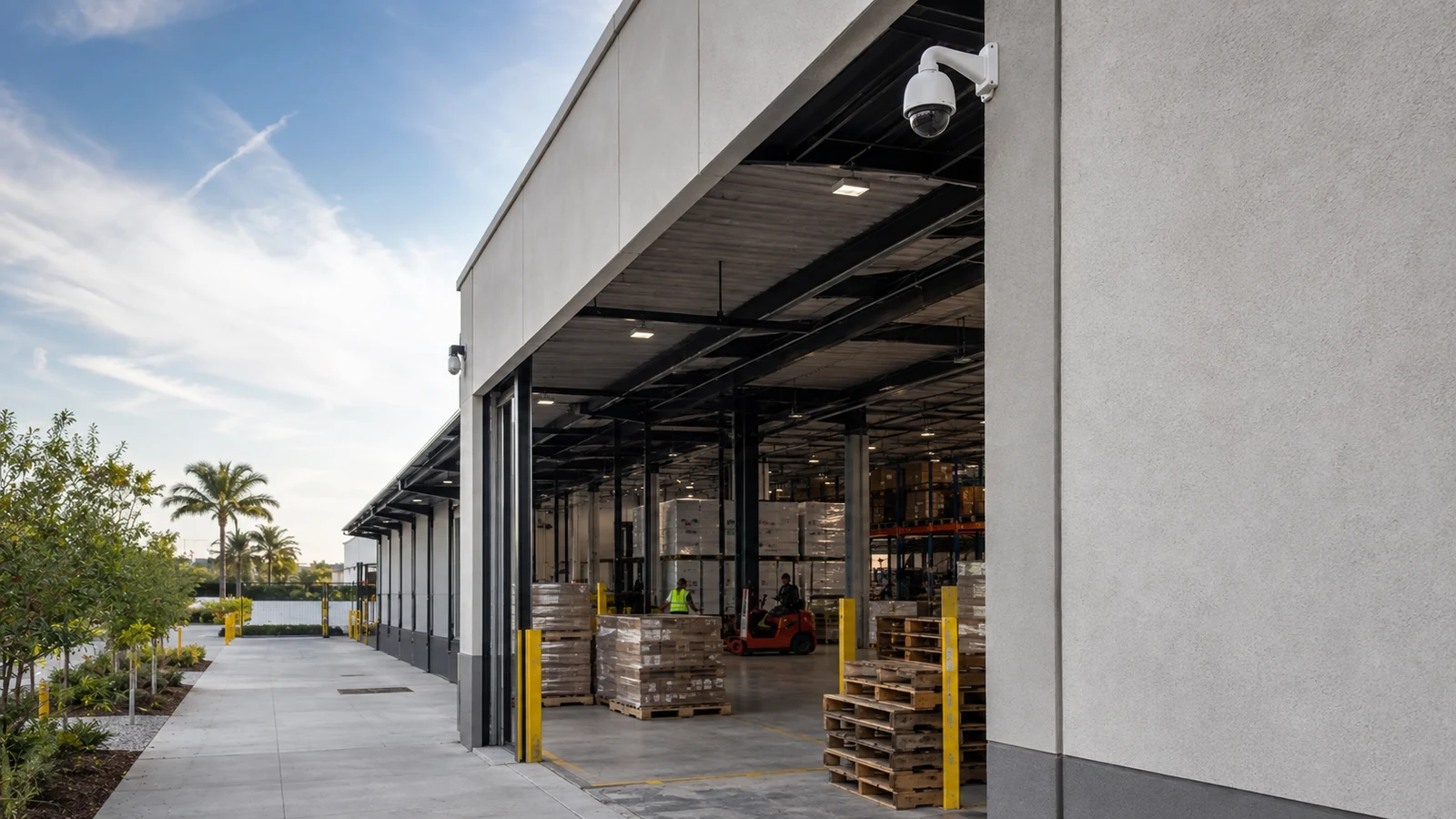
Plan switch density, bandwidth, storage, device naming, and staged deployment for docks, aisles, staging zones, yards, and perimeter views.
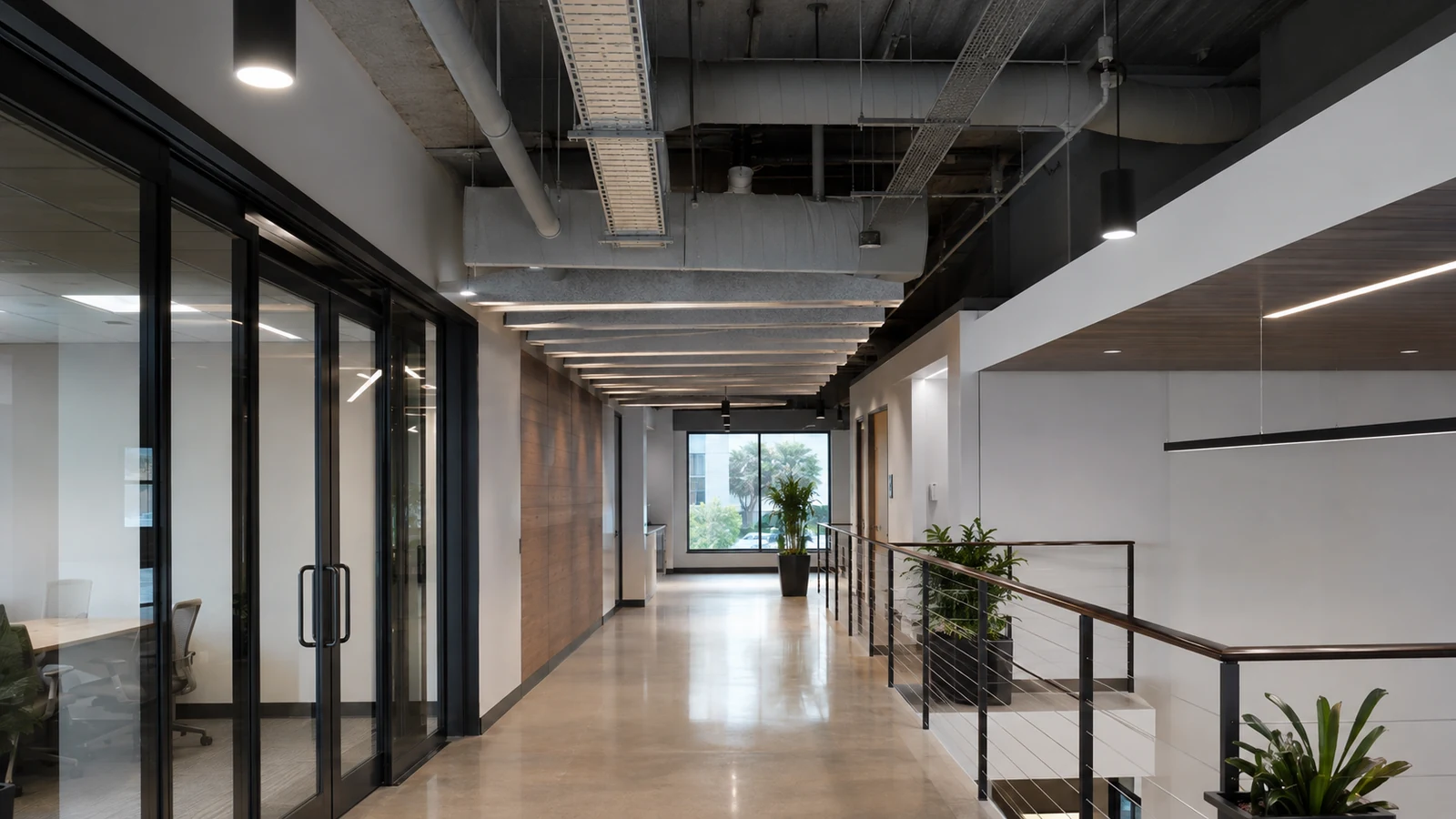
Separate video traffic appropriately, restrict administrative access, document accounts, and align recording with the organization’s technology and privacy policies.
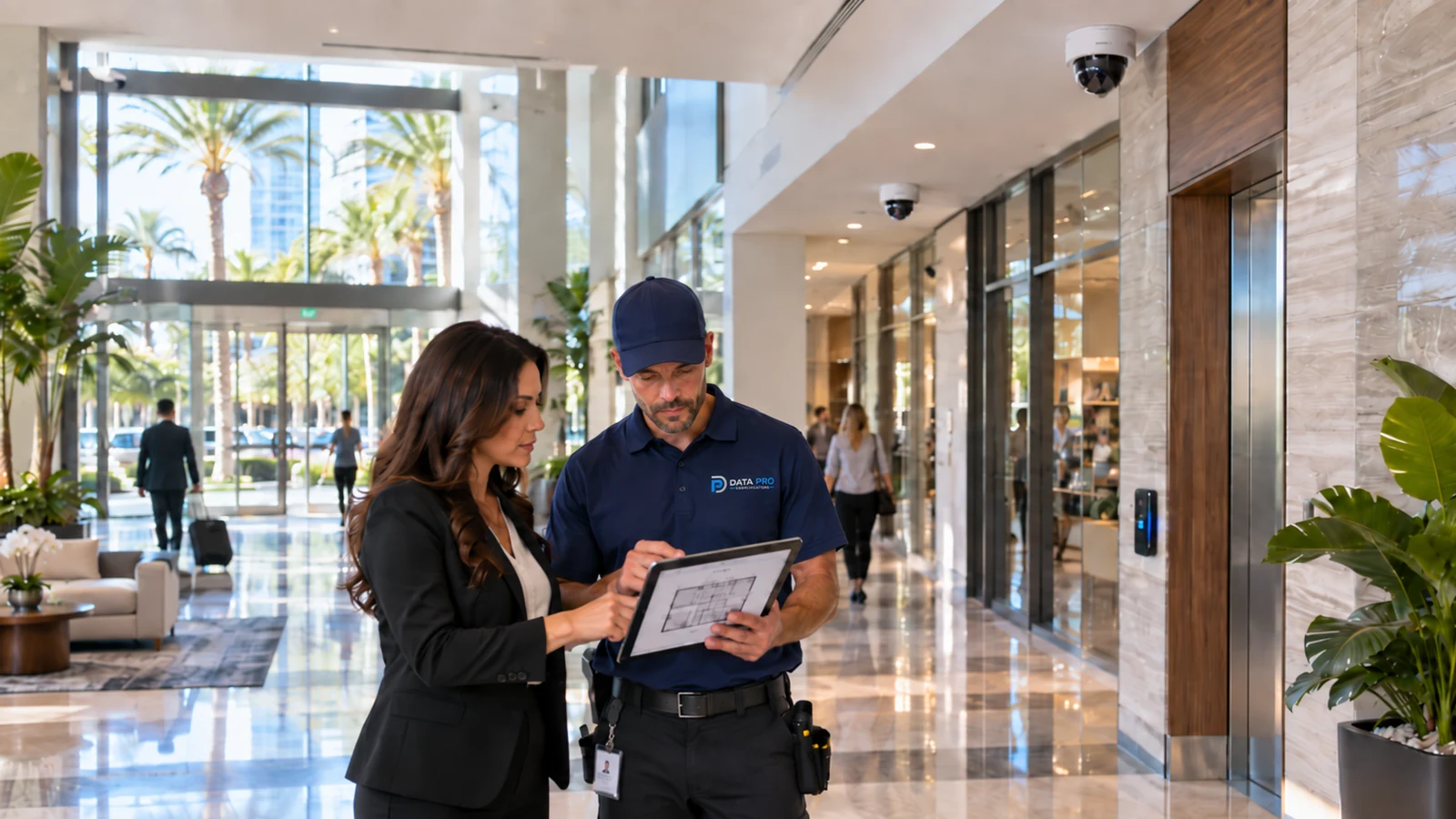
Connect vehicle entrances, clubhouses, mail areas, pedestrian access, and management spaces through a supportable network video topology.
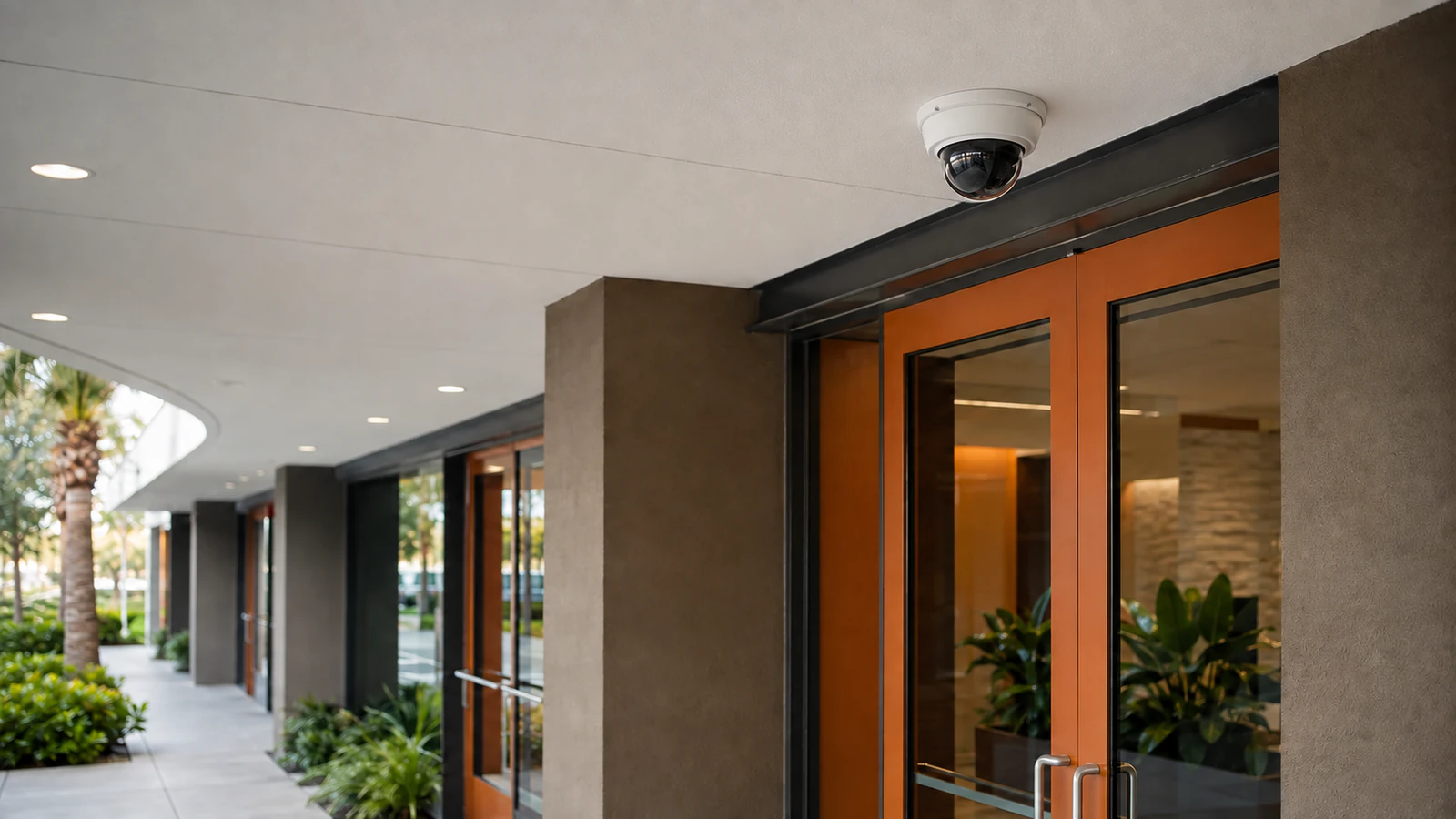
Standardize device naming, addressing, stream profiles, recording rules, user roles, and documentation across multiple properties without assuming every site has identical infrastructure.
RELATED SERVICES
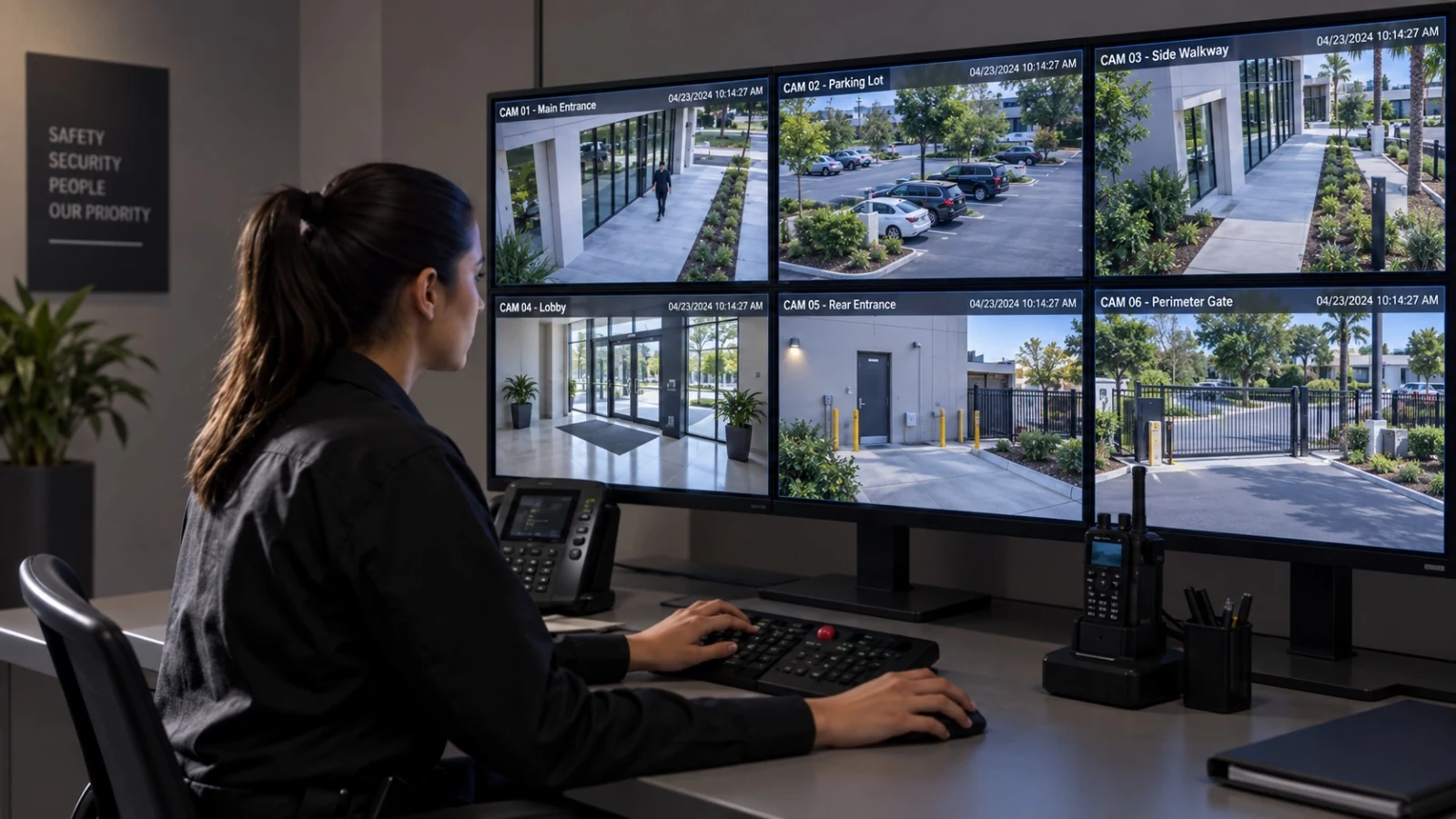
For projects centered on physical coverage design, camera placement, mounting, cabling, recording setup, and commissioning.
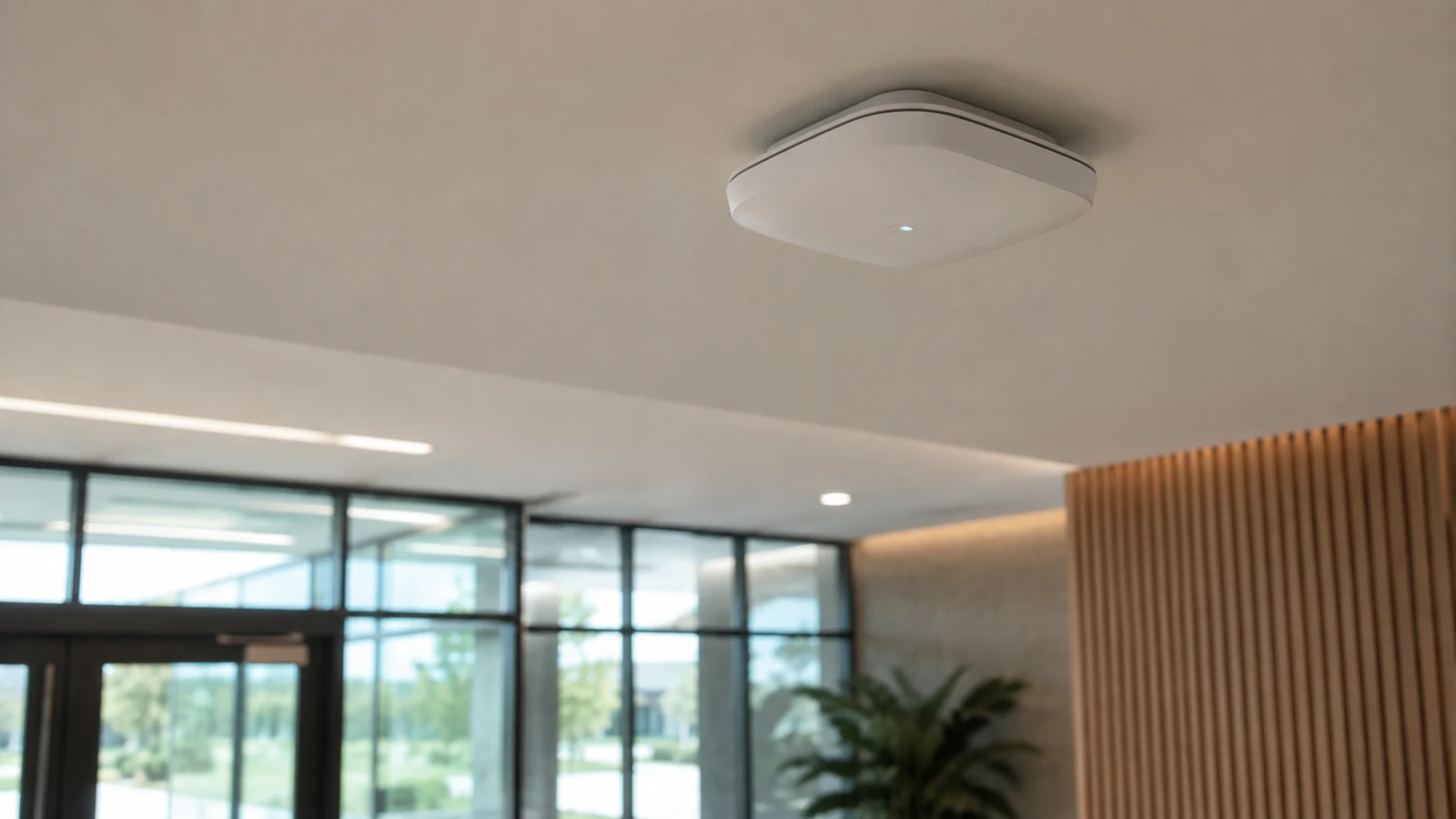
For switching, rack, uplink, pathway, and network improvements needed to support connected video systems.
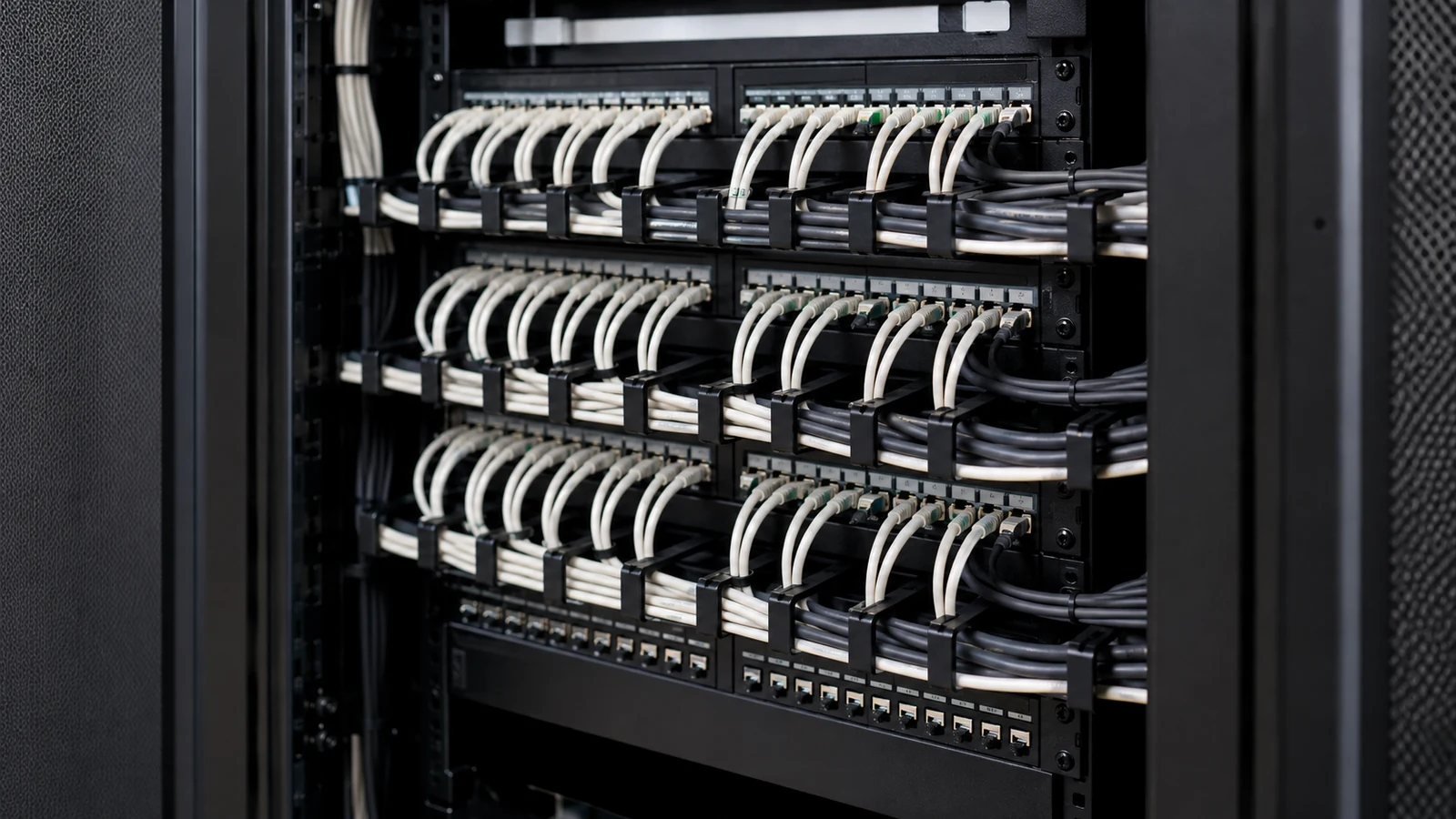
For long-distance or interbuilding uplinks where copper distance and bandwidth constraints require fiber.
INDUSTRIES SERVED
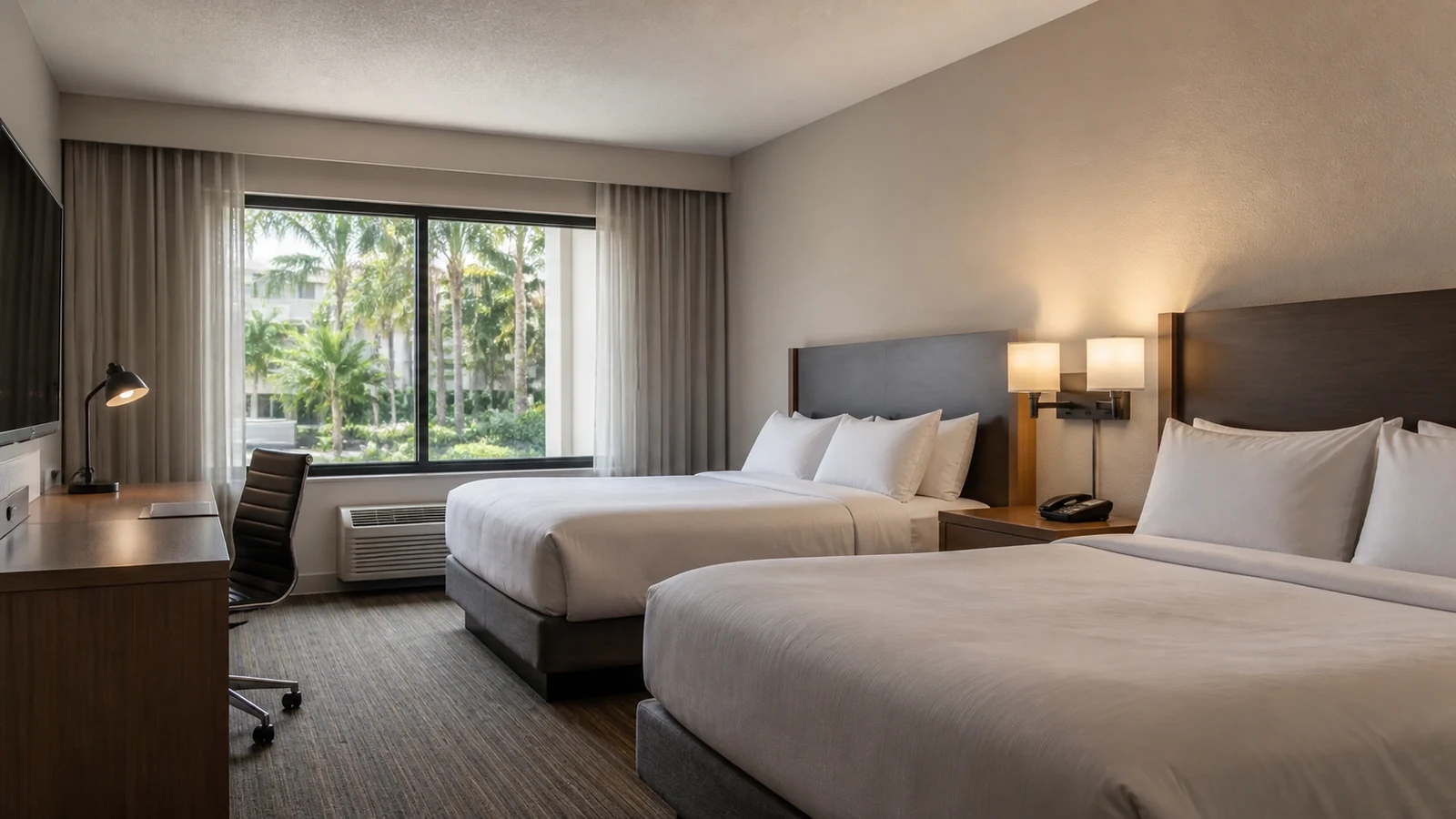
Distributed PoE and recording architecture for guest, service, parking, and receiving areas.
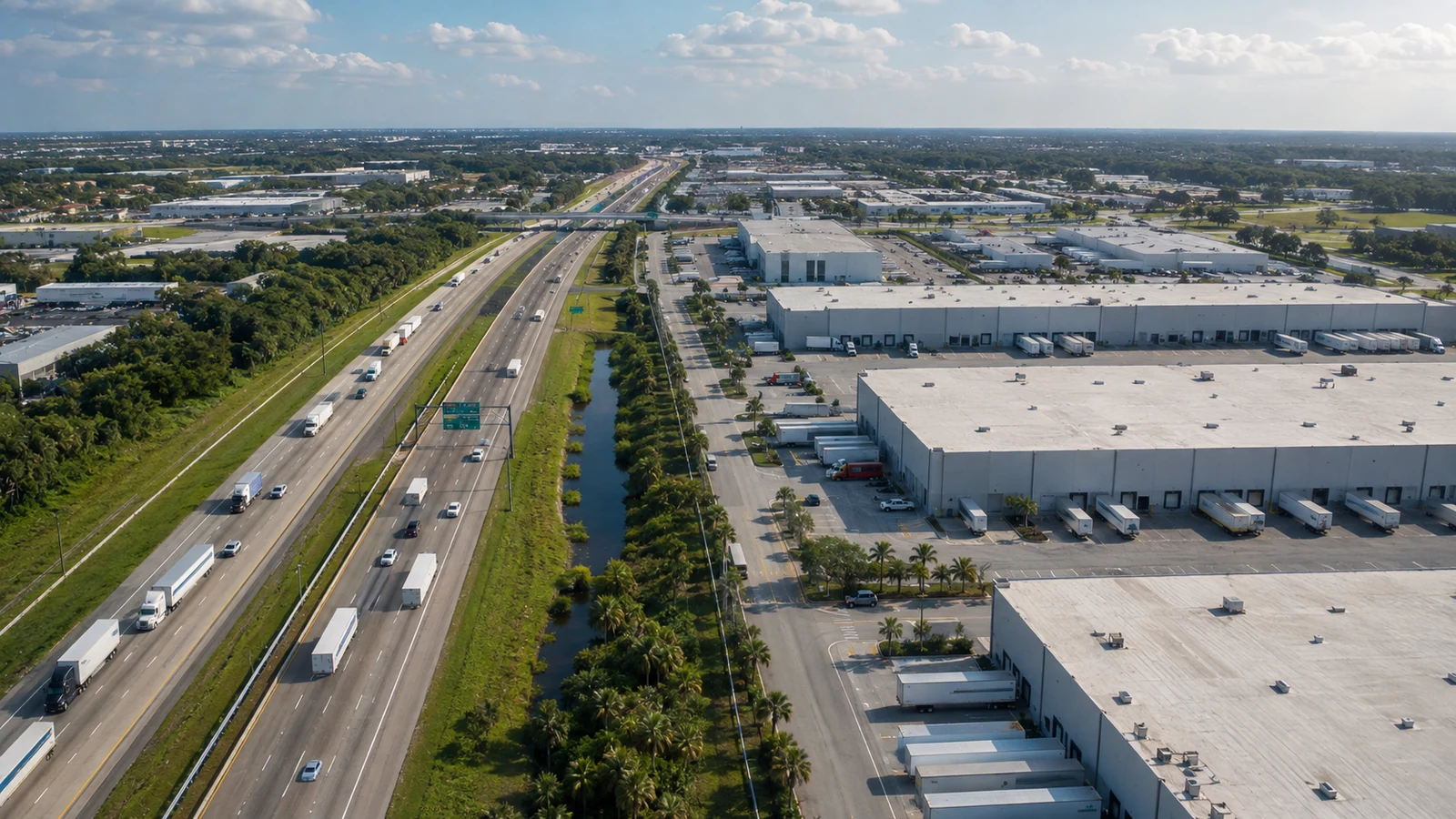
High camera counts, long pathways, uplink planning, and storage requirements across large sites.
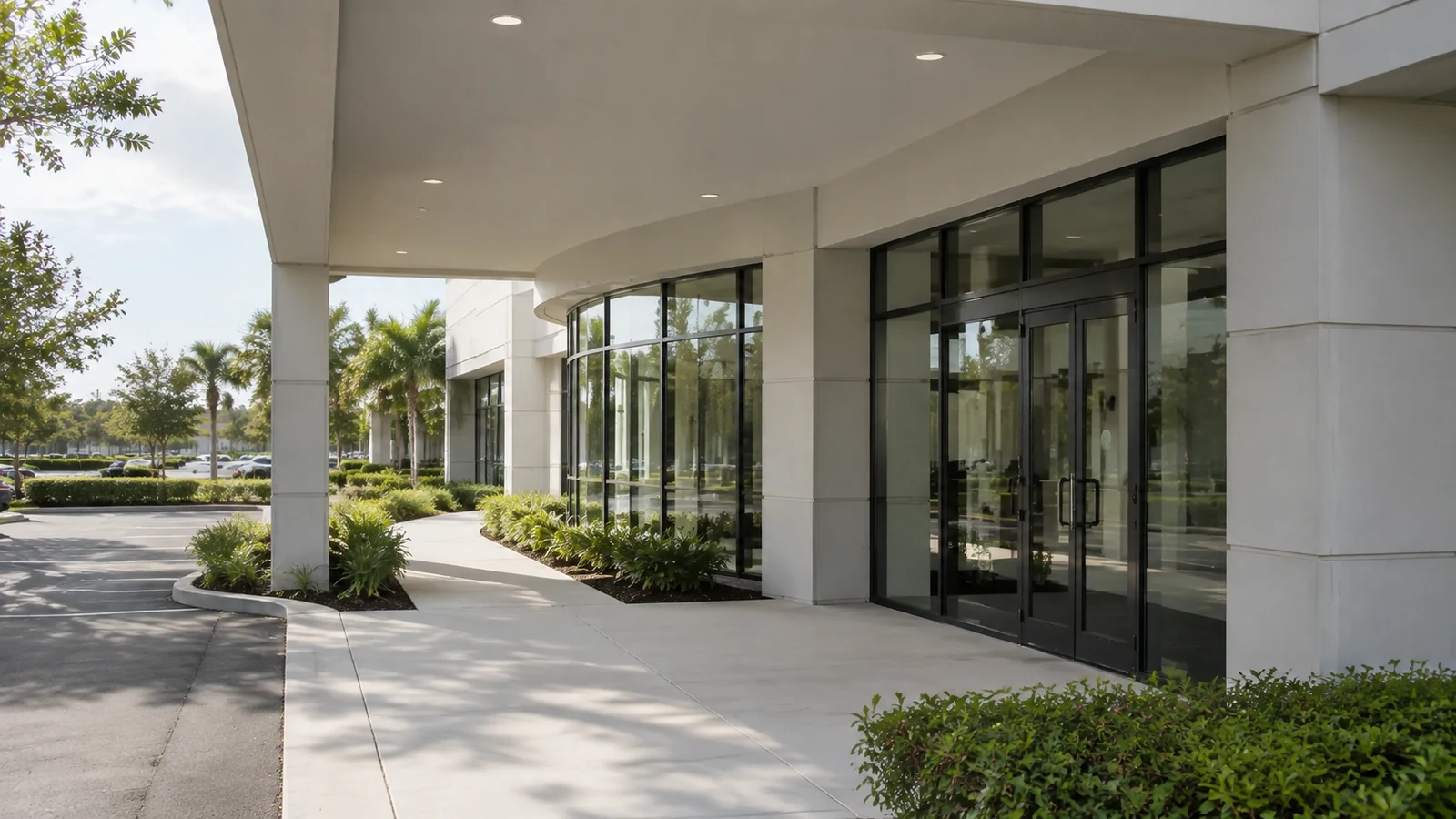
Segmented network video, controlled administration, and documented technology ownership.
PROJECT PROCESS
Inventory camera locations, cabling, switches, PoE capacity, uplinks, addressing, network ownership, recording platforms, users, retention, and expected viewing patterns.
Define endpoints, stream assumptions, switching, power, VLAN and address coordination, uplinks, storage, licenses, remote access, naming, and documentation requirements.
Install cameras and cabling, connect managed ports, apply approved network settings, configure recording and users, and coordinate changes with the responsible IT team.
Verify live and recorded streams, bandwidth behavior, PoE status, recording health, playback, remote access, permissions, time synchronization, documentation, and escalation ownership.
FAQ
An IP system uses network-connected cameras, switching, addressing, video streams, storage, software, and user accounts as one architecture. Physical camera placement still matters, but performance also depends on PoE capacity, bandwidth, segmentation, uplinks, cybersecurity responsibilities, licenses, and the recording platform.
Power over Ethernet can deliver network connectivity and electrical power to a compatible camera over one cable. Each switch has per-port limits and a total PoE budget, so device power requirements, heaters, illuminators, PTZ functions, port count, and future growth need to be calculated.
Many organizations separate video devices to improve management and limit unnecessary access, but the design must follow the owner’s network policy. A video VLAN still needs approved routing, time services, management access, recording connectivity, remote-access controls, and documentation.
Bandwidth is estimated from camera count, resolution, frame rate, codec, bit-rate mode, scene activity, primary and secondary streams, live viewing, playback, and recording behavior. Uplinks and remote connections should be evaluated against the configured workload, not only camera specifications.
Possibly. The assessment should verify available ports, PoE class and total budget, uplink capacity, switch management features, firmware support, rack space, environmental conditions, and whether the organization allows security devices on those switches.
Fiber may be appropriate for interbuilding connections, distances beyond standard copper limits, high-capacity uplinks, electrically noisy environments, or pathways where isolation and future bandwidth matter. Media conversion, switch optics, enclosures, power, and testing must be included in the design.
Higher resolution can increase storage and bandwidth, but the result also depends on frame rate, compression, bit rate, scene movement, recording schedule, and retention. Storage planning should use the actual proposed stream settings and include operational headroom.
A network video recorder is commonly an integrated appliance for recording and managing cameras. Video management software may run on dedicated servers or appliances and can provide broader management, integration, health, and scaling options. The right choice depends on camera count, features, licensing, resilience, and support model.
Authorized remote viewing may be configured through a supported platform and an approved secure-access method. User roles, multifactor options where available, account ownership, firewall or cloud requirements, device updates, and offboarding procedures should be addressed before access is enabled.
A consistent plan uses approved static addresses or reservations, descriptive device names, documented switch ports, synchronized time, location labels, and an inventory that matches the recording platform. This reduces confusion during support and future expansion.
Yes, if the original design leaves sufficient switch ports, PoE power, uplink bandwidth, address space, storage, software licenses, rack capacity, and pathway access. Expansion assumptions should be documented so future additions do not exceed hidden limits.
Ownership should be explicit. Facilities, security, IT, a managed provider, or a combination may be responsible for accounts, firmware, switching, backups, remote access, retention, and incident response. The handoff should identify responsibilities and approved escalation contacts.
Local recording and viewing can operate without public internet access when the selected platform supports it. Cloud management, mobile access, updates, notifications, or off-site services may require internet connectivity. Those dependencies should be documented and secured.
Testing includes camera streams, frame quality, recording, playback, export, time synchronization, PoE status, switch errors, uplink utilization, user roles, remote access, storage health, failover features when included, and documentation accuracy.
Request an IP video assessment and provide the property layout, camera count, current switch and recorder information, retention target, remote-user needs, IT contact, and any planned network changes. The West Orlando / Lakehurst Branch can be reached at (407) 994-3227.
Schedule an assessment to review cameras, PoE, switches, VLAN and addressing requirements, uplinks, storage, remote access, and the operational team that will manage the system.