
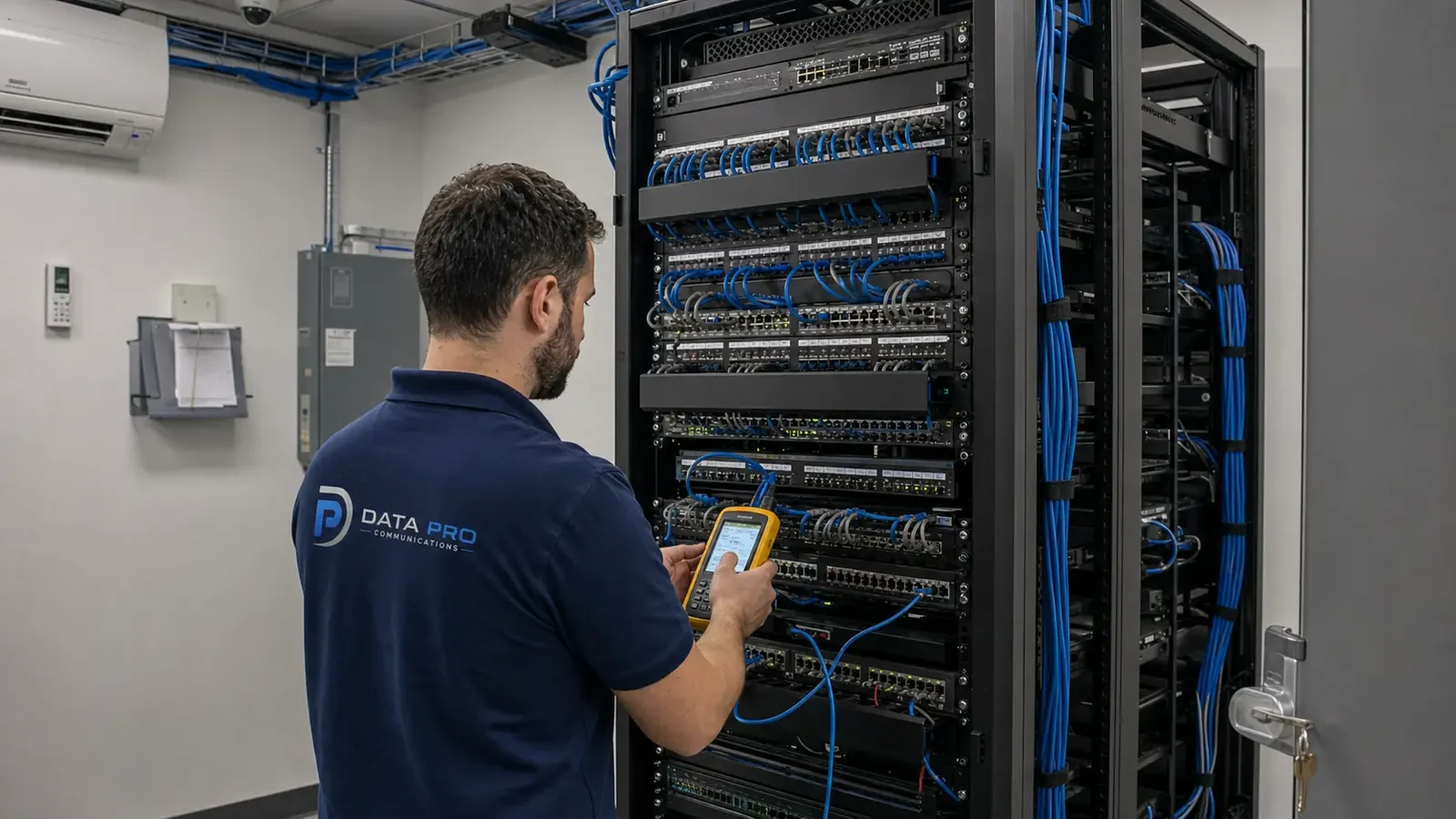
Multi-System Troubleshooting
Investigate reported symptoms across cameras, recorders, access control, intercoms, cabling, racks, switches, PoE, power supplies, and network interfaces within the approved scope.
COMMERCIAL MULTI-SYSTEM TROUBLESHOOTING AND CARE
Low voltage service and maintenance helps Orlando property teams investigate faults, restore documented functions where feasible, understand system condition, and plan practical repairs or upgrades across cameras, access control, intercoms, cabling, racks, recorders, PoE, and related network dependencies. Data Pro Communications approaches service as a controlled diagnostic process rather than a promise that every issue can be repaired on the first visit.
Results depend on access, records, equipment condition, manufacturer support, credentials, parts, licensing, network ownership, prior changes, and the exact fault. Response time, restoration, uptime, warranty coverage, and remote support are not guaranteed; the approved service scope should define priorities, access windows, responsibilities, and the point at which replacement is more practical than continued repair.
PROJECT PLANNING
A useful service request identifies affected devices, locations, symptoms, timing, recent changes, operational impact, available records, administrator access, safe work windows, and the property contact authorized to approve findings and next steps.
SERVICE OVERVIEW
A service engagement may include intake, visual inspection, device and link checks, power and PoE review, rack and patching assessment, recorder or controller review, configuration comparison, cable testing, fault isolation, labeling and documentation cleanup, repair or replacement recommendations, expansion assessment, approved corrective work, and post-work verification. The work order should identify included systems, access, exclusions, rates or authorization limits, and the evidence expected at closeout.

CORE CAPABILITIES
Investigate reported symptoms across cameras, recorders, access control, intercoms, cabling, racks, switches, PoE, power supplies, and network interfaces within the approved scope.
Trace device power, physical links, switch ports, addressing inputs, controller or recorder relationships, account access, licenses, and recent changes before recommending a correction.
Inspect patching, labels, cable condition, terminations, pathway exposure, rack power, ventilation, port mapping, uplinks, and physical organization that may affect serviceability.
Check approved recorder, access controller, intercom, or management-appliance functions, storage or event symptoms, connected devices, configuration records, and support status without promising recovery.
Reconcile device lists, cable labels, rack records, drawings, credentials ownership, capacity, unsupported components, and constraints before adding devices or changing architecture.
Where contracted, define inspection intervals, priority systems, test samples, cleaning or condition checks, record updates, escalation criteria, access windows, and owner responsibilities.
COMMERCIAL USE CASES
Investigate low-voltage issues around guest schedules, back-of-house access, distributed rooms, recorder or network dependencies, and carefully controlled work windows.
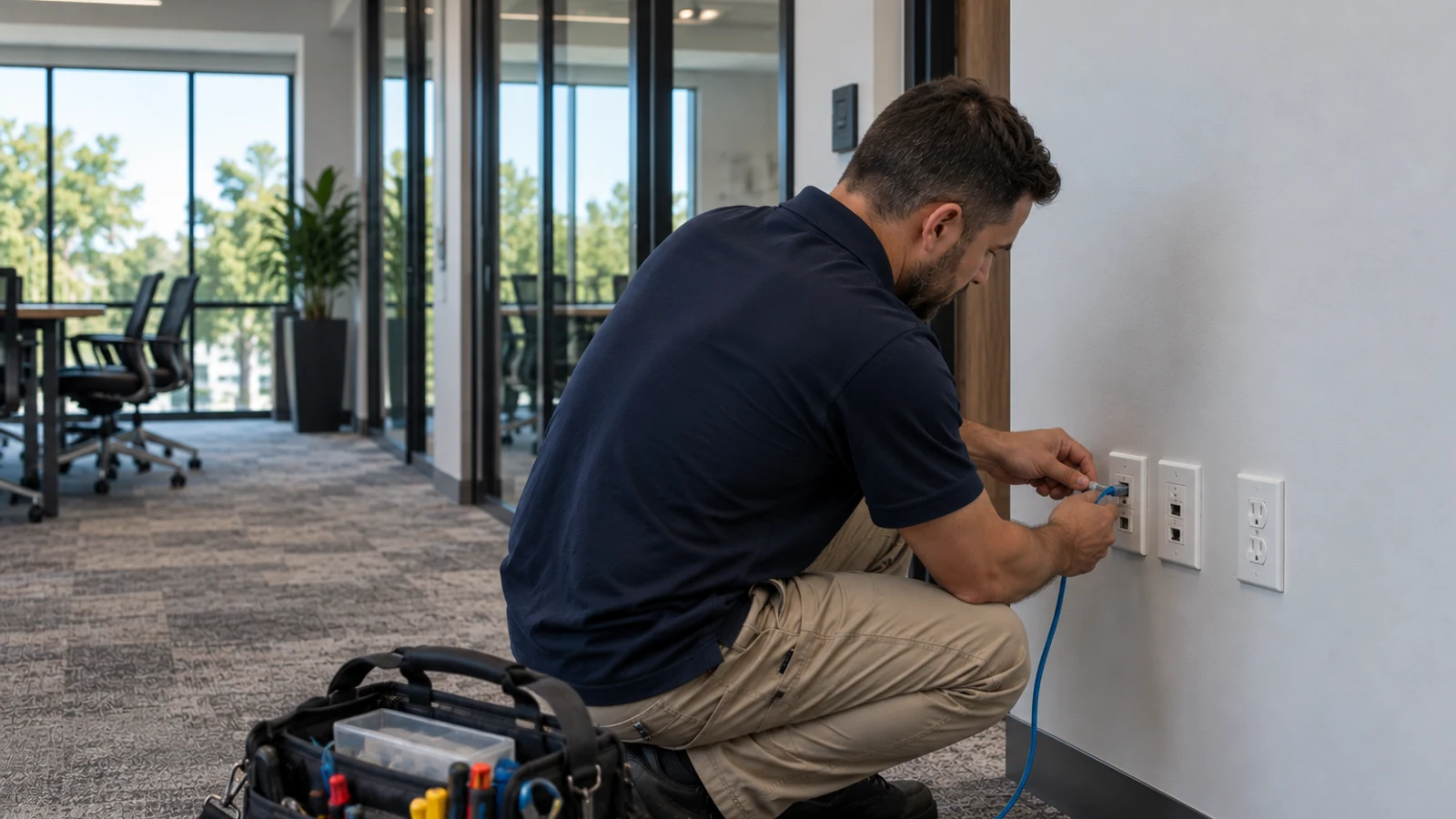
Address offline devices, access events, intercom calls, cabling faults, rack condition, documentation gaps, and tenant or base-building responsibility.

Review cameras, gates, access doors, long cable routes, high or exposed devices, network closets, shifts, and operational zones that complicate diagnosis.
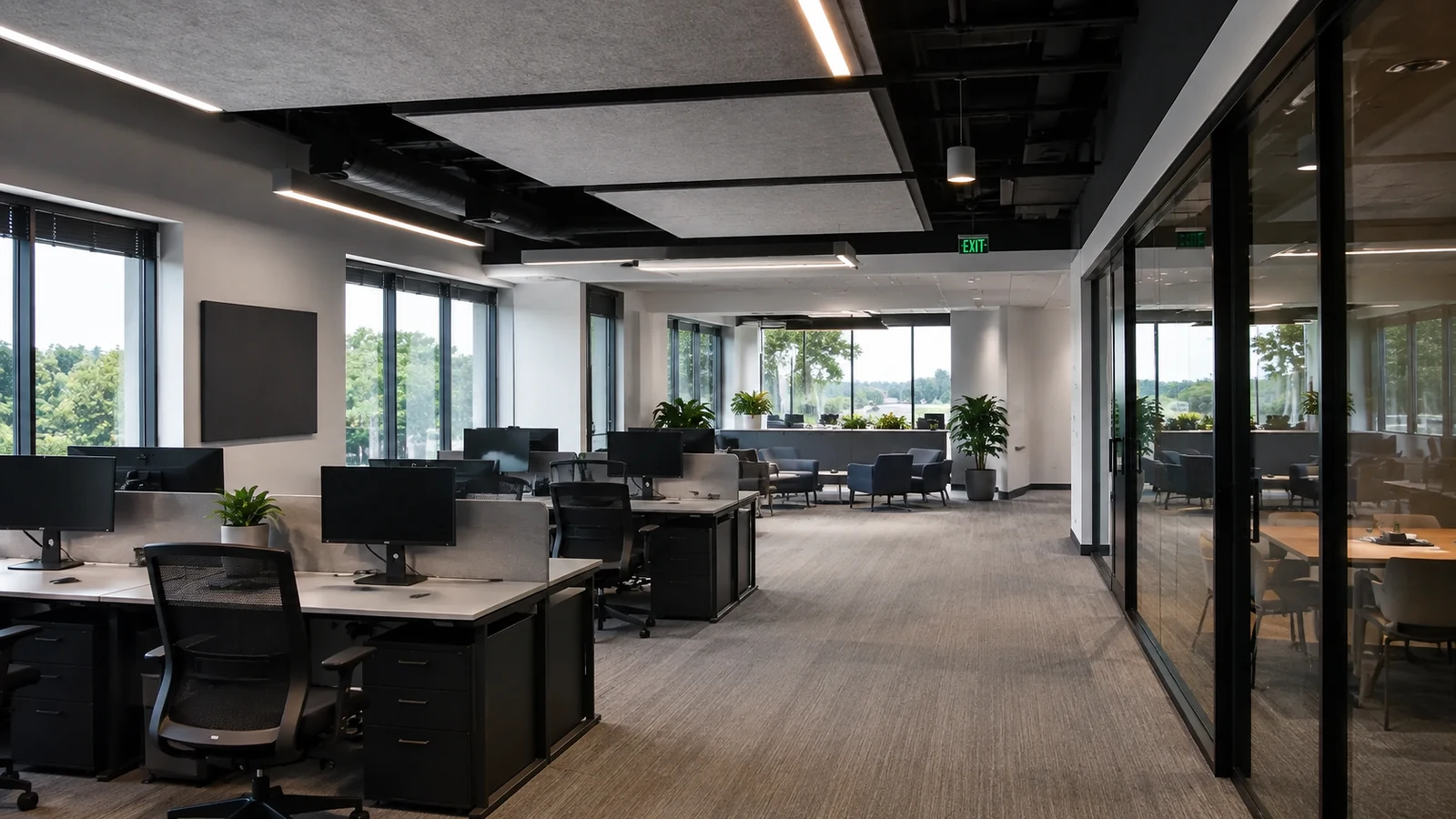
Coordinate investigation with site access, privacy, operational policy, responsible IT, approved records, and scheduling defined by the organization.

Assess common-area systems, gates, access devices, cameras, intercoms, equipment rooms, resident-impact windows, and management responsibilities.
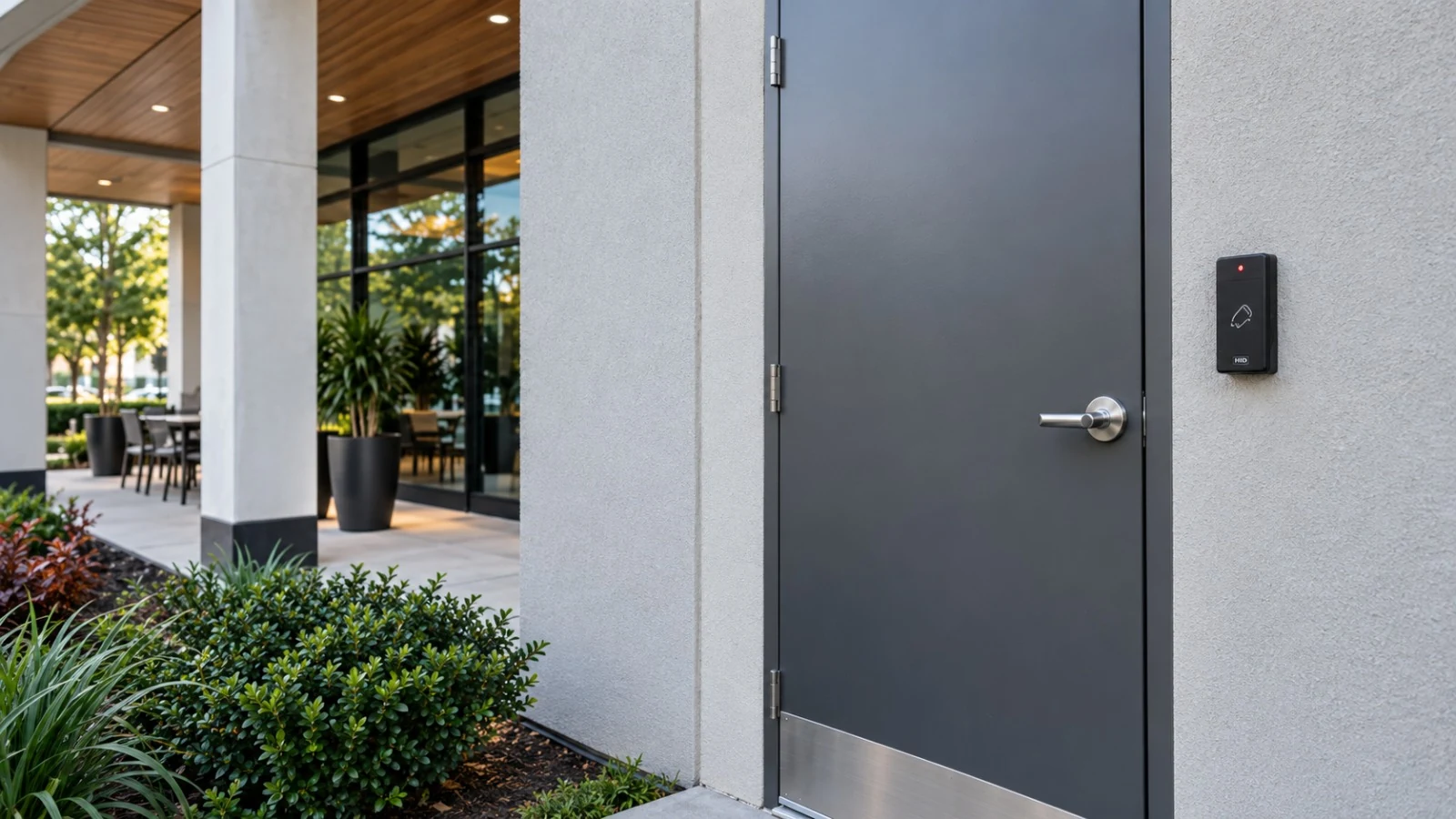
Develop repeatable site records, device naming, priority levels, escalation paths, spare strategies, and repair-versus-replacement decisions across varied properties.
TECHNICAL PLANNING
Keep a current system inventory, administrator list, network contact, configuration record, and change log. Report symptoms with device names, locations, timestamps, recent changes, and business impact so diagnosis starts with usable evidence.
Troubleshooting may depend on safe physical access, accurate credentials, supported equipment, licenses, replacement parts, network and internet access, switch and PoE data, power, storage condition, manufacturer resources, prior drawings, and cooperation from responsible IT or trades.
Service does not guarantee same-day response, emergency response, repair, restoration time, uptime, data recovery, manufacturer warranty coverage, replacement-part availability, remote access, or unlimited support. Managed IT, monitored security response, electrical, door, gate, and life-safety work remain separately assigned.
CONNECTED SYSTEMS
An offline camera can involve power, cabling, switch ports, VLANs, addressing, uplinks, recorder channels, storage, credentials, licensing, or the device itself. The diagnostic path should preserve responsibility boundaries.
Door or intercom symptoms may involve field devices, controllers, stations, power supplies, locks, network paths, software, permissions, schedules, and related trades; entry and egress decisions remain governed separately.
Findings should compare supported repair options, condition, recurring risk, capacity, compatibility, downtime, documentation, parts, lifecycle, and owner priorities without presuming that replacement is always required.
ORLANDO SERVICE CONTEXT
Lakehurst and International Drive properties often operate long hours and combine guest areas, offices, loading zones, parking, amenities, equipment rooms, and tenant spaces. A practical Orlando service plan considers who can provide access and credentials, when systems may be interrupted, how symptoms affect operations, which network or facilities teams own dependencies, and whether a documented phased correction is preferable to an open-ended repair effort.
RELATED SERVICES
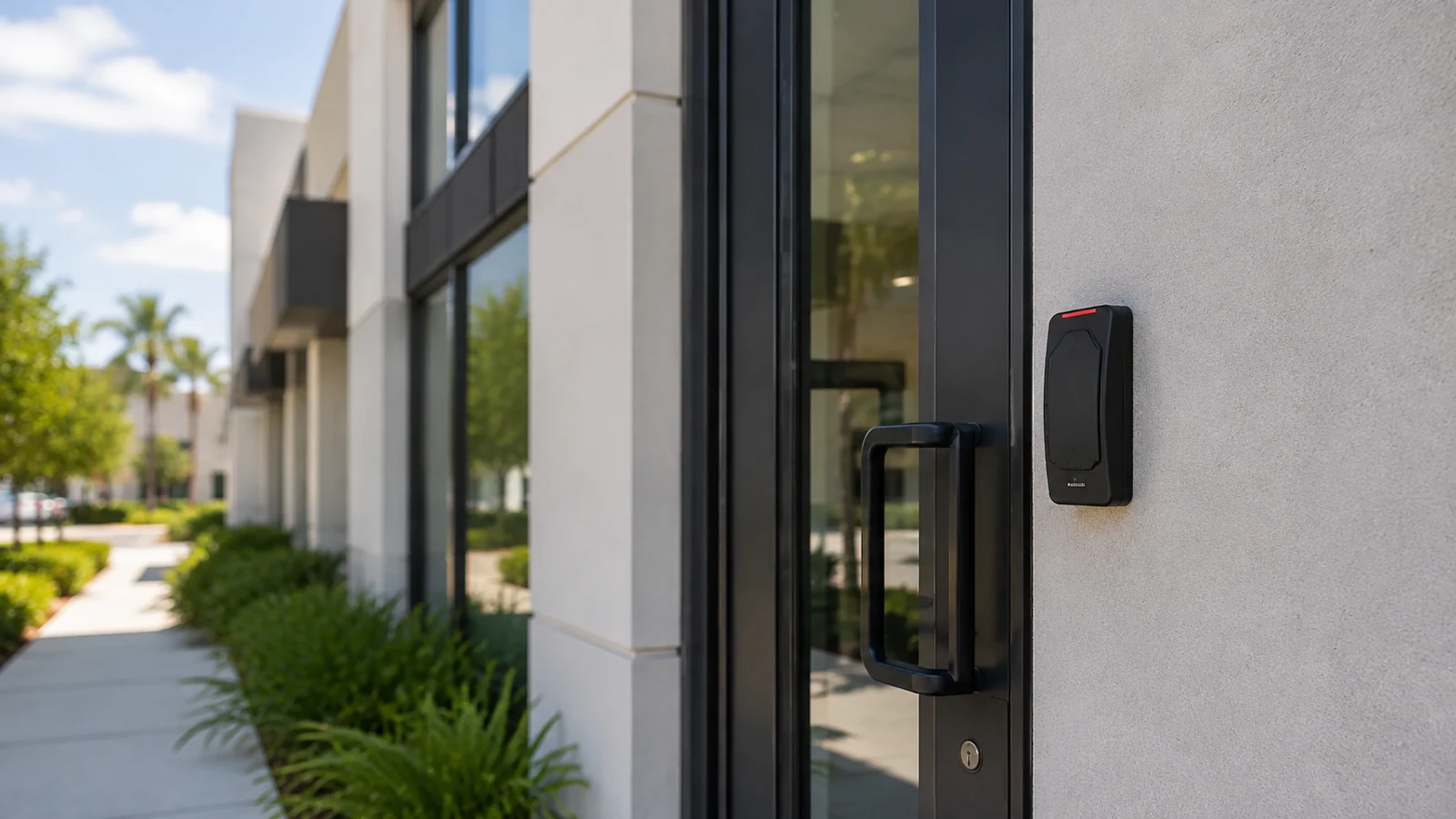
The system page defines credentials, controllers, permissions, door states, and commissioning that may be evaluated during a broader service visit.
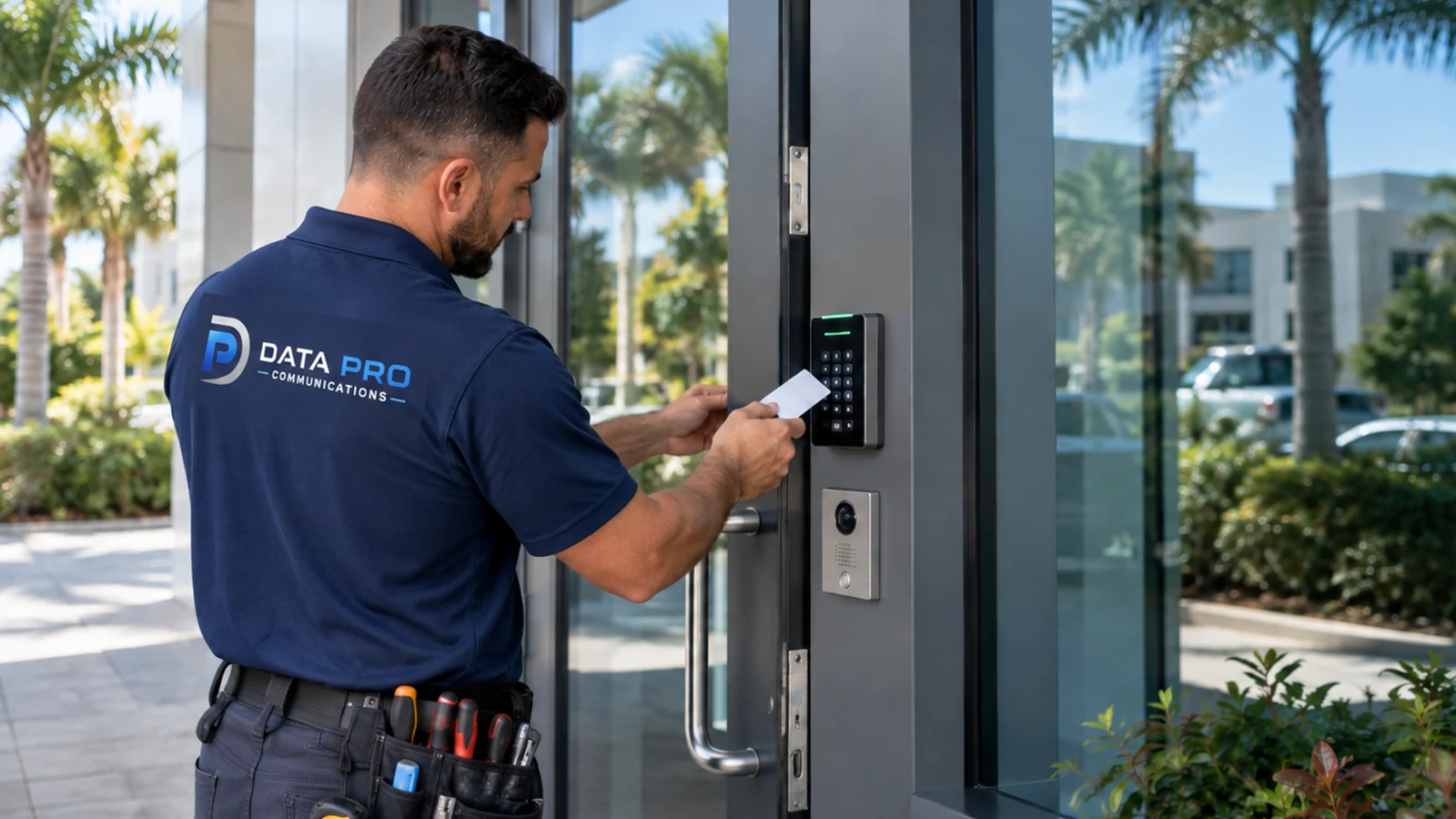
Switching, PoE, VLANs, uplinks, addressing, racks, and capacity often affect connected low-voltage device symptoms.
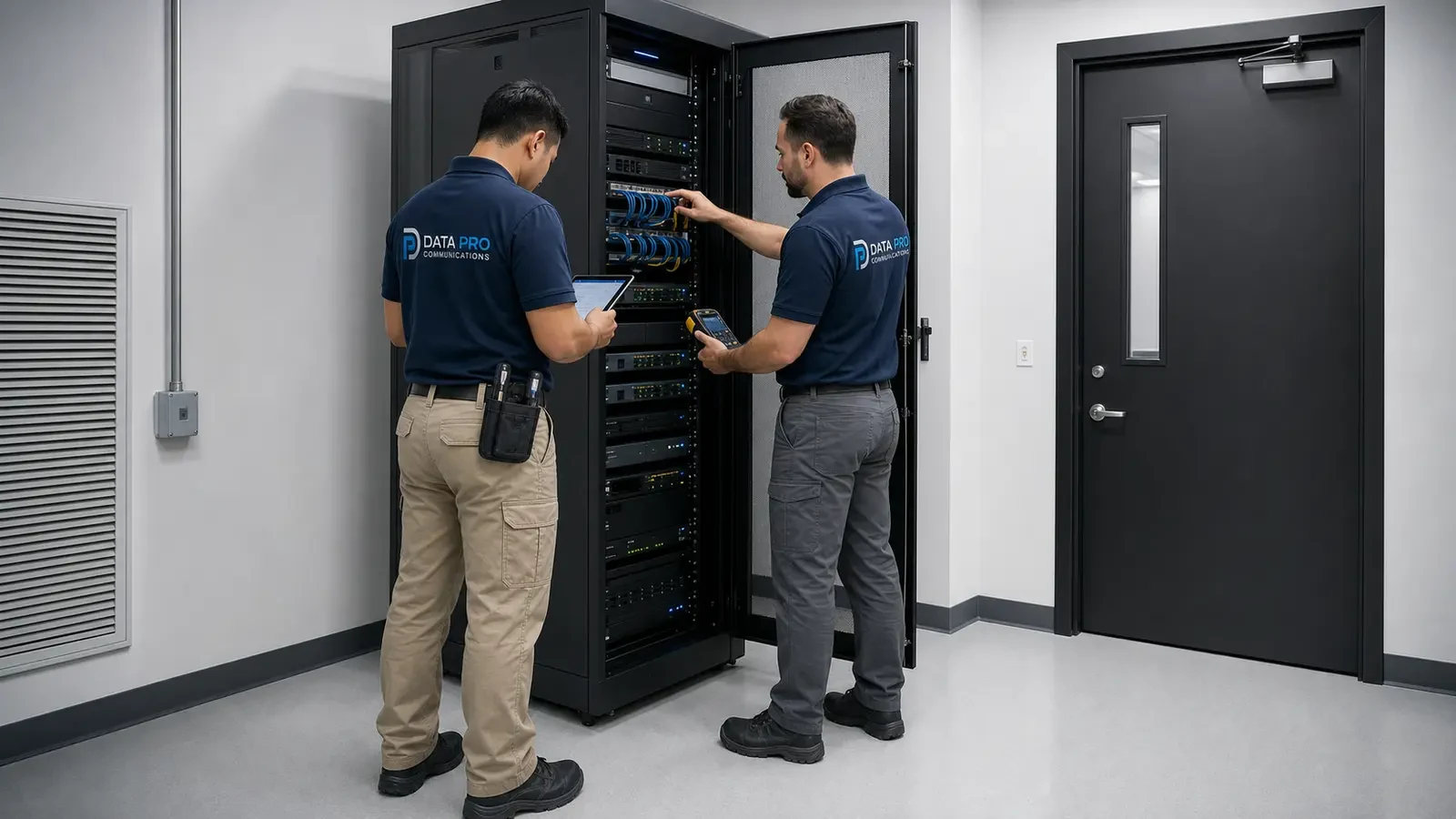
Formal link verification or contracted certification may be recommended after diagnosis.
INDUSTRIES SERVED

Occupied operations, distributed systems, access coordination, and documented priorities.
Multi-system symptoms, responsible IT coordination, controlled work windows, and records.

Remote devices, long pathways, equipment rooms, shifts, and repeatable service plans.
PROJECT PROCESS
Record symptoms, locations, affected operations, timing, recent changes, systems, access, credentials, records, safety conditions, and authorization boundaries.
Check relevant power, links, devices, racks, controllers, recorders, configurations, network dependencies, logs, labels, and known-good comparisons within scope.
Explain evidence, limitations, immediate options, repair-versus-replacement considerations, required parts or trades, cost authorization, and expected verification before work proceeds.
Test the agreed function, document what changed, record unresolved conditions, update labels or records as contracted, and define monitoring or follow-up responsibility.
LICENSED PROJECT SUPPORT
Data Pro Communications - West Orlando is a regional website of Data Pro Communications. Commercial projects are coordinated through the West Orlando / Lakehurst Branch at 5950 Lakehurst Dr, #234, Orlando, FL 32819; (407) 994-3227; FL License #EC13016138. Project requirements, access, schedule, connected systems, and responsibility boundaries are reviewed before the final scope is established.
FAQ
The approved scope may include cameras, recorders, access control, intercoms, cabling, racks, switches, PoE, power supplies, and related network interfaces. The service request should identify systems, symptoms, locations, access, and known responsibility boundaries.
No. Diagnosis or repair can be limited by access, unsupported equipment, credentials, parts, licenses, network ownership, concealed damage, prior changes, intermittent symptoms, and project authorization. Findings should define the next practical step.
No response time should be assumed unless it appears in an active written service agreement. Scheduling depends on scope, location, access, priority, technician and parts availability, safety, and existing commitments.
Provide the device name and location, symptom, first-known time, recent changes, lights or messages, affected users, network or power events, screenshots where appropriate, administrator access, and any prior service history.
A review can determine whether the equipment is accessible, supported, licensed, documented, safe to work on, and practical to diagnose. Compatibility, parts, credentials, software status, and prior installation quality may limit service options.
The decision should consider fault evidence, age, support status, parts, recurring failures, capacity, compatibility, security and operational risks, downtime, records, expected service life, and the owner’s budget and priorities.
When contracted, maintenance may include defined inspections, device or link samples, condition checks, cleaning where appropriate, storage or event review, rack and power observations, record updates, and escalation findings. Exact tasks and intervals belong in the agreement.
Not automatically. Warranty status, eligibility, authorization, proof of purchase, labor coverage, shipping, replacement terms, and manufacturer procedures must be confirmed for the exact product and project.
Some approved checks may be possible when secure access, permissions, supported software, connectivity, credentials, privacy policy, and a responsible on-site contact are available. Remote access and resolution are not guaranteed.
Prepare system and device lists, symptoms, timestamps, recent changes, site and network contacts, administrator credentials through an approved secure process, drawings, prior reports, safe access, work windows, parking or loading instructions, and authorization limits.
Send the affected device names, locations, symptoms, timestamps, recent changes, operational impact, system records, access windows, and responsible site and IT contacts. The Lakehurst team can scope the next diagnostic visit and evidence-based service step.