
Florida Licensed
FL License #EC13016138. Commercial low-voltage planning, installation, diagnostics, testing, and documentation.
RECORDING, PLAYBACK, AND AUTHORIZED CAMERA ACCESS
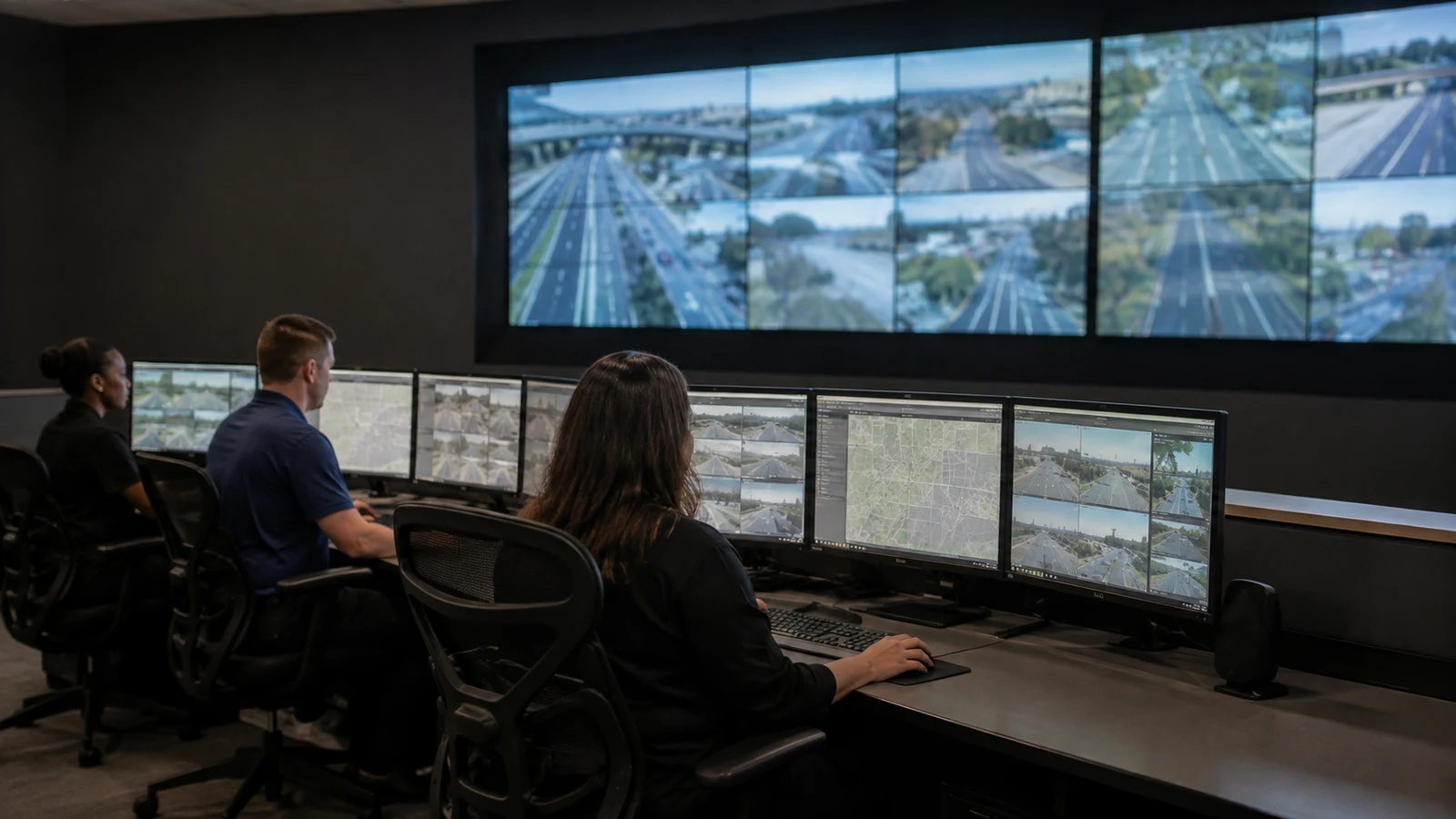
Data Pro Communications designs NVR and remote-viewing workflows for Orlando businesses that need dependable recording, practical video retrieval, controlled user access, and a clear path for managing cameras from the property or an approved off-site location. Recorder selection is coordinated with camera streams, storage objectives, network capacity, display needs, user roles, and the way teams investigate events.
The West Orlando / Lakehurst Branch supports hospitality properties, retail and restaurant operations, offices, managed buildings, parking environments, warehouses, and multi-site portfolios across approved western Greater Orlando markets. Projects can address a new recorder, an expansion, replacement of aging equipment, improved playback, user-permission cleanup, or a more organized remote-access handoff.
PROJECT PLANNING
A recorder review connects camera compatibility, storage estimates, retention goals, playback needs, remote users, network conditions, and administrative ownership.
FL License #EC13016138. Commercial low-voltage planning, installation, diagnostics, testing, and documentation.
West Orlando / Lakehurst Branch serving approved western Greater Orlando commercial markets.
Camera, recording, PoE, network, cabling, viewing, and operational needs reviewed as one connected environment.
Recommendations tied to observed conditions, compatibility, supportability, safe access, and the approved project objective.
Clear labels, verified functions, named user roles, operating guidance, and organized project records appropriate to the scope.
SERVICE OVERVIEW
A network video recorder receives and stores streams from compatible IP cameras, but recorder channel count is only the beginning of the design. Storage capacity, throughput, stream settings, drive configuration, playback demand, monitor outputs, network interfaces, health alerts, firmware support, and expansion allowance all influence the installed system.
Remote viewing adds another layer: internet connectivity, outbound bandwidth, platform services, account security, supported applications, named users, permission levels, and device management. Data Pro Communications coordinates these elements so authorized staff can locate cameras, review recordings, export video when permitted, and understand who administers the system.
Actual retention and remote performance depend on camera settings, scene activity, available storage, network conditions, platform operation, and service availability. The handoff documents the planned assumptions and verifies core recording and viewing functions under the installed conditions.
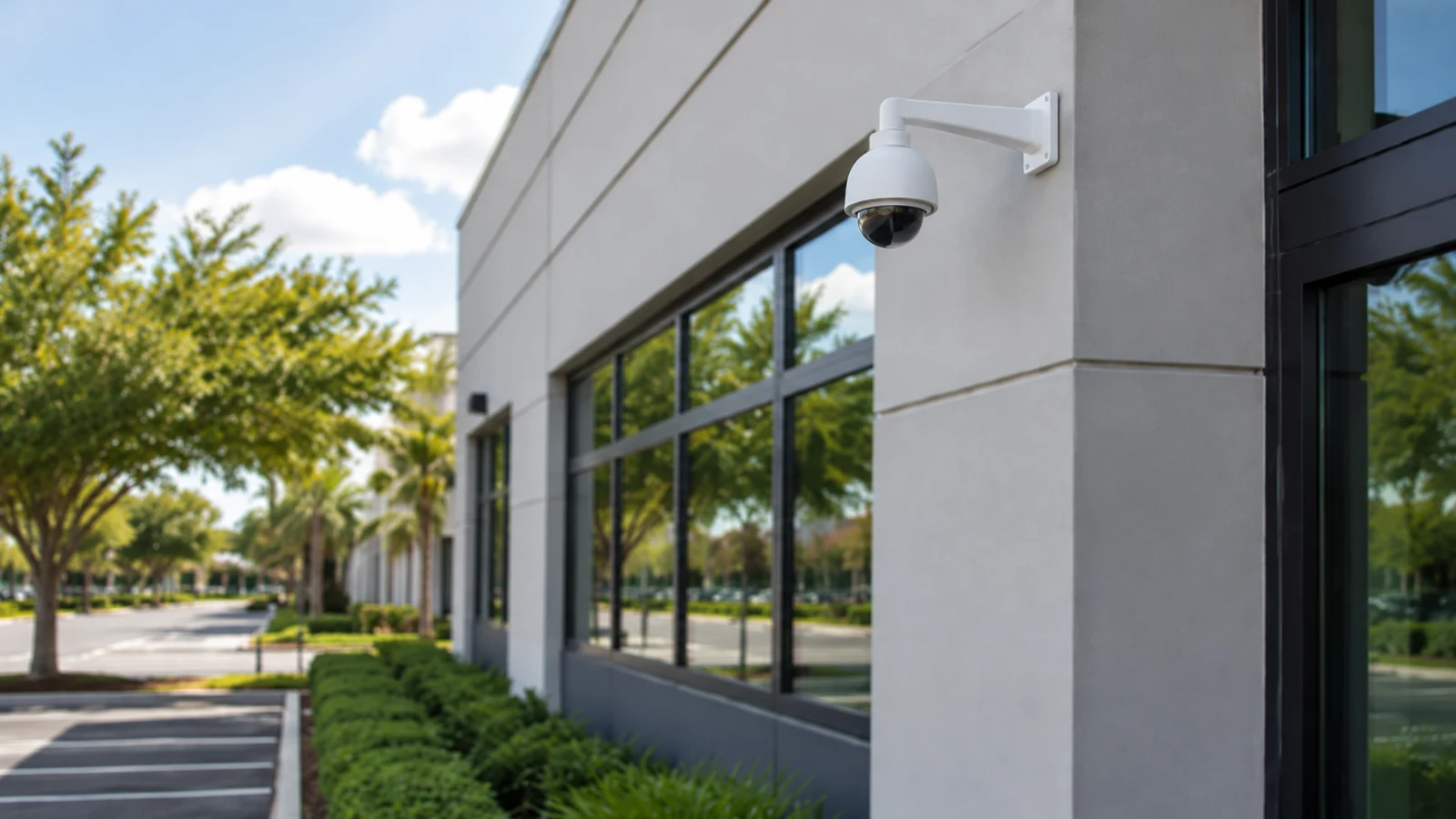
Confirm supported camera models, stream formats, licenses, channel capacity, throughput, firmware, management software, and integration limits before selecting or replacing an NVR.
Estimate storage from camera count, resolution, frame rate, compression, recording schedule, and scene activity, then provide appropriate capacity and expansion allowance.
Organize camera names, timestamps, search tools, playback controls, and permitted export steps so authorized users can retrieve relevant video efficiently.
Set up supported web, desktop, or mobile viewing around approved user roles, internet conditions, platform requirements, and secure account practices.
Separate administrator, manager, investigator, and viewer privileges where supported. Document account ownership, access review, and secure credential transfer.
Verify recording, storage status, playback, time synchronization, camera connectivity, remote access, and alerts included in scope. Deliver an organized operating reference.
COMMERCIAL USE CASES
Give authorized managers a structured way to navigate entrances, common areas, service zones, and other approved camera groups from local or supported remote interfaces.
Organize camera names and search steps around transaction areas, entrances, pickup points, stock access, and closing procedures.
Use consistent naming, permission roles, and documented site connections so authorized property teams can move among supported locations more efficiently.
Coordinate higher-activity exterior streams, retention assumptions, lighting conditions, and review workflows with available storage and network capacity.
Separate live viewing, playback, export, and administrative privileges according to property responsibilities and approved policy.
Assess existing cameras, storage, recorder capacity, licenses, network conditions, monitors, and remote users before adding channels or replacing aging equipment.
ORLANDO SERVICE CONTEXT
Hospitality, entertainment-adjacent, retail, restaurant, parking, and managed-property operations in the Lakehurst and International Drive corridor may need video across extended hours and multiple staff shifts. When an incident is reported later, teams must be able to identify the correct camera, time, and playback path without guessing how the recorder was organized.
Properties serving International Drive, the Convention Center area, Universal Orlando area, Doctor Phillips, and Lake Buena Vista can also involve separate operational departments, remote managers, or multiple locations. That makes role-based access, consistent camera naming, time synchronization, internet-path review, and documented administrative responsibility central to the project.
Data Pro Communications plans recorder and viewing systems around those operating realities. The scope defines who may view live video, who may review or export recordings, how storage is estimated, which devices are supported, what happens when the internet connection is unavailable, and how future users or cameras are added responsibly.
RELATED SERVICES
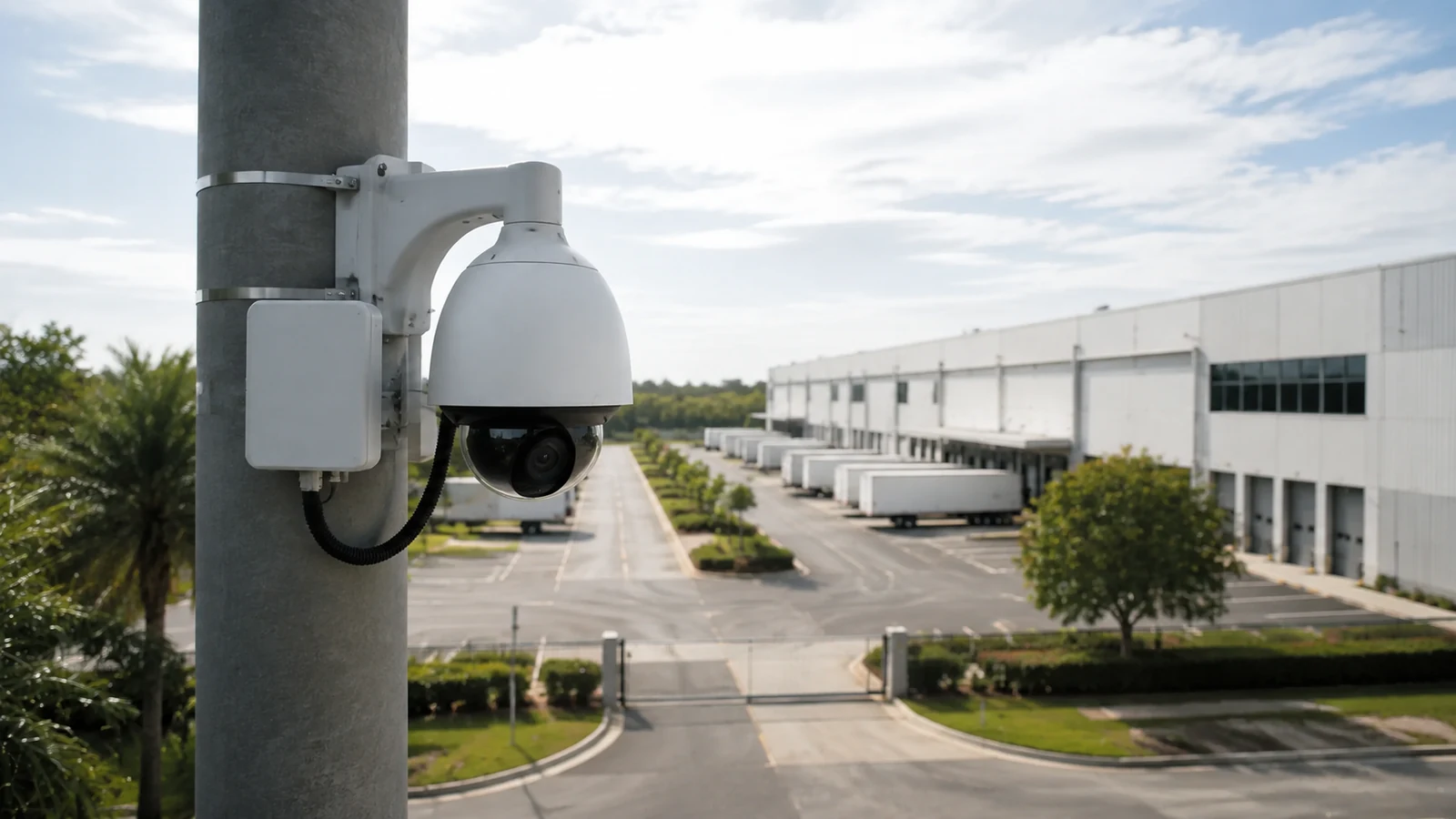
Network cameras, PoE, switching, and stream design coordinated with the recorder.
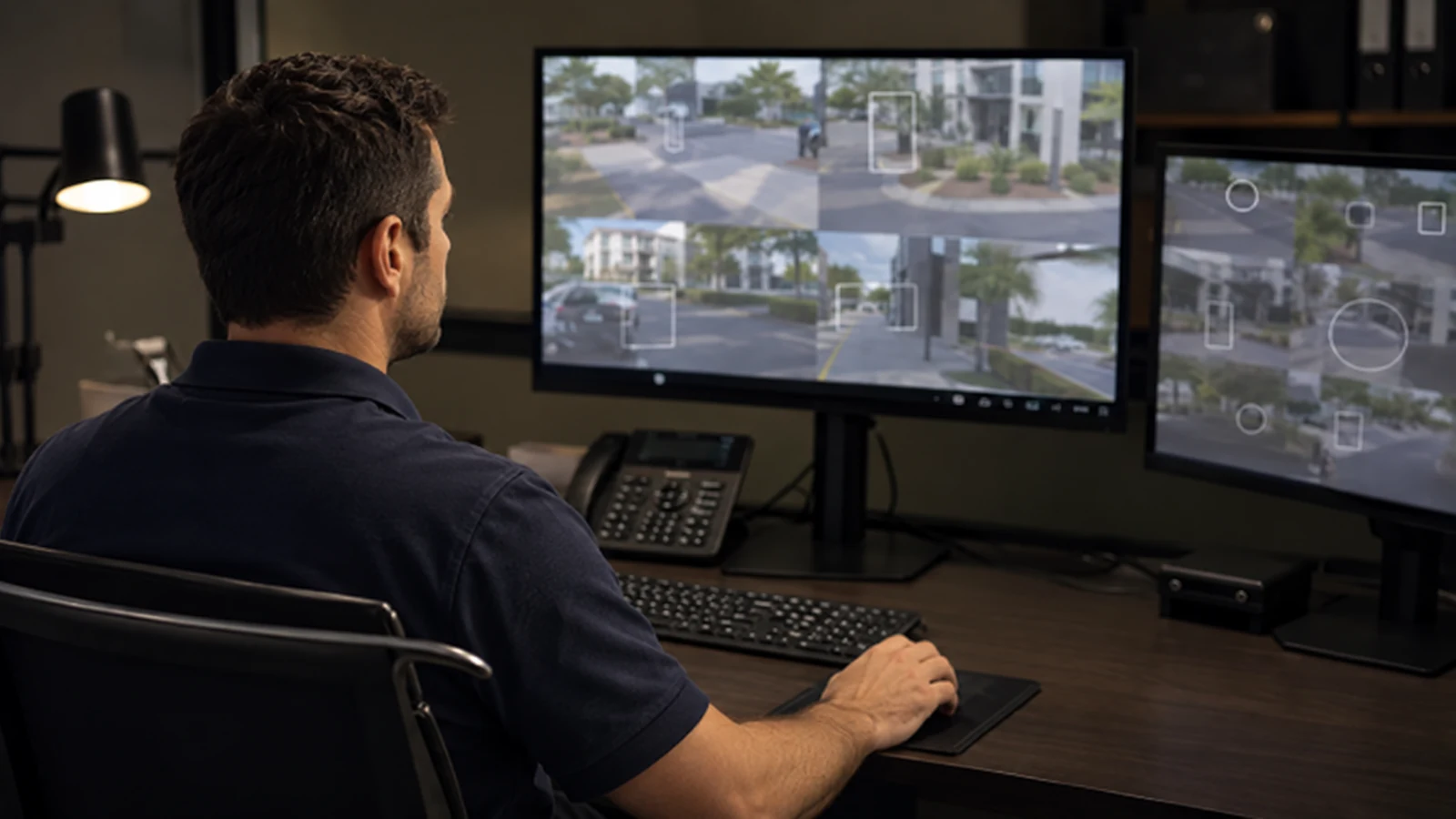
Compatible events and forensic filters that can support focused recorded-video review.
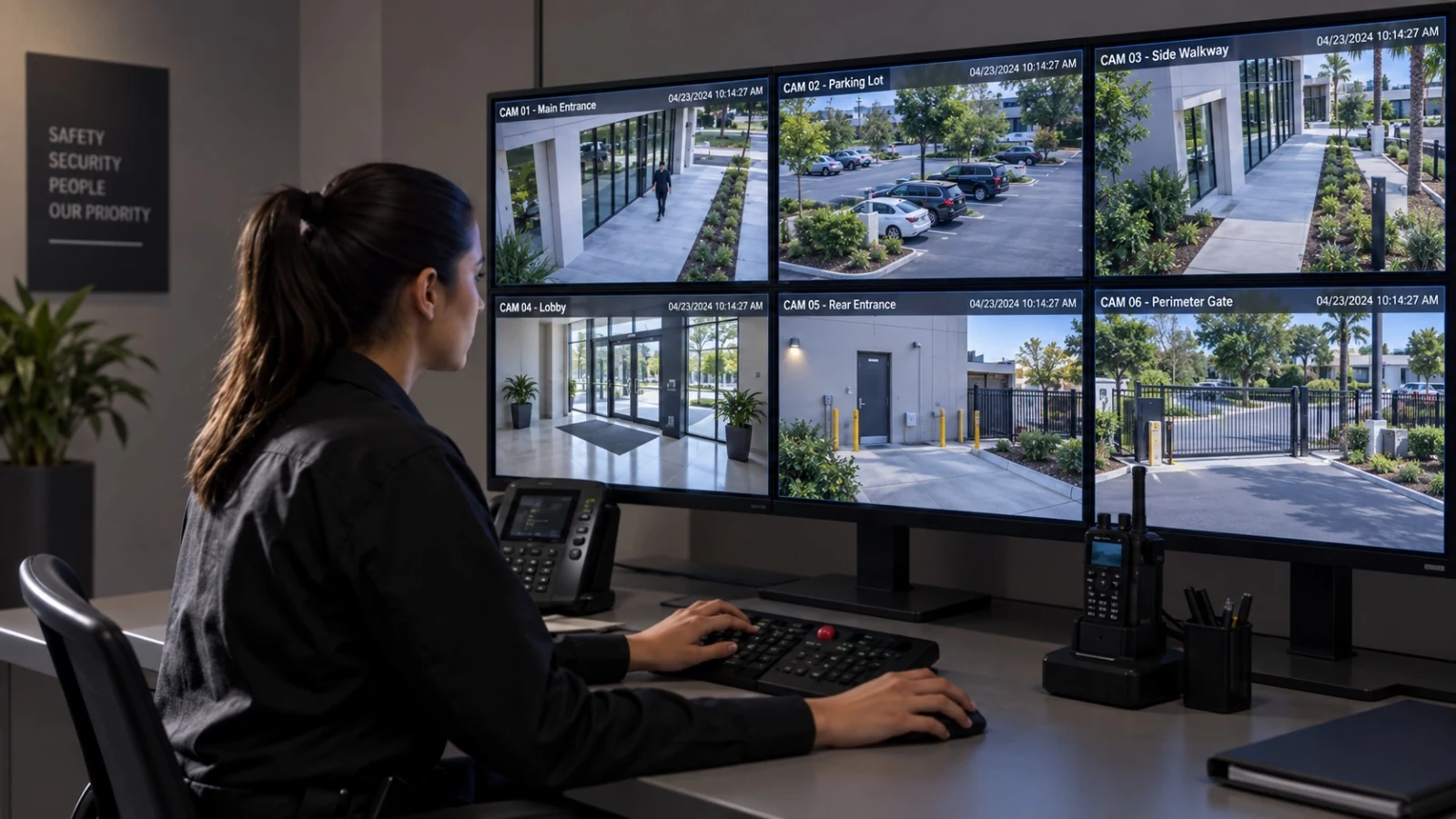
Property-wide camera placement, cabling, installation, and commissioning.
Switching, uplinks, bandwidth, segmentation, and equipment-room organization.
INDUSTRIES SERVED
Recording and viewing workflows for guest-facing and operational camera groups.
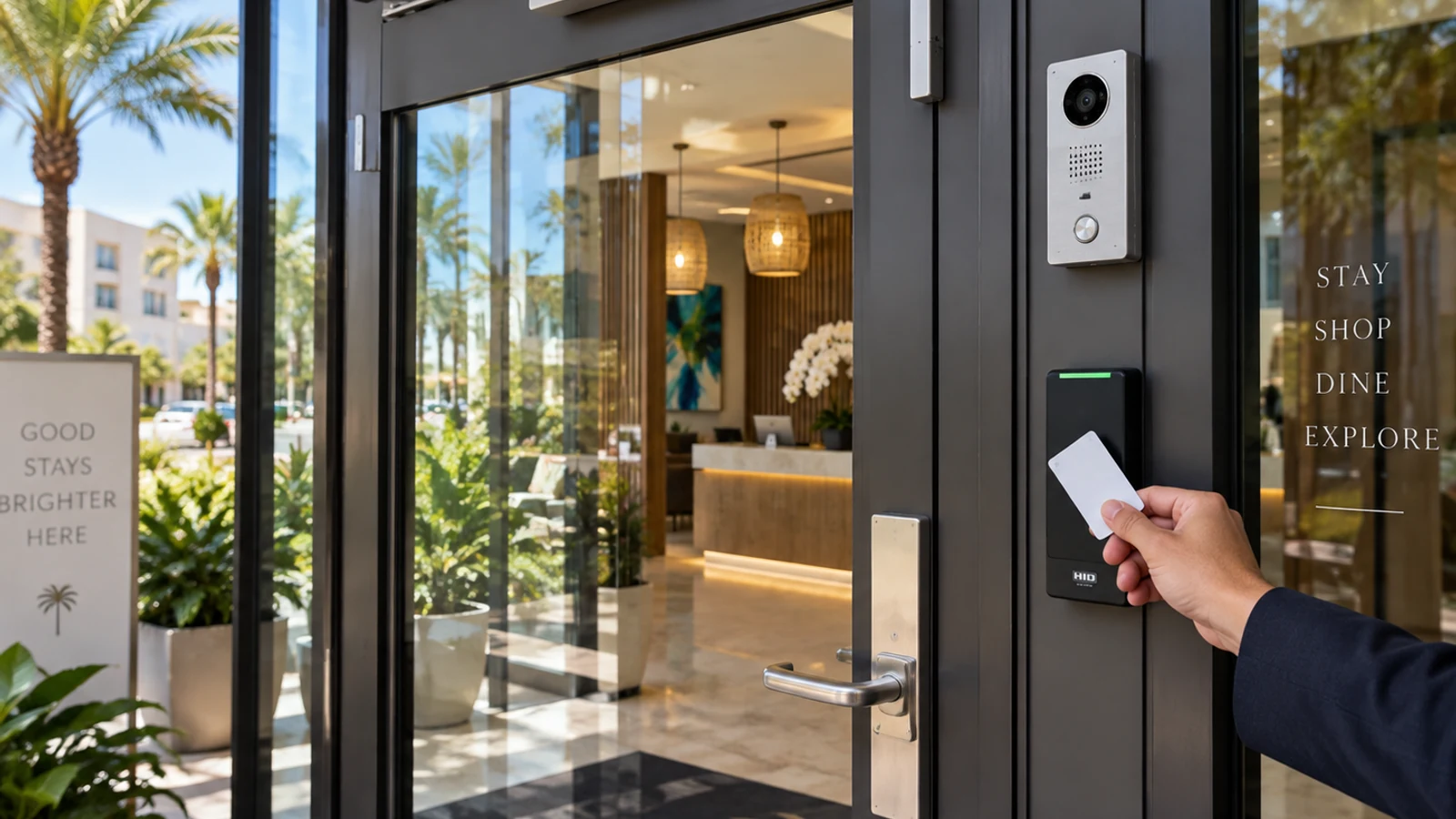
Playback, permissions, and video access for managers and facility teams.
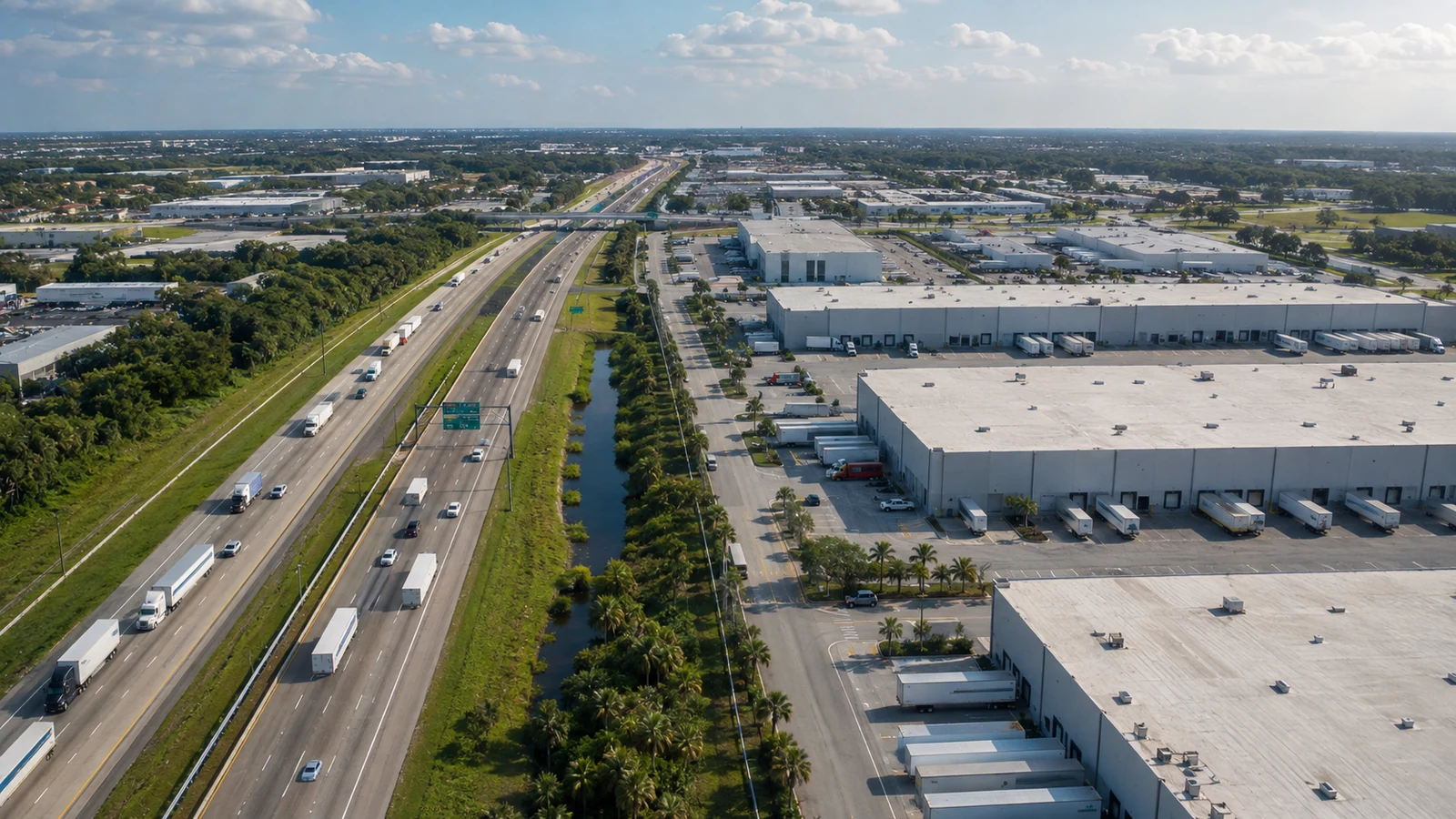
Recorder capacity and review workflows for loading, receiving, storage, and controlled zones.
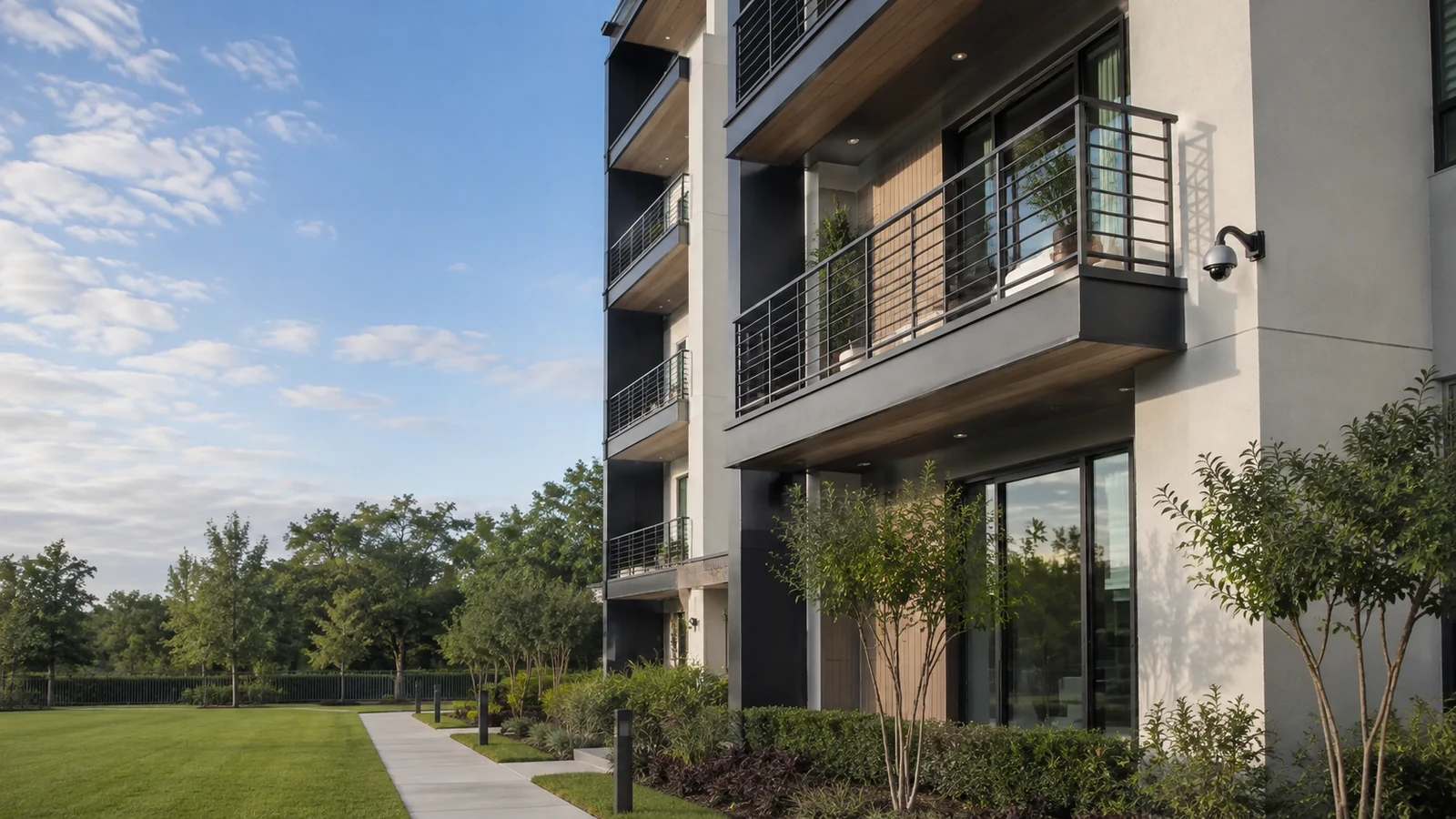
Role-based access and organized camera groups for approved common and operational areas.
PROJECT PROCESS
Document cameras, streams, current recorder, storage behavior, playback concerns, remote users, monitors, network conditions, and administrative ownership.
Define compatible recorder resources, storage assumptions, retention objectives, camera naming, user permissions, local displays, remote access, and expansion allowance.
Install or configure approved recorder components, connect supported cameras, establish recording schedules, create named user roles, and set up supported viewing applications.
Test recording, playback, timestamps, export where included, storage health, camera connectivity, and remote access. Provide operating notes and secure administrative transfer.
FAQ
A network video recorder receives, manages, and stores video streams from compatible IP cameras. It provides recording schedules, live viewing, playback, search, user permissions, export tools, health information, and sometimes supported analytics. Recorder capability depends on its channel count, throughput, storage, licenses, firmware, and camera compatibility.
An NVR generally records network video from IP cameras, while a DVR commonly records analog camera signals delivered over coaxial cabling. Some platforms support mixed or hybrid environments. The correct recorder depends on existing cameras, cabling, desired features, storage needs, expansion plans, and the practical value of preserving current equipment.
Storage is estimated from camera count, resolution, frame rate, compression, recording mode, scene activity, audio use, and desired retention. Higher-quality or continuously active streams consume more capacity. The design should include realistic assumptions and verify actual retention after the system records normal property activity.
Retention varies with usable drive capacity and the combined stream load. Motion-based settings do not produce identical results at every property because activity changes throughout the day. A calculation can guide design, but the installed system should be observed and adjusted to confirm the retention range under real conditions.
Supported remote viewing may be configured for authorized users when the recorder platform, internet connection, account services, cybersecurity requirements, and project scope allow it. Remote access depends on network and platform availability. It should use named accounts, strong credentials, appropriate permissions, and supported devices or applications.
Most locally recording NVR systems can continue recording compatible local cameras when the site internet connection is unavailable, provided the local network, cameras, recorder, power, and storage remain operational. Remote viewing and cloud-dependent functions may be unavailable during the outage. Exact behavior depends on the selected architecture.
Many NVR platforms support roles that limit live viewing, playback, export, configuration, or administrative functions. Permissions should match each person's responsibility. Named accounts are preferable to shared credentials because they improve access review, account removal, and accountability when staff roles change.
It may be possible when compatible cameras, network links, bandwidth, routing, cybersecurity controls, and platform capacity support the design. Separate sites can also use separate recorders with a supported management view. The preferred architecture depends on link reliability, operational needs, serviceability, and the impact of a network interruption.
Clear names help users find the correct view during live monitoring and recorded review. Names should describe the property zone, direction, floor, entrance, or function without relying on ambiguous numbers. Consistent naming also improves documentation, support calls, permissions, alert configuration, and future expansion.
Sometimes. Existing IP cameras may work with a new recorder when models, protocols, streams, credentials, firmware, licenses, and desired features are compatible. Even when basic video works, advanced events or settings may not. A compatibility review and representative testing are important before a replacement plan is finalized.
Possibly. The recorder must support a secure viewing method and remain within a supportable firmware and account environment. The review should also examine administrative credentials, internet service, network configuration, user roles, mobile or desktop application support, and whether the platform service is still maintained.
Compatible NVRs typically allow an authorized user to select cameras and a time range, review the result, and export video through supported software or local media. Export formats and players vary. The handoff can document the approved workflow, but the property team remains responsible for access, evidence handling, and policy decisions.
Use named accounts, strong unique credentials, least-privilege roles, current supported software, limited administrative access, documented account ownership, and periodic user review. Remote access should follow the platform's supported security model. Sensitive credentials should be transferred through an agreed secure process rather than placed in general documentation.
Hospitality, retail, restaurant, office, warehouse, parking, multifamily, and managed commercial properties may benefit when teams need consistent recording, practical playback, controlled permissions, or supported off-site viewing. The Lakehurst branch serves approved western Greater Orlando markets, with each system planned around its property and network.
The assessment reviews camera count and compatibility, stream settings, current storage, recorder health, playback concerns, time synchronization, monitors, network interfaces, internet service, remote users, permissions, equipment location, power, cooling, labeling, and expansion needs. Those findings guide the recommended recording and access scope.
Schedule a commercial review of camera compatibility, recorder capacity, storage behavior, playback needs, user permissions, remote access, and administrative ownership.