
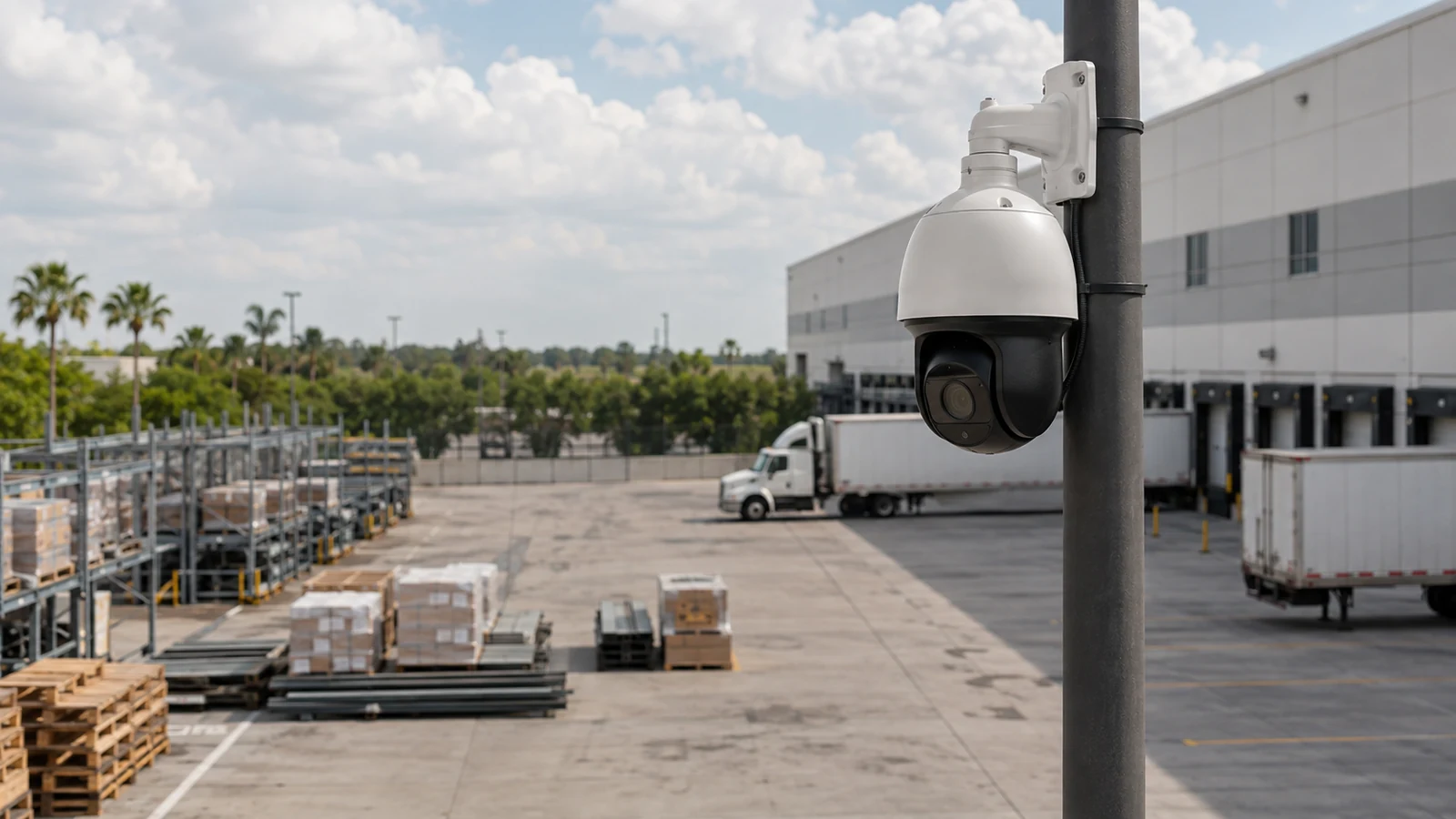
Site-Specific Planning
Views and pathways are selected around the technical decision and the actual commercial property, not a generic device count.
COMMERCIAL SECURITY AND LOW-VOLTAGE RESOURCE
A PTZ camera can pan, tilt, and optically zoom to follow activity, but it records only the direction it is facing at that moment. Auto-tracking is best treated as supplemental detail over a fixed-camera baseline, with defined home position, presets, tracking zones, response workflow, and maintenance.
This guide explains the technical variables, tradeoffs, failure modes, and contractor questions that matter for ptz camera auto-tracking. Use it to prepare a scope, then verify property-specific conditions before implementation.
PROJECT DETAILS
Views and pathways are selected around the technical decision and the actual commercial property, not a generic device count.
Cameras, recording, cabling, network, access and related dependencies are reviewed as one operating system.
Work zones and cutovers are organized around approved access, occupancy and network windows.
Labels, device schedules, test results, user ownership and exceptions support ongoing service.
Commercial low-voltage work is provided under FL License #EC13016138.
SERVICE OVERVIEW
A PTZ camera can pan, tilt, and optically zoom to follow activity, but it records only the direction it is facing at that moment. Auto-tracking is best treated as supplemental detail over a fixed-camera baseline, with defined home position, presets, tracking zones, response workflow, and maintenance.
The decision is complete only when the required outcome, field conditions, infrastructure, operating owner, limitations, and acceptance method agree with one another.
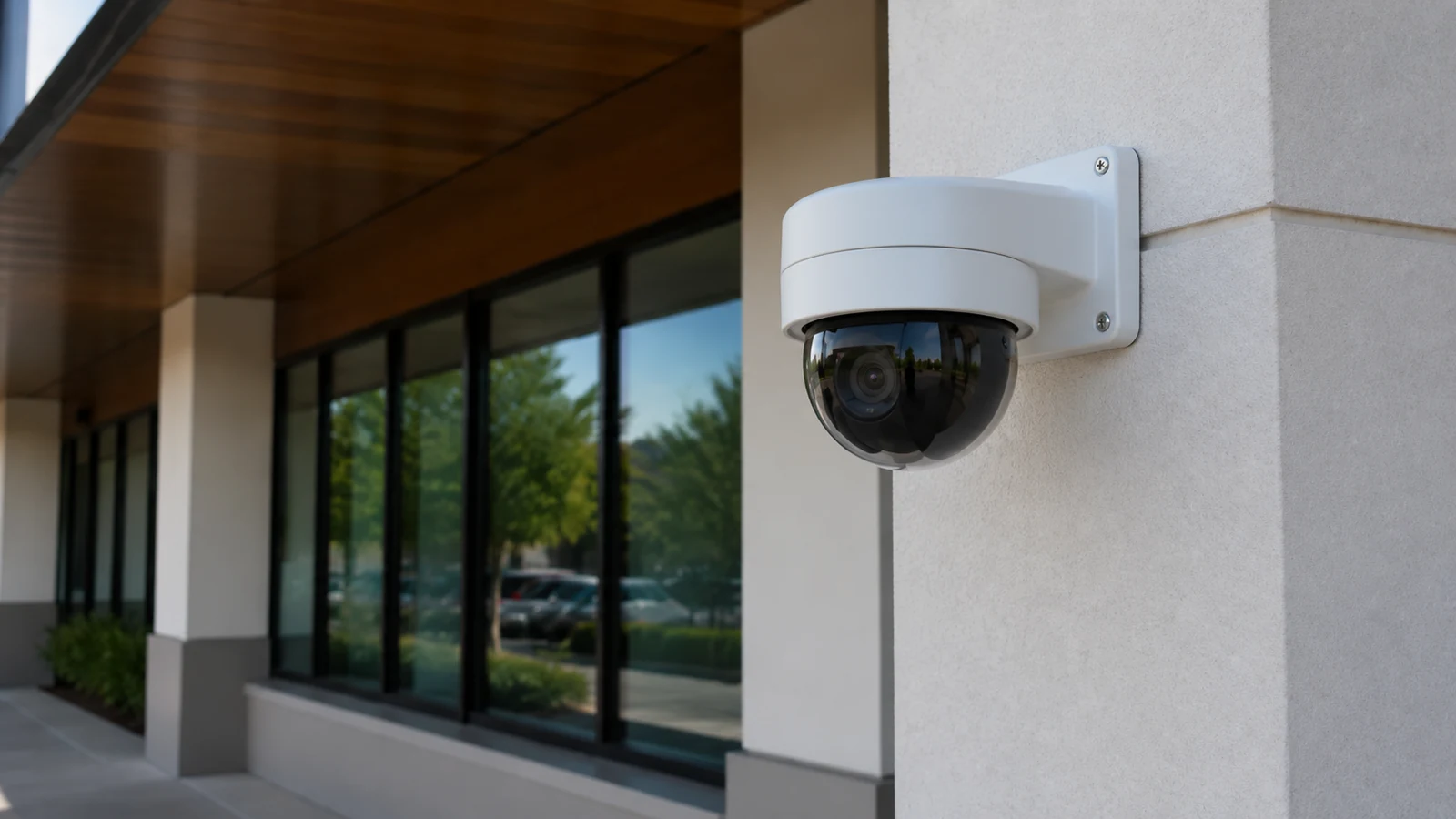
CORE CAPABILITIES
Fixed cameras preserve continuous views of critical entries and transitions.
The home position determines what the camera sees when it is idle or after tracking ends.
A patrol divides attention among views rather than recording all of them continuously.
Trees, poles, roofs, parked vehicles, shadows, and overlapping activity can interrupt or confuse tracking.
Optical zoom can increase target detail when the PTZ is pointed correctly and focus is maintained.
Alerts, presets, operator actions, cleaning, calibration, moving parts, and firmware support all require ownership.
ORLANDO SERVICE CONTEXT
Western Greater Orlando properties range from visitor-facing hospitality and retail to offices, healthcare, warehouses, managed communities and active construction. The correct answer changes with occupancy, work windows, weather exposure, network ownership and the physical distances at the actual site.
Large Orlando parking fields, yards, campuses, and controlled approaches can benefit from a PTZ when operators understand its moving field of view. Trees, poles, roofs, glare, storms, and changing site activity should be considered during placement and tracking tests.
TECHNICAL PLANNING
PTZ role versus fixed coverage
Fixed cameras preserve continuous views of critical entries and transitions. The PTZ can investigate or follow activity, but movement away from its home view creates a temporary blind area elsewhere.
Home position and presets
The home position determines what the camera sees when it is idle or after tracking ends. Presets should correspond to meaningful operational areas and return behavior should be tested after alarms or manual use.
Patrol patterns and operator dependency
A patrol divides attention among views rather than recording all of them continuously. Staff must understand what the PTZ is expected to do automatically and when manual control is appropriate.
Tracking zones and obstructions
Trees, poles, roofs, parked vehicles, shadows, and overlapping activity can interrupt or confuse tracking. Zones and exclusions should be tuned to the actual scene.
Optical zoom and usable detail
Optical zoom can increase target detail when the PTZ is pointed correctly and focus is maintained. It cannot recover an event that occurred outside the recorded direction.
Response workflow and maintenance
Alerts, presets, operator actions, cleaning, calibration, moving parts, and firmware support all require ownership. A PTZ without a response and maintenance plan often becomes an expensive fixed view.
PROJECT DETAILS
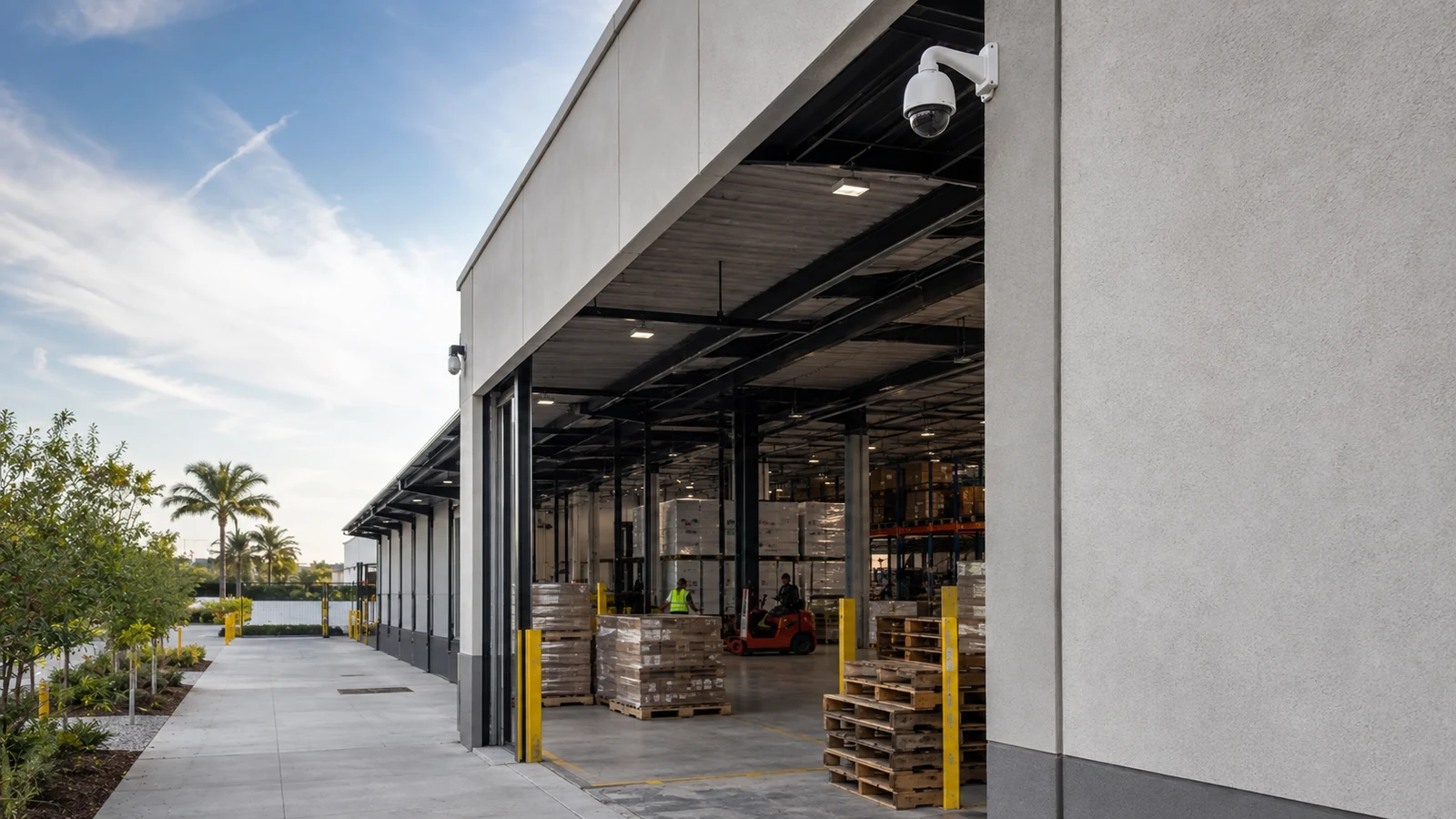
Fixed cameras cover gates and docks while a PTZ follows selected yard movement or lets staff inspect a reported event.
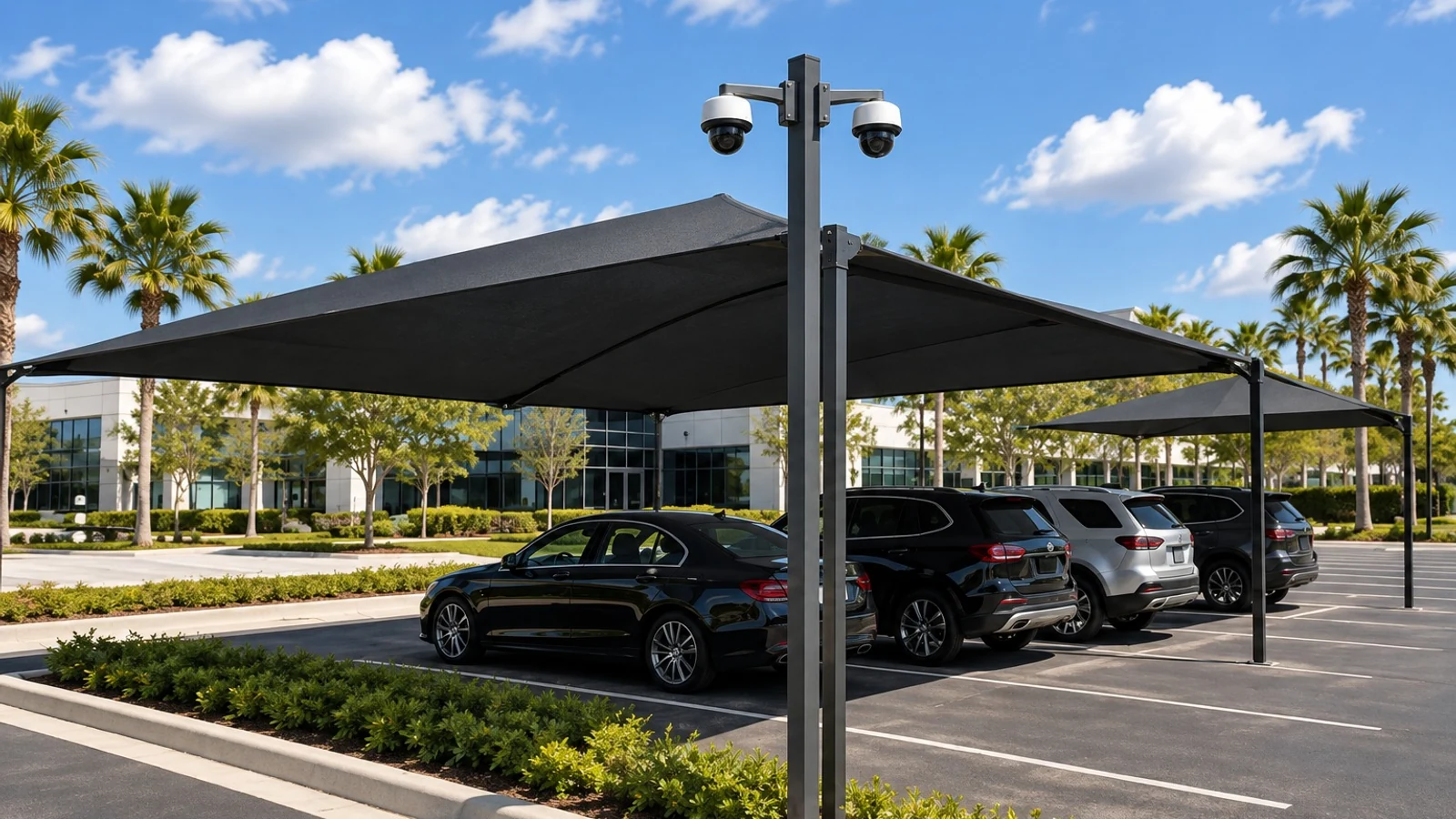
A PTZ can provide zoomed detail after an alert, but fixed views should preserve entrances, pedestrian routes, and priority zones.
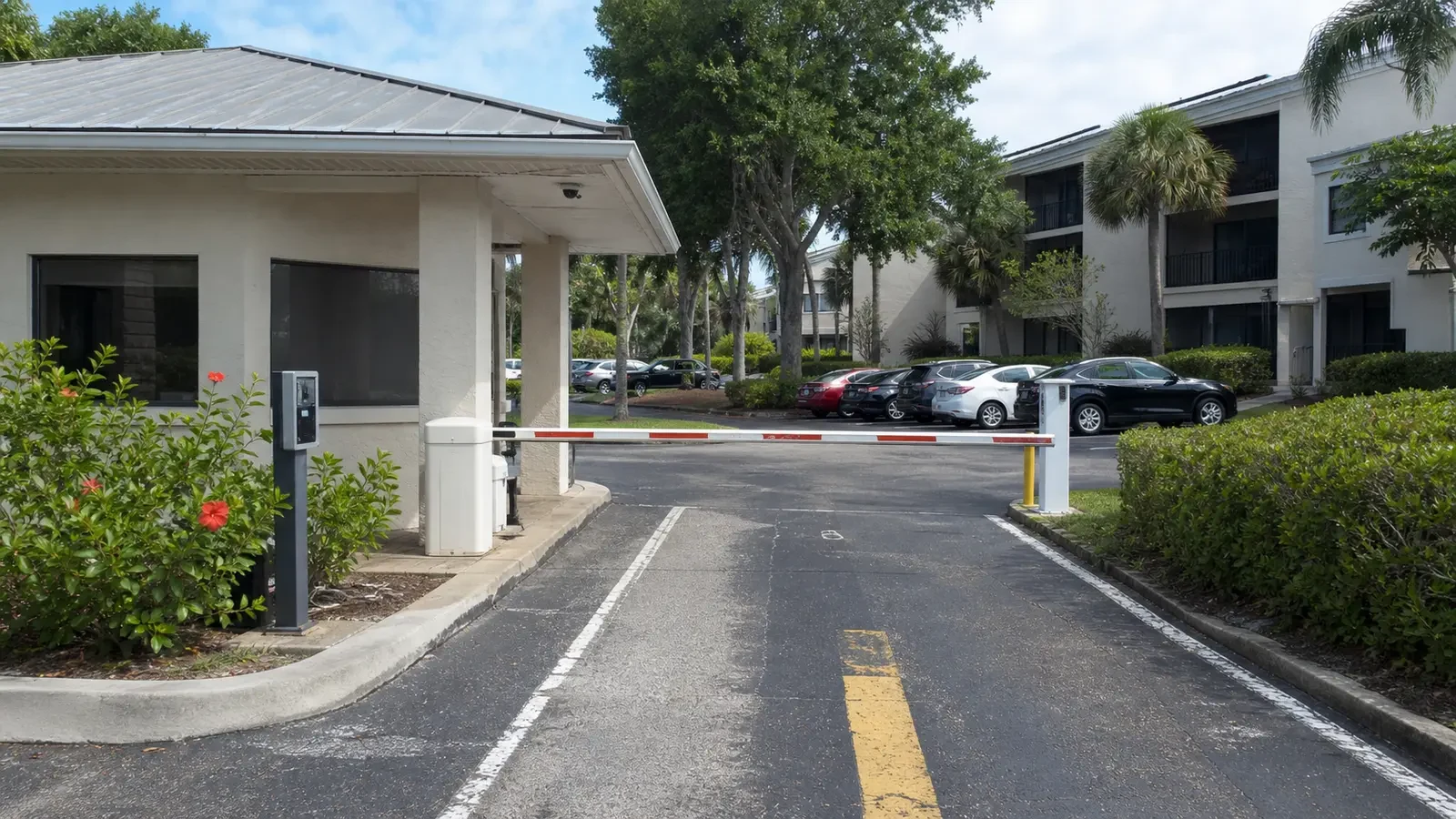
The home view may watch the gate while presets cover staging areas; the design must state what happens when two events occur at once.
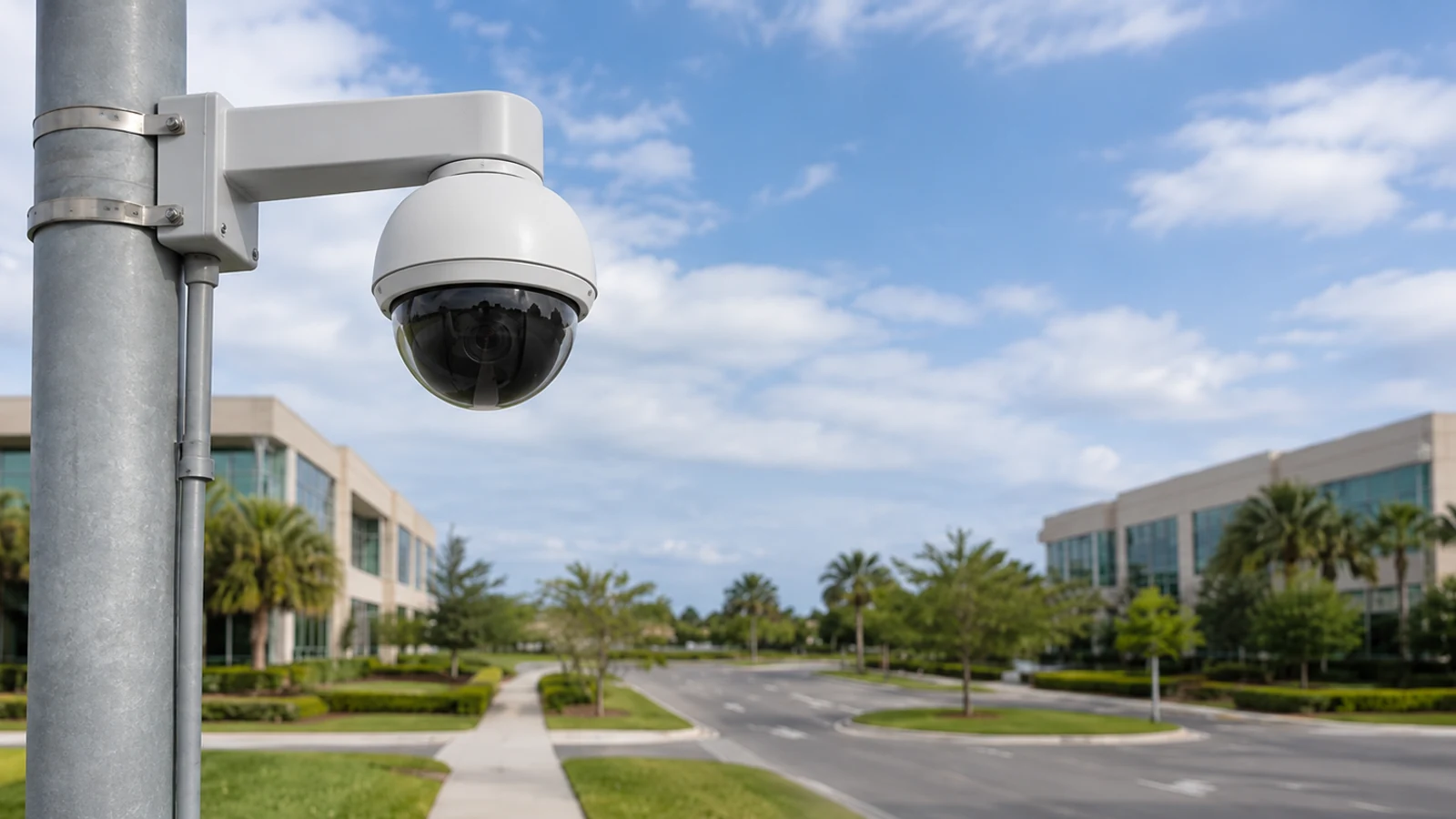
Trained staff can use presets and optical zoom, provided control authority, response steps, and fixed baseline coverage are documented.
PROJECT DETAILS
Operational Recommendations
Do not assign continuous entrance or identification coverage solely to a moving camera.
Test where the PTZ points after tracking, alarms, patrols, restarts, and manual control.
Use representative vehicles, pedestrians, lighting, and obstructions rather than default analytics settings.
Document control priority, alarm response, cleaning, calibration, updates, and failure reporting.
PROJECT DETAILS
This article helps commercial teams understand ptz camera auto-tracking as a technical and operational decision. It provides a common vocabulary for comparing alternatives before a property-specific design is approved.
A PTZ cannot record every direction simultaneously, so motion away from a critical scene creates coverage gaps.
Auto-tracking can lose or switch targets because of obstruction, scale, lighting, weather, scene clutter, or configuration.
Optical zoom provides detail only when aim, focus, and response timing are correct; digital zoom cannot create missing source detail.
PROJECT DETAILS
Critical scenes disappear whenever the camera follows another target or patrols elsewhere.
The camera may return to an unhelpful direction after tracking, restart, or manual control.
Busy scenes can trigger unwanted movement, target switching, and excessive mechanical activity.
Enlarging recorded pixels does not substitute for optical detail at the correct moment.
Alerts and manual controls add little value when nobody owns priorities, permissions, or follow-up.
TECHNICAL PLANNING
Provide a rigid structure, appropriate environmental protection, service access, and a clear view above common obstructions.
Confirm device power, switch budget, bandwidth, latency, addressing, and recovery after network interruption.
Identify the entries and transitions that must remain recorded while the PTZ is moving.
Document home position, presets, patrols, tracking zones, exclusions, dwell and return behavior.
Assign control authority, alert response, cleaning, calibration, firmware, health monitoring, and replacement planning.
PROJECT DETAILS
RELATED SERVICES
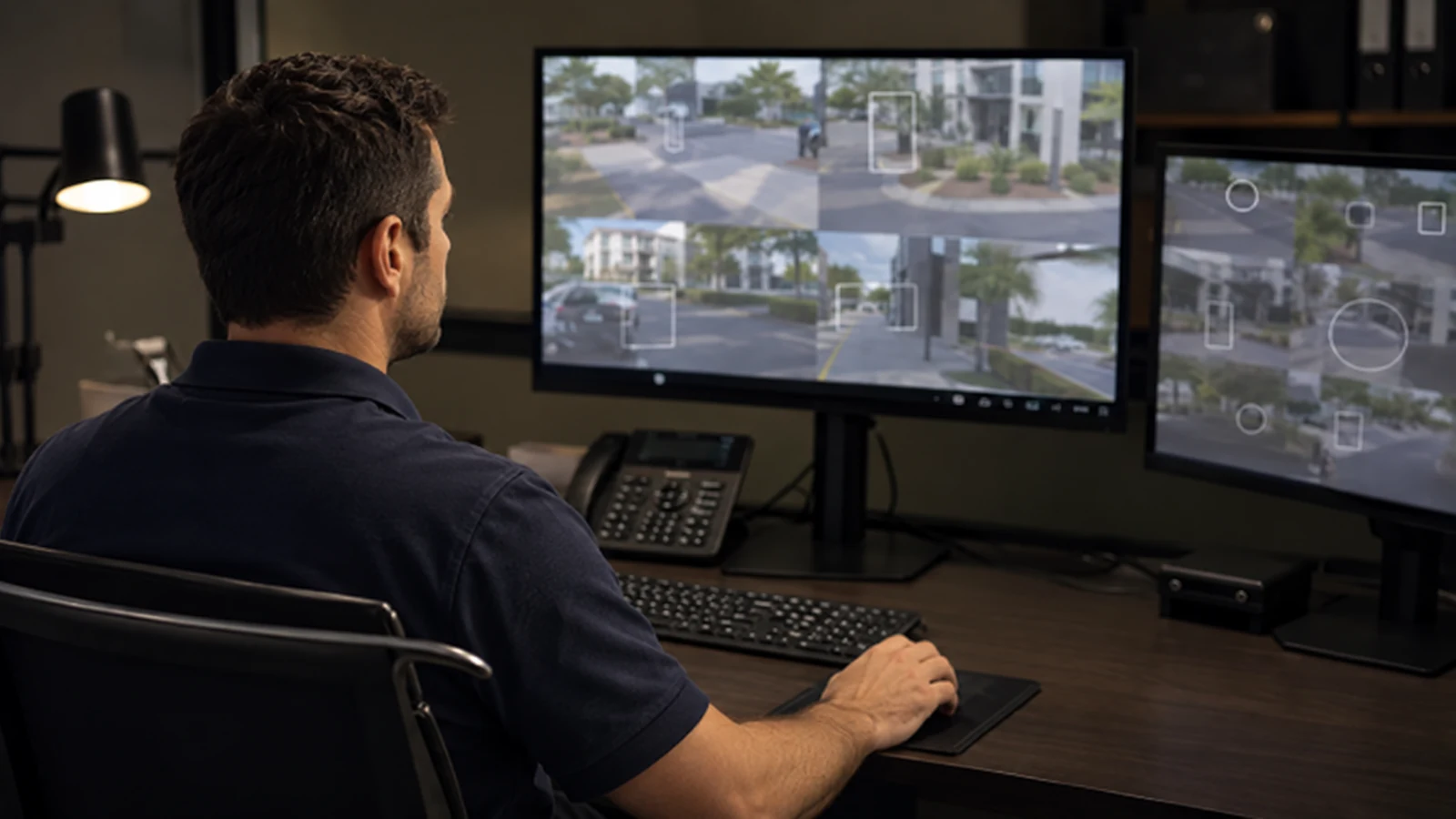
AI Video Analytics is the primary implementation path when the article findings require a property-specific scope for ptz role versus fixed coverage and home position and presets.
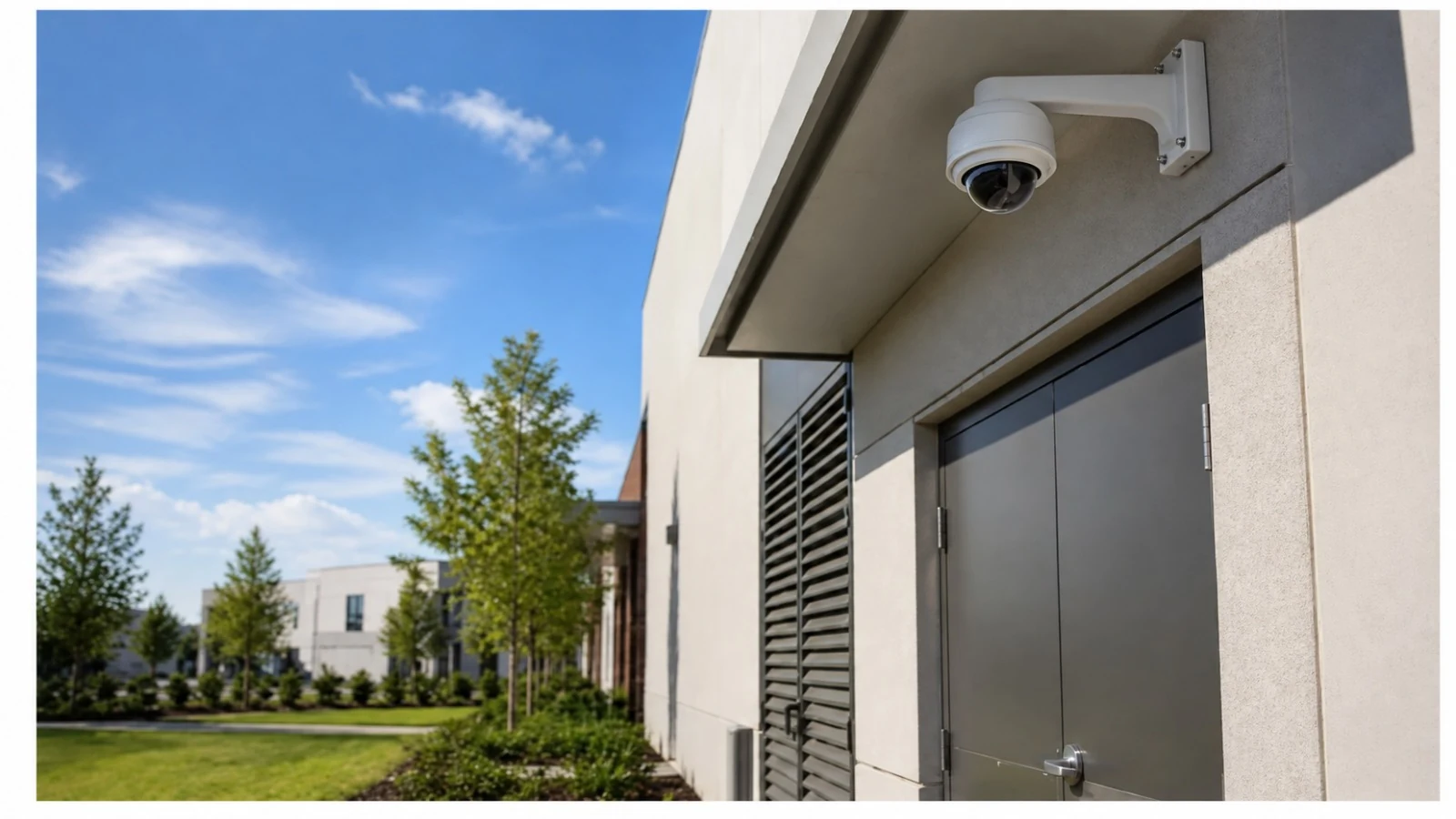
Structured Cabling supports the pathways, labels, and tested physical links involved in stable elevated mounting and power, poe, and network capacity.
Network Infrastructure addresses switching, power, segmentation, uplinks, accounts, and monitoring where fixed-camera baseline affects the article decision.
Camera System Upgrades applies when existing equipment must be evaluated against the new requirements for ptz role versus fixed coverage and the stated limitations.
Camera Troubleshooting & Repair uses the documented tests and dependencies in this guide to isolate faults involving operations and maintenance or existing system behavior.
PROJECT PROCESS
Identify the article question, intended users, operating scenario, and the decision the property needs to make about ptz camera auto-tracking.
Inspect the relevant scenes and dependencies, including stable elevated mounting, power, poe, and network capacity, and fixed-camera baseline.
Compare alternatives against the six topic-specific concepts, document limitations, and assign implementation and network responsibilities.
Perform the acceptance checks described in the scope and deliver settings, labels, test results, exceptions, authorized ownership, and service information.
FAQ
A PTZ camera can pan, tilt, and optically zoom to follow activity, but it records only the direction it is facing at that moment. Auto-tracking is best treated as supplemental detail over a fixed-camera baseline, with defined home position, presets, tracking zones, response workflow, and maintenance.
Fixed cameras preserve continuous views of critical entries and transitions. The PTZ can investigate or follow activity, but movement away from its home view creates a temporary blind area elsewhere.
The home position determines what the camera sees when it is idle or after tracking ends. Presets should correspond to meaningful operational areas and return behavior should be tested after alarms or manual use.
A patrol divides attention among views rather than recording all of them continuously. Staff must understand what the PTZ is expected to do automatically and when manual control is appropriate.
Trees, poles, roofs, parked vehicles, shadows, and overlapping activity can interrupt or confuse tracking. Zones and exclusions should be tuned to the actual scene.
Optical zoom can increase target detail when the PTZ is pointed correctly and focus is maintained. It cannot recover an event that occurred outside the recorded direction.
Alerts, presets, operator actions, cleaning, calibration, moving parts, and firmware support all require ownership. A PTZ without a response and maintenance plan often becomes an expensive fixed view.
The most common errors include replacing fixed coverage with one ptz and ignoring the home view. Critical scenes disappear whenever the camera follows another target or patrols elsewhere.
Do not assign continuous entrance or identification coverage solely to a moving camera. Test where the PTZ points after tracking, alarms, patrols, restarts, and manual control.
Assign control authority, alert response, cleaning, calibration, firmware, health monitoring, and replacement planning.
A PTZ cannot record every direction simultaneously, so motion away from a critical scene creates coverage gaps. Auto-tracking can lose or switch targets because of obstruction, scale, lighting, weather, scene clutter, or configuration.
Survey PTZ applications when mounting stability, obstructions, home view, fixed coverage, tracking zones, operator workflow, or network response are not already defined.
Survey PTZ applications when mounting stability, obstructions, home view, fixed coverage, tracking zones, operator workflow, or network response are not already defined. The resulting scope should state technical criteria, limitations, responsibilities, and acceptance tests before installation begins.