
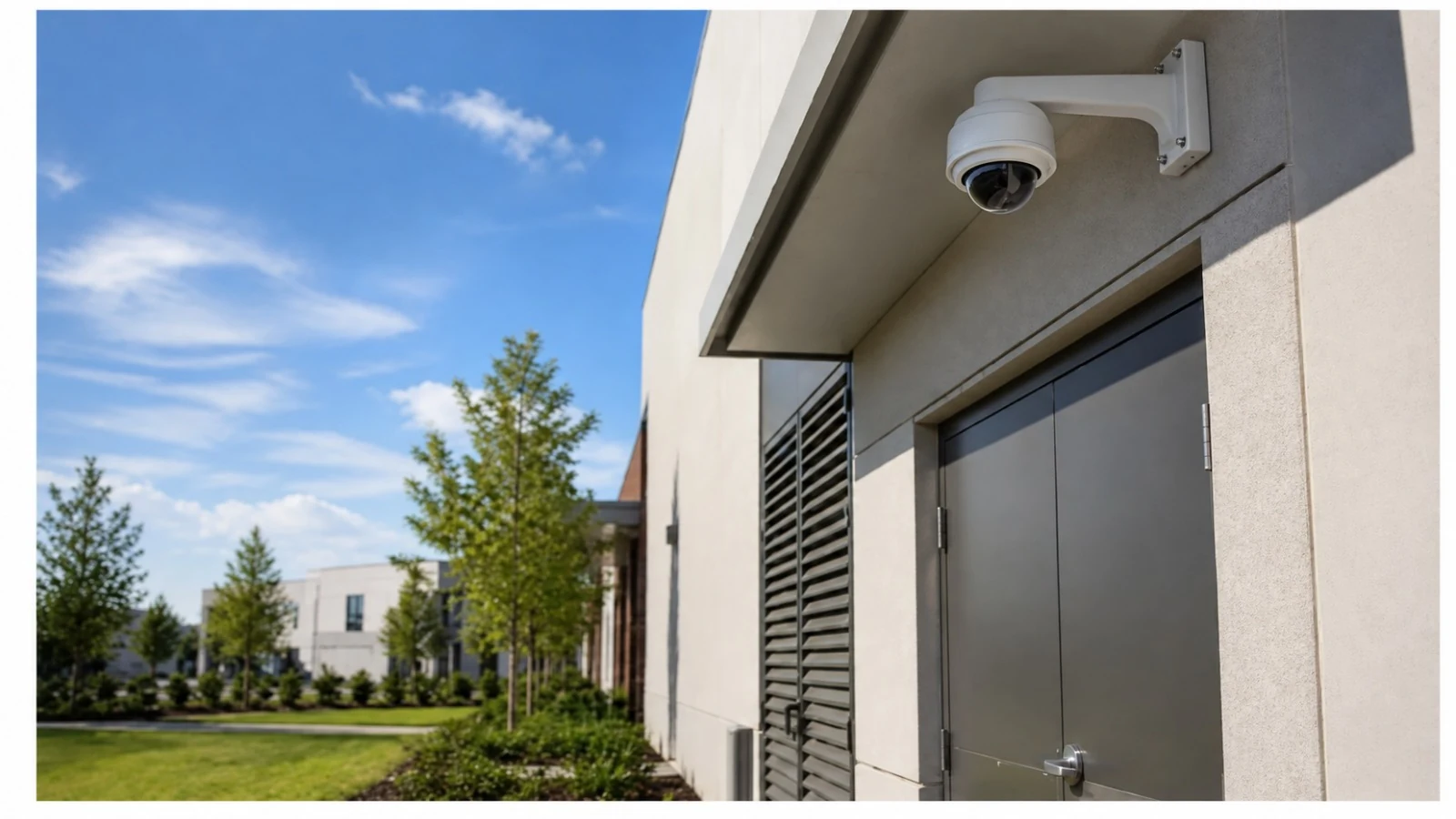
Site-Specific Planning
Views and pathways are selected around the technical decision and the actual commercial property, not a generic device count.
COMMERCIAL SECURITY AND LOW-VOLTAGE RESOURCE
CCTV resolution should be selected from the detail required at a known target distance, not from megapixel count alone. Lens field of view, pixels across the target, lighting, motion, compression, bitrate, storage, display, and export conditions determine whether recorded detail is usable.
This guide explains the technical variables, tradeoffs, failure modes, and contractor questions that matter for how to select cctv resolution. Use it to prepare a scope, then verify property-specific conditions before implementation.
PROJECT DETAILS
Views and pathways are selected around the technical decision and the actual commercial property, not a generic device count.
Cameras, recording, cabling, network, access and related dependencies are reviewed as one operating system.
Work zones and cutovers are organized around approved access, occupancy and network windows.
Labels, device schedules, test results, user ownership and exceptions support ongoing service.
Commercial low-voltage work is provided under FL License #EC13016138.
SERVICE OVERVIEW
CCTV resolution should be selected from the detail required at a known target distance, not from megapixel count alone. Lens field of view, pixels across the target, lighting, motion, compression, bitrate, storage, display, and export conditions determine whether recorded detail is usable.
The decision is complete only when the required outcome, field conditions, infrastructure, operating owner, limitations, and acceptance method agree with one another.
CORE CAPABILITIES
Two cameras with the same resolution can produce different evidence because lens choice, focus, lighting, exposure, compression, and target size control the recorded result.
A wider field shows more area but spreads available pixels across more of the scene.
Planning should evaluate how many source pixels represent the doorway, face, package, or vehicle task.
Low light and fast movement can force exposure tradeoffs that increase blur or noise.
Aggressive compression or low bitrate can erase fine detail, especially in motion or complex scenes.
Retention calculations should use expected bitrate, frame rate, recording mode, camera count, and overhead.
ORLANDO SERVICE CONTEXT
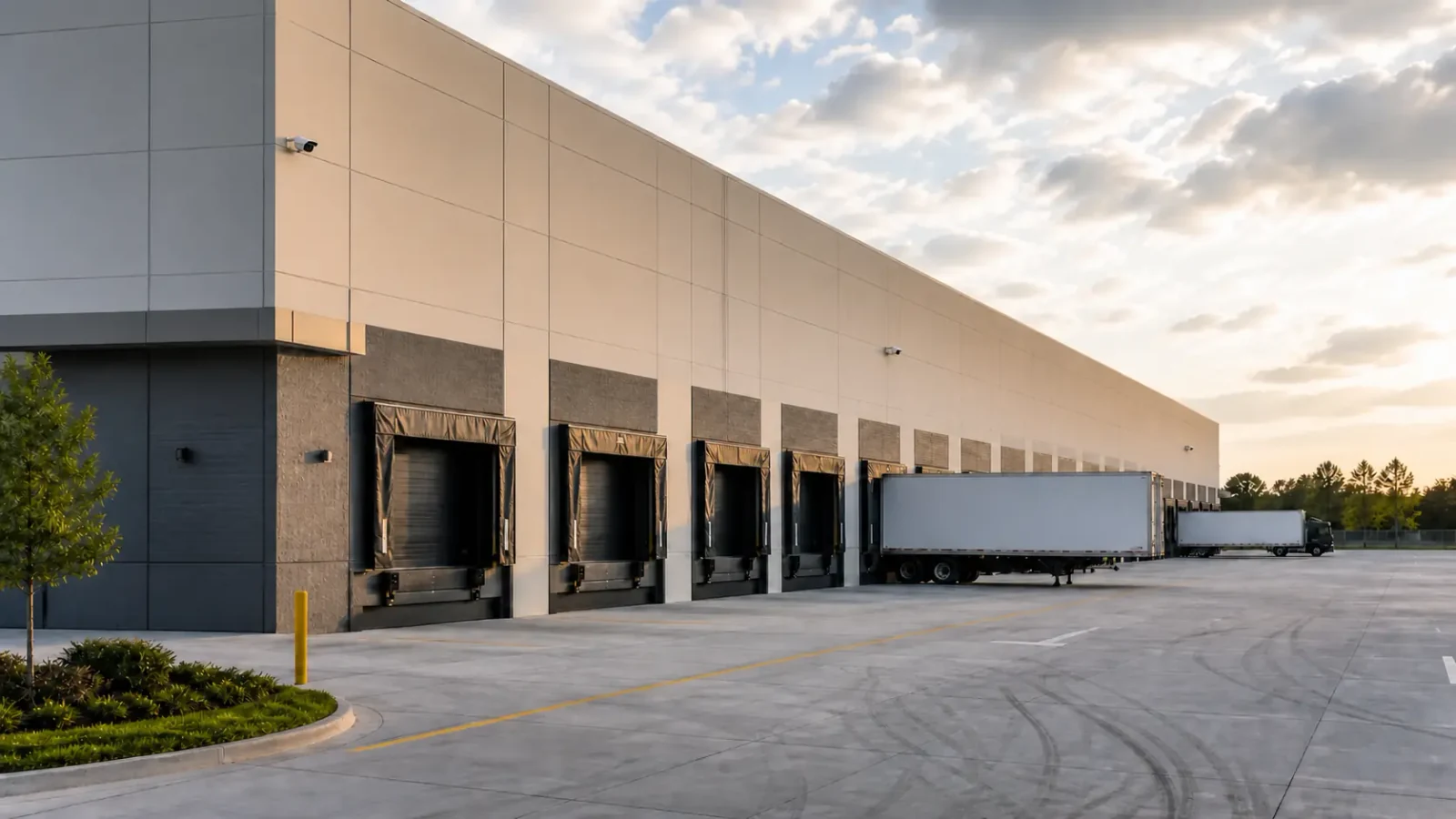
Western Greater Orlando properties range from visitor-facing hospitality and retail to offices, healthcare, warehouses, managed communities and active construction. The correct answer changes with occupancy, work windows, weather exposure, network ownership and the physical distances at the actual site.
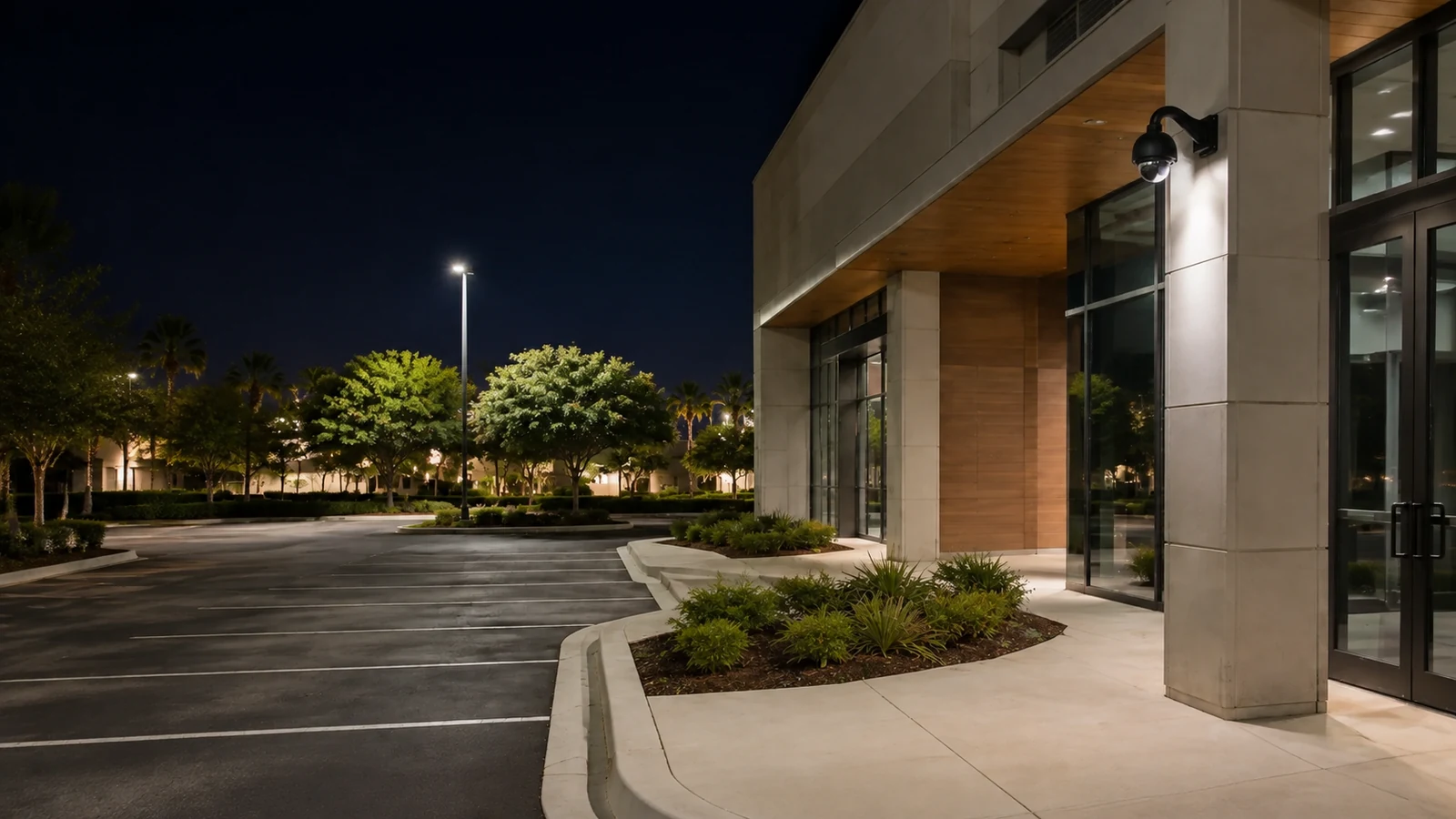
Orlando properties often combine bright entrances, shaded interiors, reflective glass, parking approaches, and night motion. Compare resolution choices with the final lens and scene width, then verify bandwidth and retention on the customer’s actual recording platform.
TECHNICAL PLANNING
Usable detail versus nominal resolution
Two cameras with the same resolution can produce different evidence because lens choice, focus, lighting, exposure, compression, and target size control the recorded result.
Lens and field of view
A wider field shows more area but spreads available pixels across more of the scene. Narrower views can provide more target detail at the cost of context.
Pixels across the target
Planning should evaluate how many source pixels represent the doorway, face, package, or vehicle task. Digital enlargement after recording cannot restore missing source detail.
Lighting, motion, and shutter
Low light and fast movement can force exposure tradeoffs that increase blur or noise. Resolution does not remove the need for suitable lighting and motion settings.
Compression, bitrate, and bandwidth
Aggressive compression or low bitrate can erase fine detail, especially in motion or complex scenes. Higher resolution also increases network load unless settings are balanced deliberately.
Storage, display, and export
Retention calculations should use expected bitrate, frame rate, recording mode, camera count, and overhead. Review and export systems must preserve the source quality required by authorized users.
PROJECT DETAILS
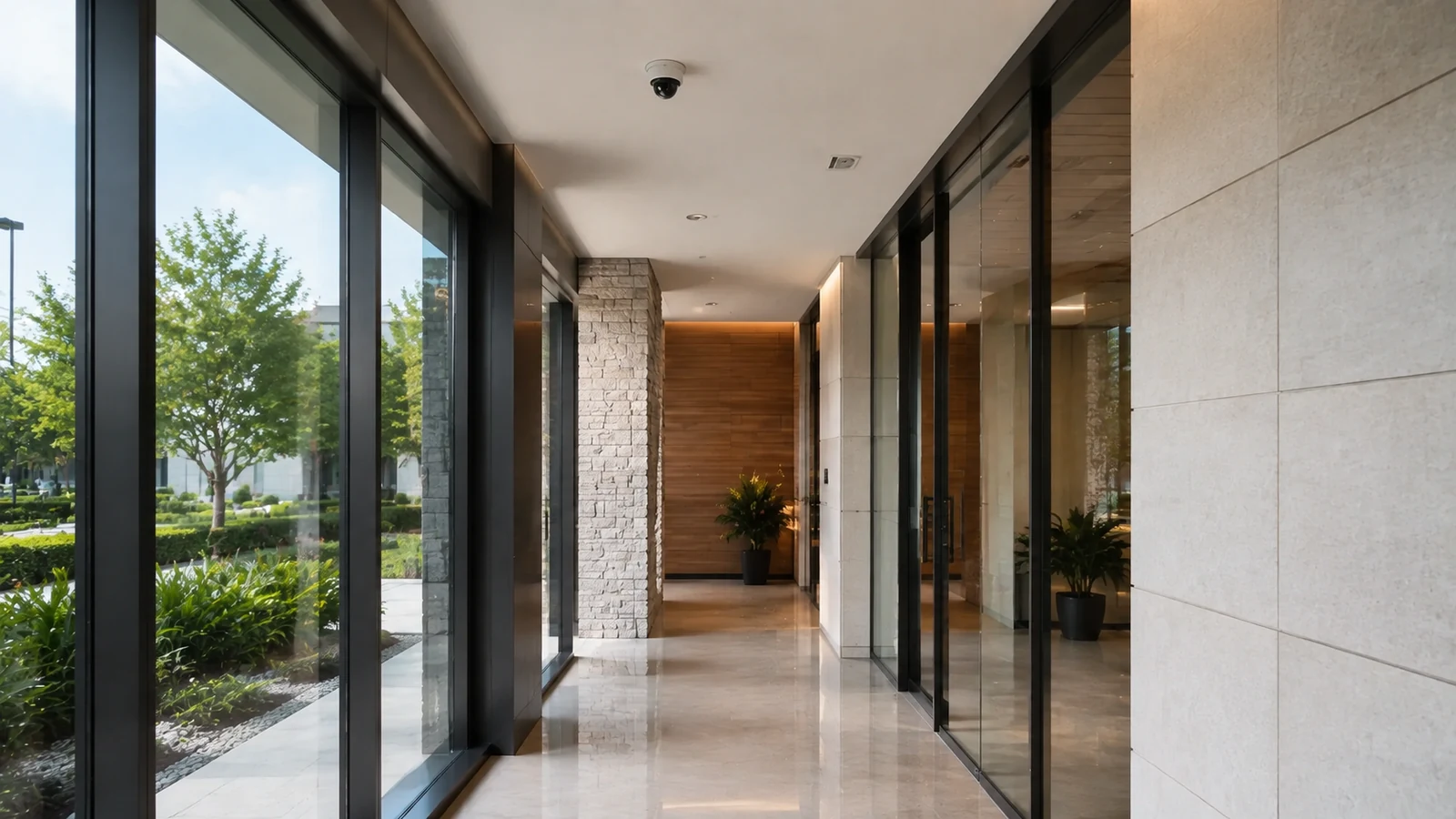
A focused doorway view may provide better identification than a higher-resolution camera covering the entire lobby.
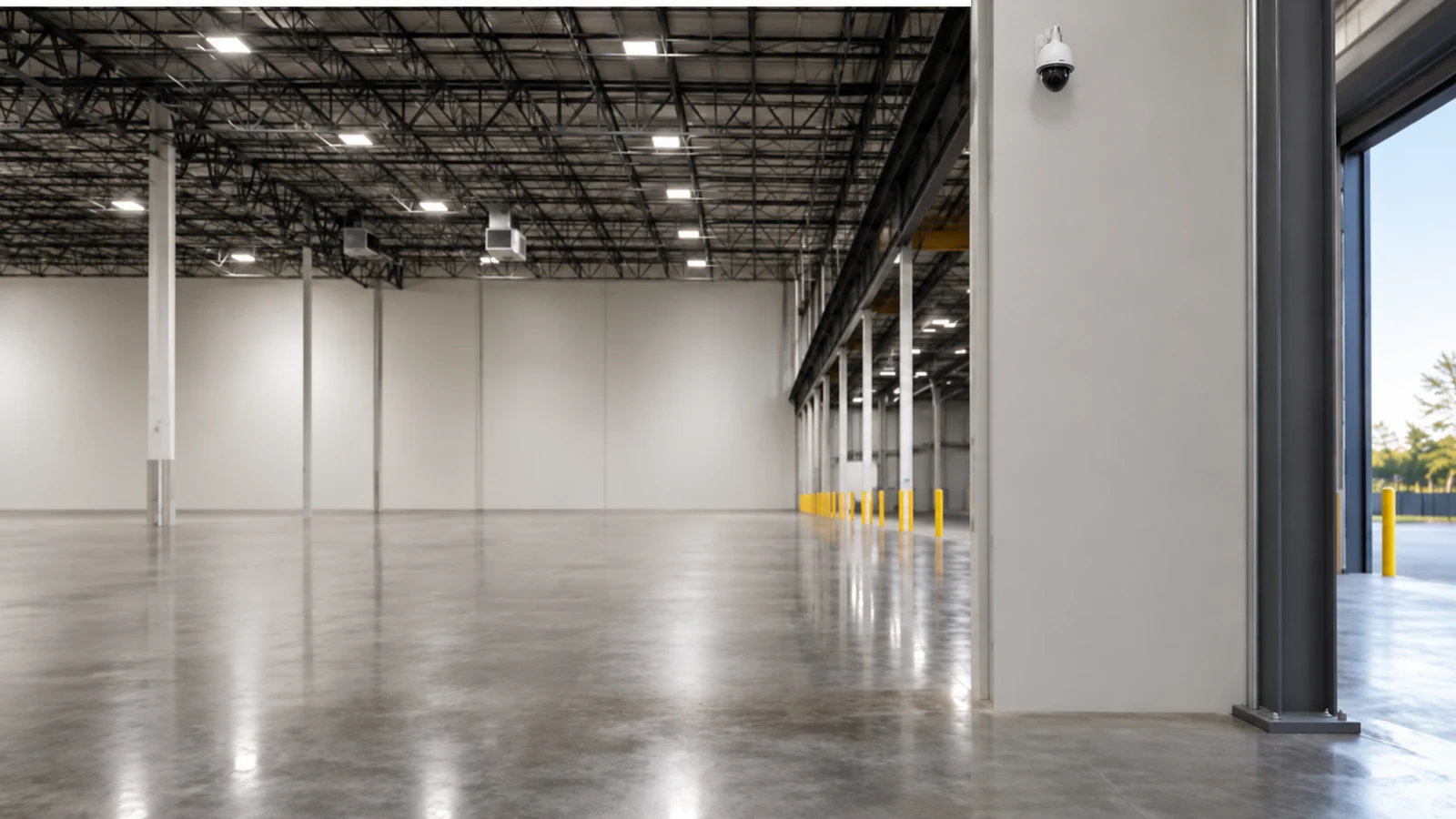
A wide overview can show movement and context, while a second narrower camera may be needed for detail at a picking or exit point.
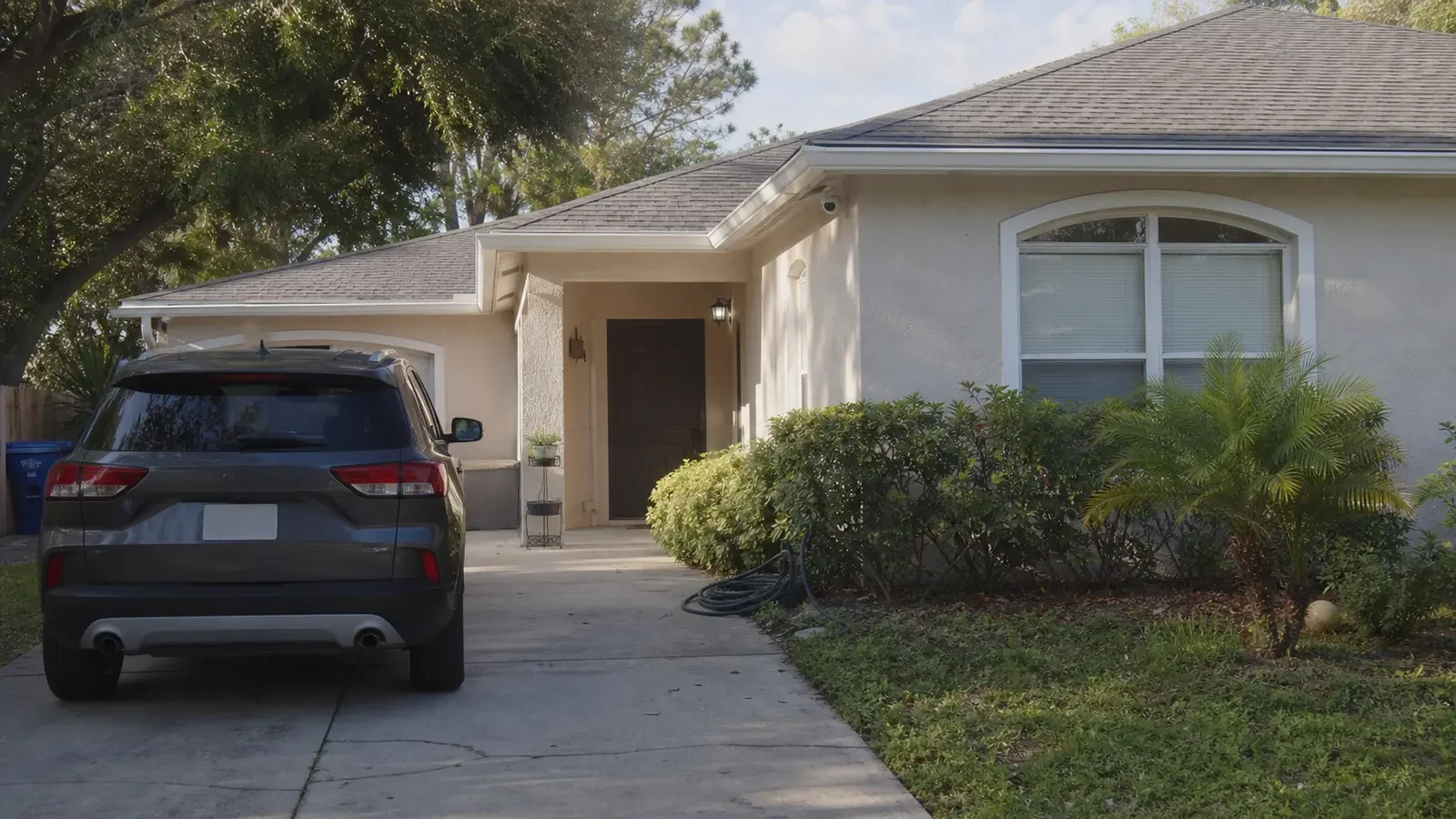
Vehicle context, plate detail, and driver activity are different tasks that may require separate fields of view.

Lighting, motion, face angle, and the width of the approach matter alongside resolution and retention.
PROJECT DETAILS
Operational Recommendations
State the object, distance, movement, and detail expected from every scene.
Evaluate the installed lens width and target size, not a cropped marketing sample.
Size switching, recording, and retention from expected motion, frame rate, compression, and scene complexity.
Test authorized search and export at source quality on the displays and software the customer will actually use.
PROJECT DETAILS
This article helps commercial teams understand how to select cctv resolution as a technical and operational decision. It provides a common vocabulary for comparing alternatives before a property-specific design is approved.
Higher resolution cannot recover detail lost to a wide lens, obstruction, glare, poor focus, or motion blur.
More pixels can increase bandwidth, storage, processing, export size, and low-light noise without improving the operational answer.
Monitor display and digital zoom can make footage look larger, but they do not add information absent from the recorded source.
PROJECT DETAILS
The project pays for storage and bandwidth without proving that the target occupies enough of the image.
One camera sees more area but provides less detail for each doorway, face, or object.
A sharp daytime sample can become unusable when moving subjects are recorded under long exposure.
Nominal calculator inputs fail when bitrate, motion, camera count, or recording mode differs from assumptions.
Small displays can hide compression artifacts, focus errors, and lost source detail that appear during export review.
TECHNICAL PLANNING
Record target distance, scene width, required detail, and the lens or crop used to achieve it.
Check backlight, glare, low light, motion, shutter, noise reduction, and supplemental lighting.
Set codec, bitrate, frame rate, keyframes, and stream profiles within the switch and uplink design.
Size storage from real settings, recording schedule, redundancy expectations, and export overhead.
Verify native resolution, authorized client software, monitor capability, search speed, and exported-file usability.
PROJECT DETAILS
RELATED SERVICES
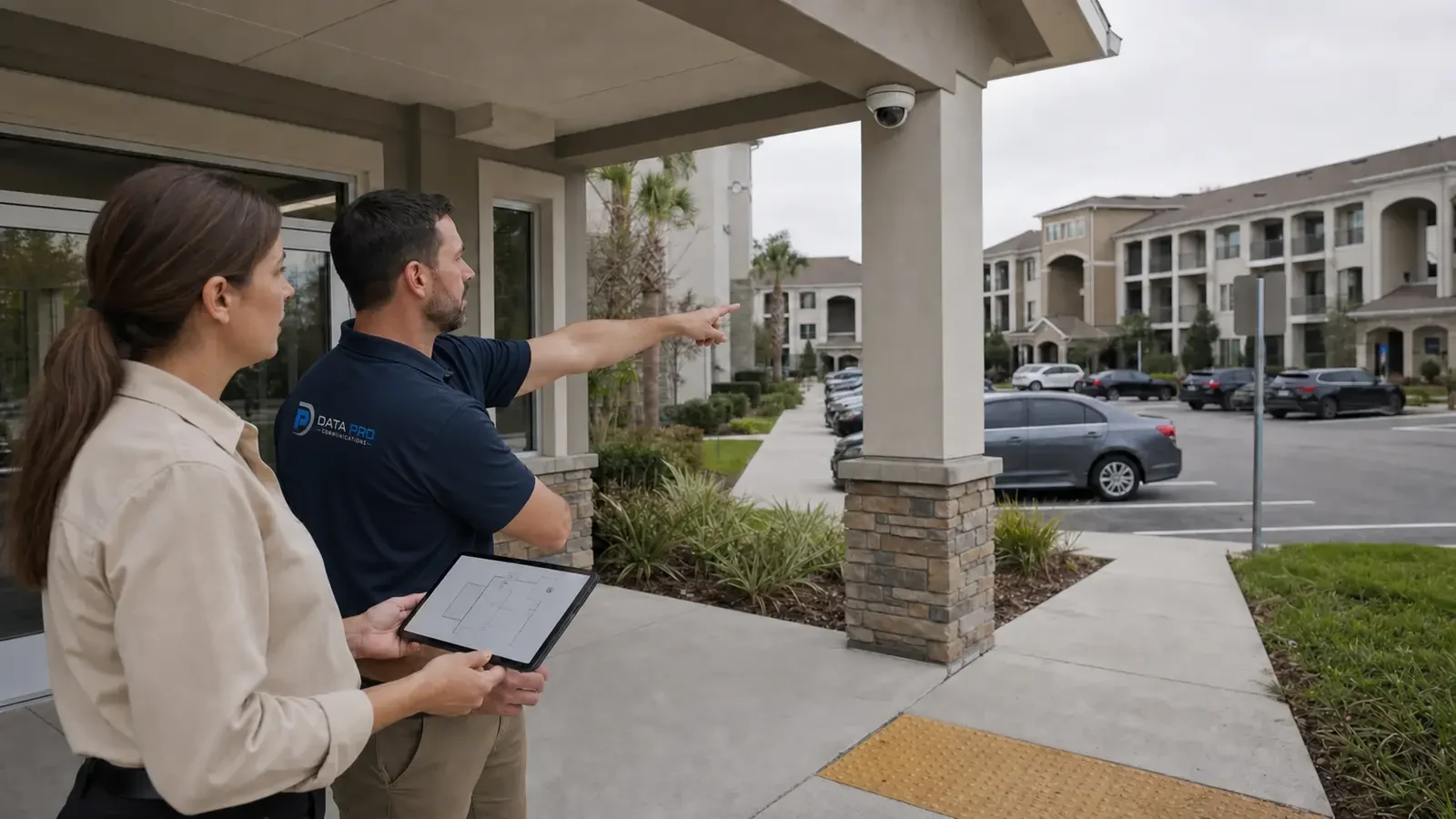
Security Camera Installation is the primary implementation path when the article findings require a property-specific scope for usable detail versus nominal resolution and lens and field of view.
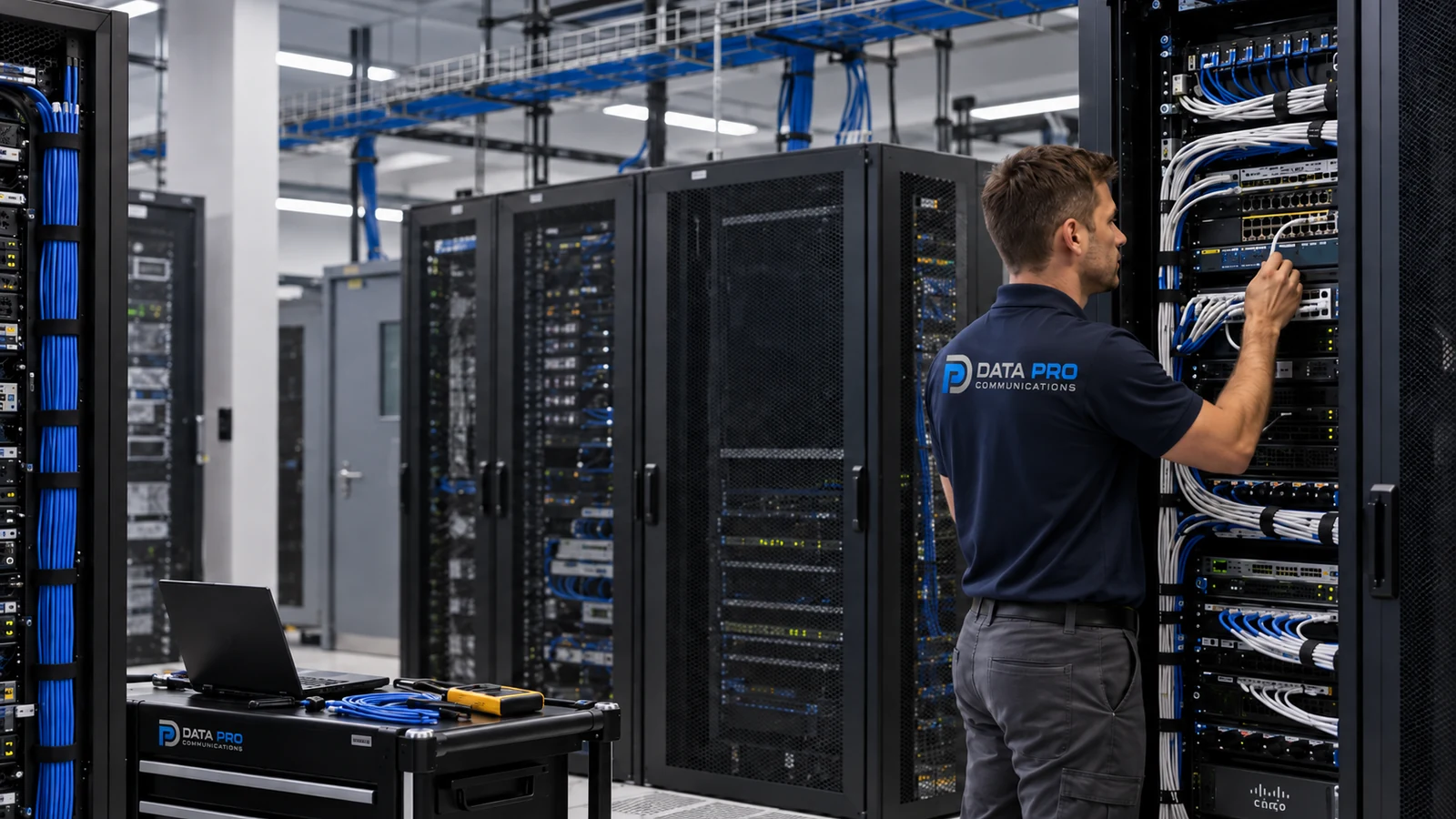
Structured Cabling supports the pathways, labels, and tested physical links involved in target and field-of-view plan and lighting and exposure.
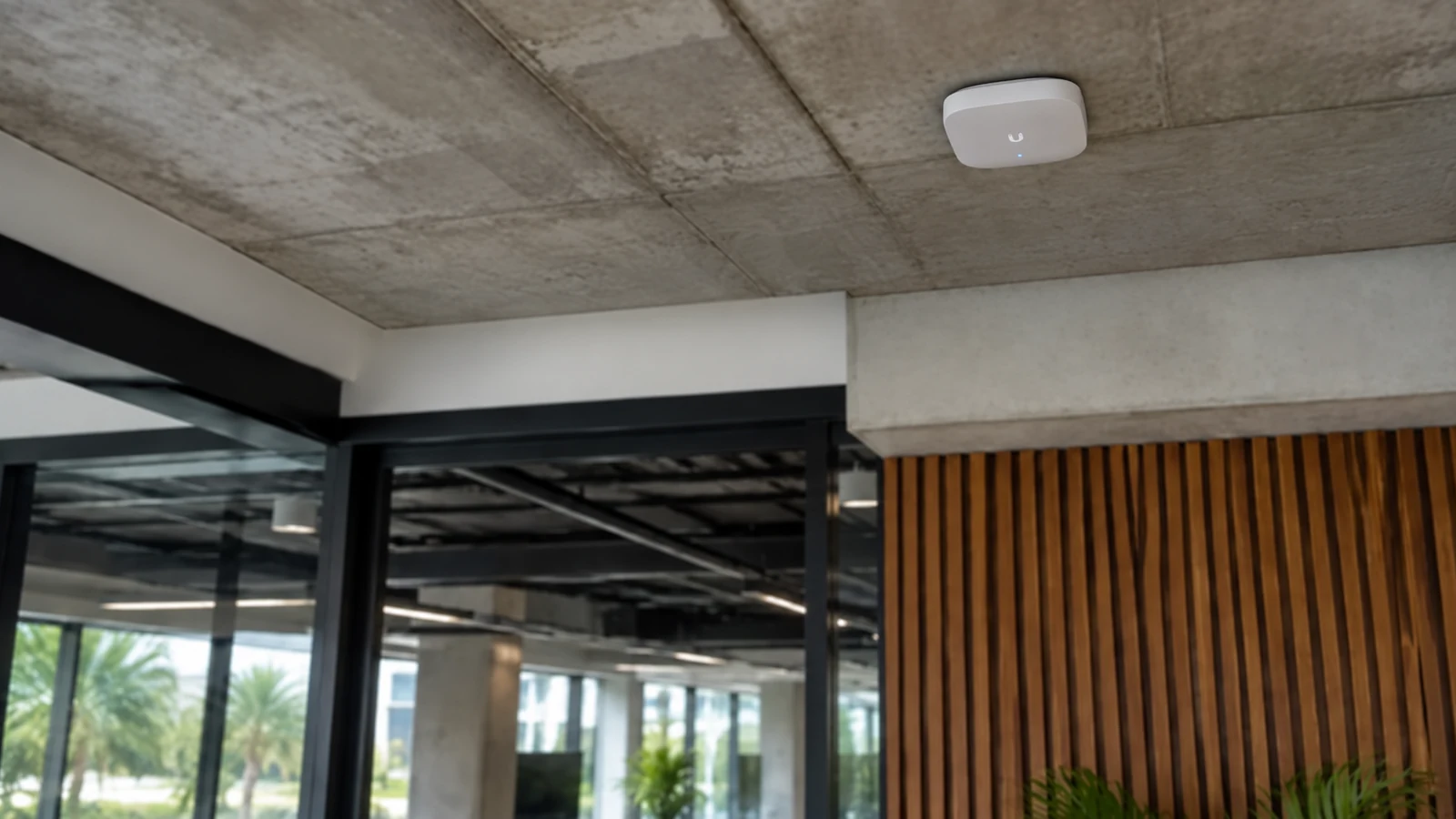
Network Infrastructure addresses switching, power, segmentation, uplinks, accounts, and monitoring where encoding and network load affects the article decision.
Camera System Upgrades applies when existing equipment must be evaluated against the new requirements for usable detail versus nominal resolution and the stated limitations.
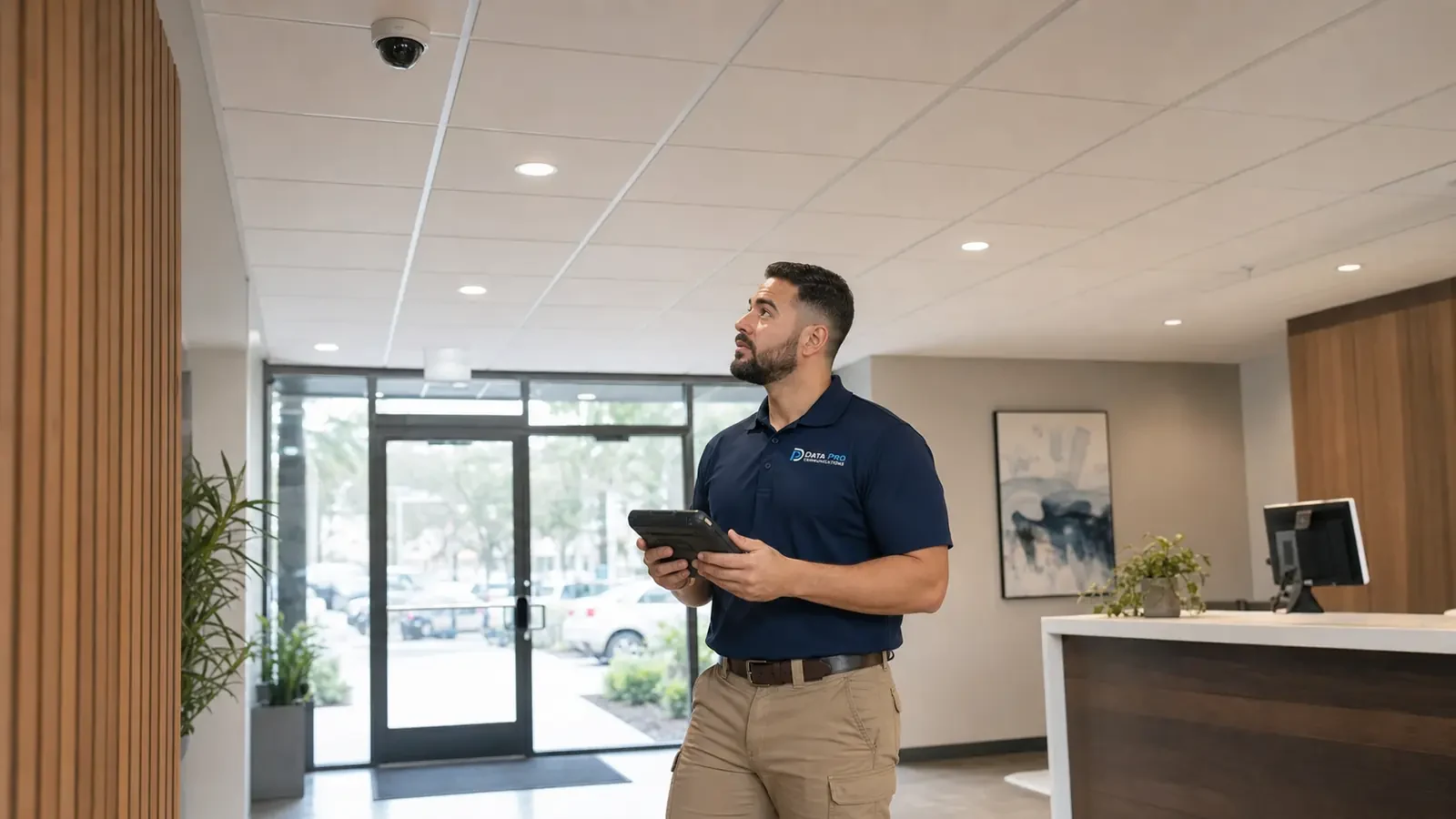
Camera Troubleshooting & Repair uses the documented tests and dependencies in this guide to isolate faults involving review and export workflow or existing system behavior.
PROJECT PROCESS
Identify the article question, intended users, operating scenario, and the decision the property needs to make about how to select cctv resolution.
Inspect the relevant scenes and dependencies, including target and field-of-view plan, lighting and exposure, and encoding and network load.
Compare alternatives against the six topic-specific concepts, document limitations, and assign implementation and network responsibilities.
Perform the acceptance checks described in the scope and deliver settings, labels, test results, exceptions, authorized ownership, and service information.
FAQ
CCTV resolution should be selected from the detail required at a known target distance, not from megapixel count alone. Lens field of view, pixels across the target, lighting, motion, compression, bitrate, storage, display, and export conditions determine whether recorded detail is usable.
Two cameras with the same resolution can produce different evidence because lens choice, focus, lighting, exposure, compression, and target size control the recorded result.
A wider field shows more area but spreads available pixels across more of the scene. Narrower views can provide more target detail at the cost of context.
Planning should evaluate how many source pixels represent the doorway, face, package, or vehicle task. Digital enlargement after recording cannot restore missing source detail.
Low light and fast movement can force exposure tradeoffs that increase blur or noise. Resolution does not remove the need for suitable lighting and motion settings.
Aggressive compression or low bitrate can erase fine detail, especially in motion or complex scenes. Higher resolution also increases network load unless settings are balanced deliberately.
Retention calculations should use expected bitrate, frame rate, recording mode, camera count, and overhead. Review and export systems must preserve the source quality required by authorized users.
The most common errors include buying the highest megapixel count everywhere and widening the view too far. The project pays for storage and bandwidth without proving that the target occupies enough of the image.
State the object, distance, movement, and detail expected from every scene. Evaluate the installed lens width and target size, not a cropped marketing sample.
Verify native resolution, authorized client software, monitor capability, search speed, and exported-file usability.
Higher resolution cannot recover detail lost to a wide lens, obstruction, glare, poor focus, or motion blur. More pixels can increase bandwidth, storage, processing, export size, and low-light noise without improving the operational answer.
Confirm resolution on site when target distance, lens width, lighting, motion, bitrate, retention, or export requirements have not been tested together.
Confirm resolution on site when target distance, lens width, lighting, motion, bitrate, retention, or export requirements have not been tested together. The resulting scope should state technical criteria, limitations, responsibilities, and acceptance tests before installation begins.